Assembly AI Introduction
If you’ve ever tried to manually transcribe a long meeting recording or customer call, you know how much time it can eat up. Hours spent rewinding, pausing, and typing out every word—only to realize you missed something important.
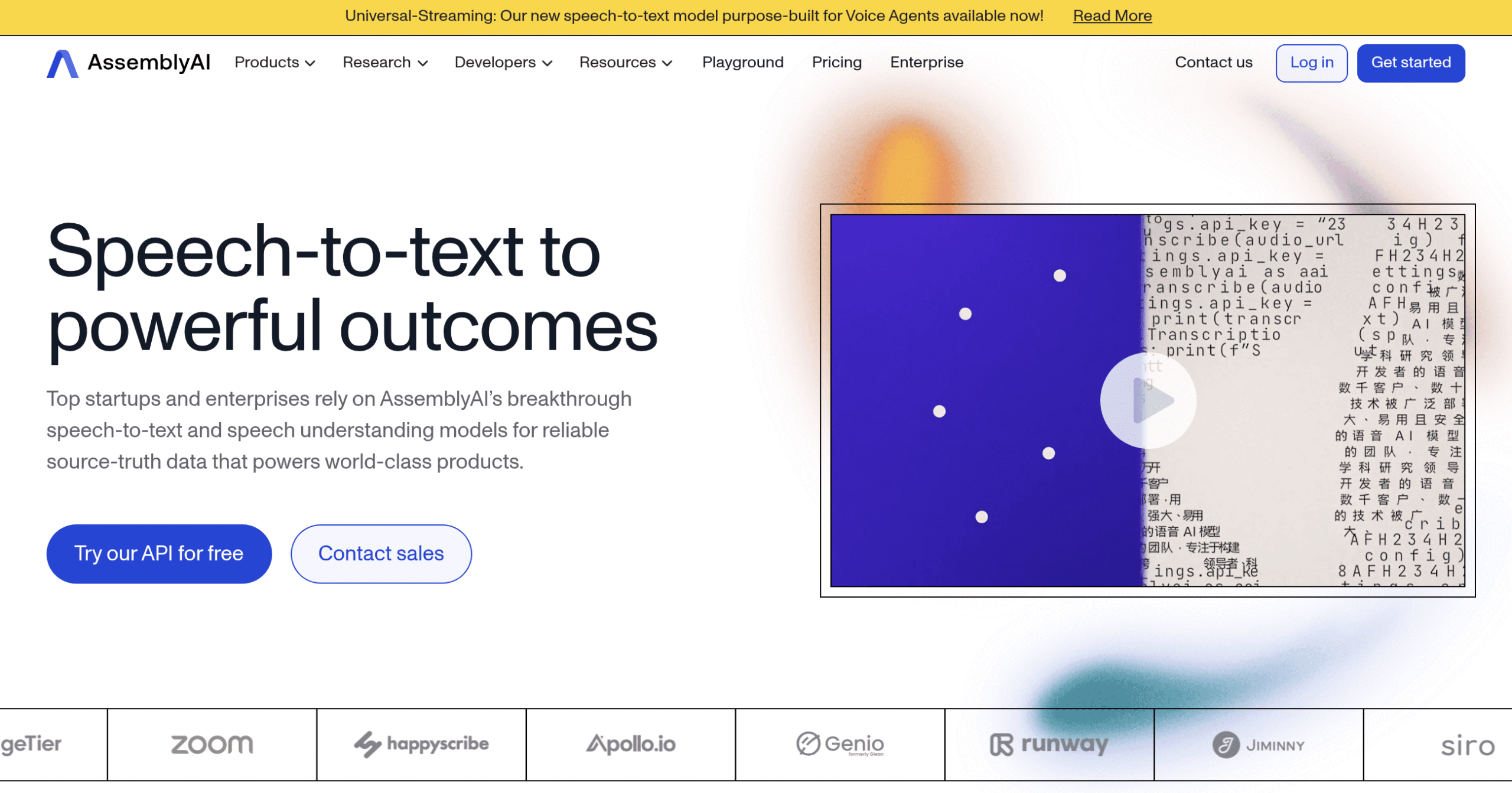
That’s where AssemblyAI comes in. This speech-to-text API transforms your audio and video files into accurate written transcripts in minutes, not hours.
Whether you’re running a podcast, managing customer service calls, or trying to make your content more accessible, AssemblyAI handles the heavy lifting. It goes beyond basic transcription, too—it can tell you who’s speaking, analyze the mood of conversations, and even spot sensitive information that needs to be removed.
For small and medium business owners looking to work smarter with their audio content, this tool could be exactly what you need to save time and get more done.
Assembly AI Key Features
Speech-to-Text Transcription: Turn any audio or video into accurate written text. Works with different languages and accents, so you can easily convert customer calls, team meetings, or training videos into searchable documents.
Real-Time Transcription: Get instant captions for live events with minimal delay. Perfect for creating accessible presentations, running virtual meetings with live subtitles, or building voice-enabled apps that respond immediately.
Speaker Diarization: Automatically identify who’s talking in your recordings. Makes it simple to follow conversations in interviews, sales calls, or team meetings by labeling each speaker clearly.
Sentiment Analysis: Understand how your customers really feel by detecting emotions in their voice. Helps you spot unhappy customers faster, track satisfaction trends, and improve your service quality.
Content Moderation: Automatically catch and flag inappropriate content in audio files. Keeps your platform safe and compliant without manually reviewing every recording.
Automatic Summarization: Get quick summaries of long recordings without listening to the whole thing. Saves hours when reviewing customer calls, meetings, or podcasts by highlighting the key points.
PII Redaction: Protect sensitive information by automatically removing personal details like names and phone numbers from transcripts. Keeps your business compliant with privacy regulations without manual editing.
Easy API Integration: Connect AssemblyAI to your existing tools and workflows with simple code. Gets you up and running quickly without needing to build complex systems from scratch.
Our Take of Assembly AI
If you’re running a business that deals with audio content — whether that’s customer calls, meetings, or podcasts—AssemblyAI brings some serious capabilities to the table. What stands out is how it handles the basics really well. The transcription accuracy is solid, and it doesn’t struggle with different accents or background noise like some other tools do.
For small and medium businesses, the pricing structure makes sense. You pay for what you use, which means you’re not locked into expensive plans when you’re just getting started. The API documentation is clear enough that your tech person (or even a motivated non-techie) can get it working without pulling their hair out.
Where AssemblyAI shines is in its extra features. The speaker diarization actually works—it knows who’s talking when, which saves hours of manual editing. The sentiment analysis provides you with quick insights into how your customer calls are progressing. And if you’re dealing with sensitive information, the PII redaction feature automatically removes personal details from transcripts.
The downsides? The free tier is pretty limited, so you’ll need to budget for the paid version to really test it properly. And while it supports multiple languages, some languages work better than others. If your business primarily uses English, Spanish, or other major languages, you’re in good shape. Less common languages may yield mixed results.
Compared to alternatives like Rev.ai or Google’s speech-to-text services, AssemblyAI offers a nice middle ground. It’s more affordable than premium services but more reliable than budget options. The real value comes from those built-in features that other services charge extra for or don’t offer at all.
Bottom line: If your business requires accurate transcription with valuable extras like speaker identification and sentiment analysis, AssemblyAI delivers good value. Just make sure you test it with your specific use case during the free trial to see if the accuracy meets your needs.
Assembly AI's Pricing
AssemblyAI offers a usage-based pricing model with three main tiers.
The Free tier includes $50 in credits (up to 185 hours of pre-recorded audio or 333 hours of streaming), with limited concurrency of 5 parallel streams or files. The Pay As You Go tier provides unlimited concurrency with automatic scaling, dedicated support with sub-hour response times, and enterprise security features including GDPR, SOC 2, and HIPAA compliance options.
Pre-recorded Speech-to-Text costs $0.27/hour for both Universal and Slam-1 models. Streaming Speech-to-Text with Universal-Streaming costs $0.15/hour. Audio Intelligence features range from $0.01/hour for Key Phrases to $0.15/hour for Topic Detection and Content Moderation. LeMUR pricing varies by model, from $0.00025 per 1k input tokens for Claude 3 Haiku to $0.015 per 1k input tokens for Claude 4 Opus.
Billing is per-second based on actual usage, with multichannel recordings charged per channel. Volume discounts are available for large-scale usage. Custom enterprise plans offer tailored rate limits, enhanced concurrency, dedicated infrastructure, and custom model configurations through their sales team.
Final Thoughts about Assembly AI
Look, transcription might not be the most exciting part of running a business, but it’s one of those tasks that can quietly drain your time and energy.
Whether you’re trying to pull insights from customer calls, make your content accessible, or just keep better records of important conversations, having the right tool makes all the difference.
AssemblyAI brings together the features you actually need without making things complicated.
The accuracy is there; the extra features, such as speaker identification and sentiment analysis, add real value, and the pricing won’t blow your budget.
Think about how much time you could save by letting technology handle the transcription work while you focus on growing your business.
If you’re ready to see what automated transcription can do for your workflow, click the button below to try AssemblyAI.
Assembly AI FAQs