Autodesk Flow Studio Introduction
Ever tried adding cool visual effects to your videos and felt like you needed a Hollywood budget? You're not alone. Creating professional-looking CG characters and integrating them into live-action footage has always been expensive and complicated. Most of us don't have access to motion capture suits, green screens, or teams of VFX artists.
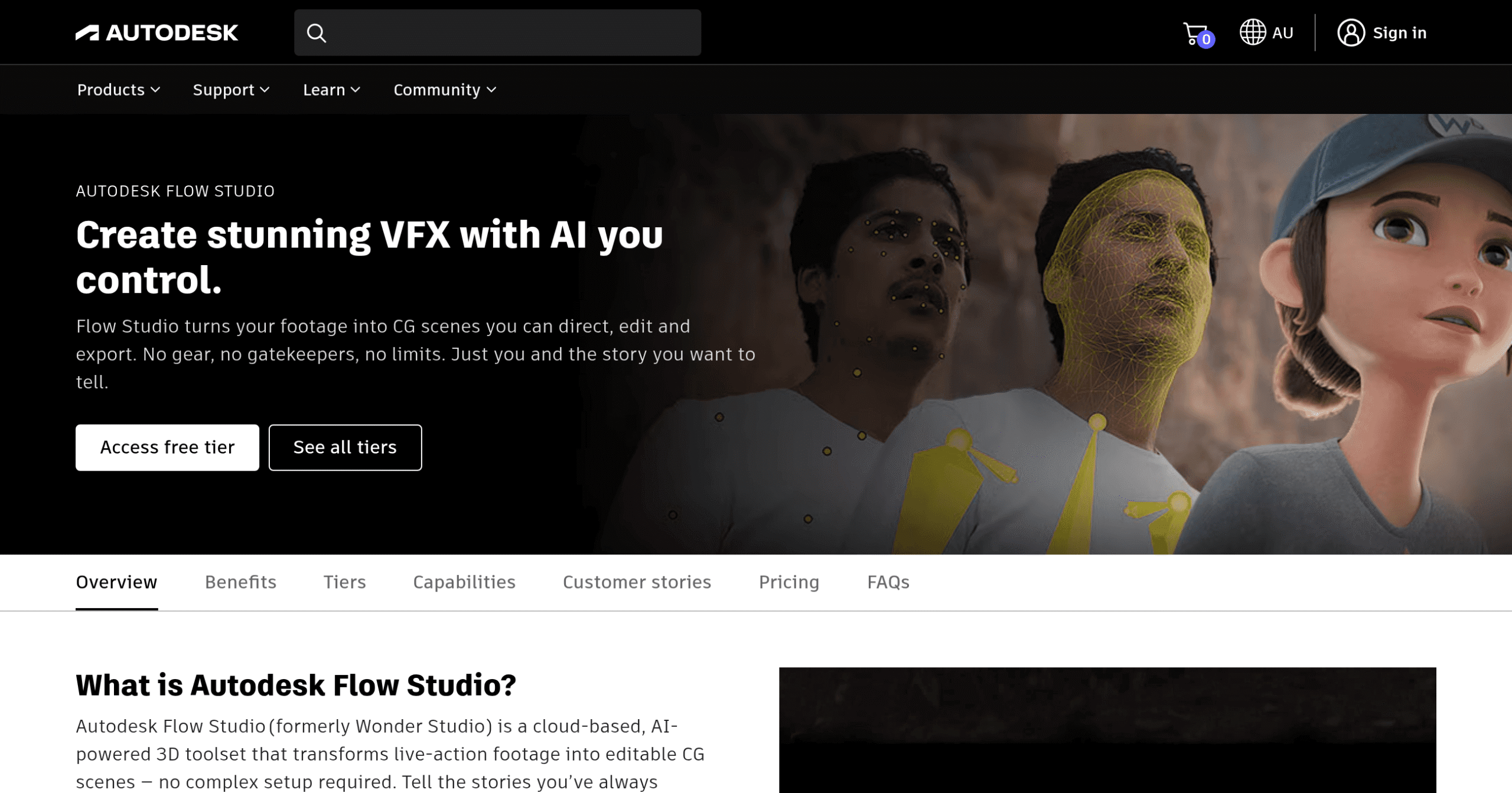
That's where Autodesk Flow Studio comes in. This cloud-based platform uses AI to do the heavy lifting for you. No special suits, no markers, no massive studio setup. Just upload your footage and watch as it transforms regular videos into scenes with animated CG characters that look like they belong there.
If you're a filmmaker, content creator, or run a small production company, you know how much time and money goes into post-production. Flow Studio promises to change that by automating the stuff that usually takes forever – motion capture, camera tracking, and compositing. But does it actually deliver? Let's find out if this tool can really make professional VFX accessible to the rest of us.
Autodesk Flow Studio Key Features
AI Motion Capture: Capture body, face, and hand movements straight from your videos without wearing any special suits or markers. This means you can turn regular footage into professional 3D animations that work perfectly in Maya, Blender, or Unreal Engine.
CG Integration into Live Action: Add computer-generated characters to your real videos automatically. The AI handles the animation, lighting, and blending so your digital characters look like they were actually there when you filmed.
Animation/Video to 3D Scene: Convert multi-shot videos into complete 3D scenes. The AI figures out where your cameras were, tracks your actors, and rebuilds the environment in 3D space so you can edit everything afterwards.
Editable Export Elements: Get all the technical files you need – motion capture data, camera tracking, alpha masks, clean plates, and character passes. Every element stays editable so you can fine-tune things in your favorite 3D software.
Seamless 3D Scene Export: Export your entire project as USD files that open right up in Maya, Blender, Unreal Engine, or 3ds Max. Everything’s organized and ready to go – characters, cameras, and scene layouts all in the right place.
Automated Cloud Rendering: Render your projects fast without tying up your computer. The cloud handles multiple projects at once, so you can keep working on new stuff while previous projects finish up automatically.
Our Take of Autodesk Flow Studio
If you’re running a media or entertainment business, you know how expensive and time-consuming visual effects can be. Autodesk Flow Studio changes that by making professional motion capture accessible without the usual headaches. You don’t need those expensive motion capture suits or special markers anymore – just upload your footage and let the AI do its thing.
What makes this tool stand out is how well it plays with software you probably already use. Whether you’re working in Maya, Blender, or Unreal Engine, everything exports cleanly and ready to use. The cloud-based setup means your team can work together from anywhere, and you can run multiple projects at once without your computer grinding to a halt.
There are some limits to keep in mind though. You can only use Chrome or Safari browsers right now, which might be annoying if you prefer Firefox or Edge. Videos are capped at 2 minutes per project too, so longer sequences need to be broken up. And forget about editing videos inside the platform – you’ll need to have everything ready before uploading.
For small to medium businesses looking to add high-quality visual effects without breaking the bank, this tool makes a lot of sense. The time you’ll save on motion capture alone could pay for the subscription pretty quickly. Just make sure those browser and video length restrictions won’t mess up your workflow before committing.
Autodesk Flow Studio's Pricing
Flow Studio Lite is available for A$20 per month, or A$125 annually, offering a 48% savings compared to the monthly price.
Flow Studio Standard costs A$65 per month, or A$550 annually, which provides a 29% savings.
Flow Studio Pro is priced at A$140 per month, or A$1,165 annually, delivering a 31% savings compared to the monthly option.
Final Thoughts about Autodesk Flow Studio
So there you have it – Autodesk Flow Studio brings Hollywood-level visual effects within reach of regular creators and small production teams. The days of needing expensive motion capture gear and huge budgets for decent VFX are fading fast.
Think about what this could mean for your projects. Those ideas you shelved because the effects would cost too much? Maybe it’s time to dust them off. That client who wanted animated characters in their video but couldn’t afford traditional VFX? Now you’ve got options.
The tech is impressive, but what really matters is how it fits into your workflow. If you’re already using Maya, Blender, or Unreal Engine, this slots right in. If your team is spread out working remotely, the cloud setup makes collaboration simple. And if you’ve been burning hours on manual motion tracking and compositing, well, you just got a bunch of time back.
Sure, the 2-minute video limit and browser restrictions might need some workaround planning. But compared to the old way of doing things – with all its costs and complications – these feel like minor speed bumps.
Ready to see if Flow Studio can transform your production process? Give it a test run and see what AI-powered VFX can do for your next project. Click the button below to try Autodesk Flow Studio today.
Autodesk Flow Studio FAQs