v0 Introduction
Ever looked at your brilliant app idea and felt stuck because you can't code? Or maybe you're tired of waiting weeks for developers to build that simple prototype? You're not alone – tons of business owners and founders hit this same wall every day.
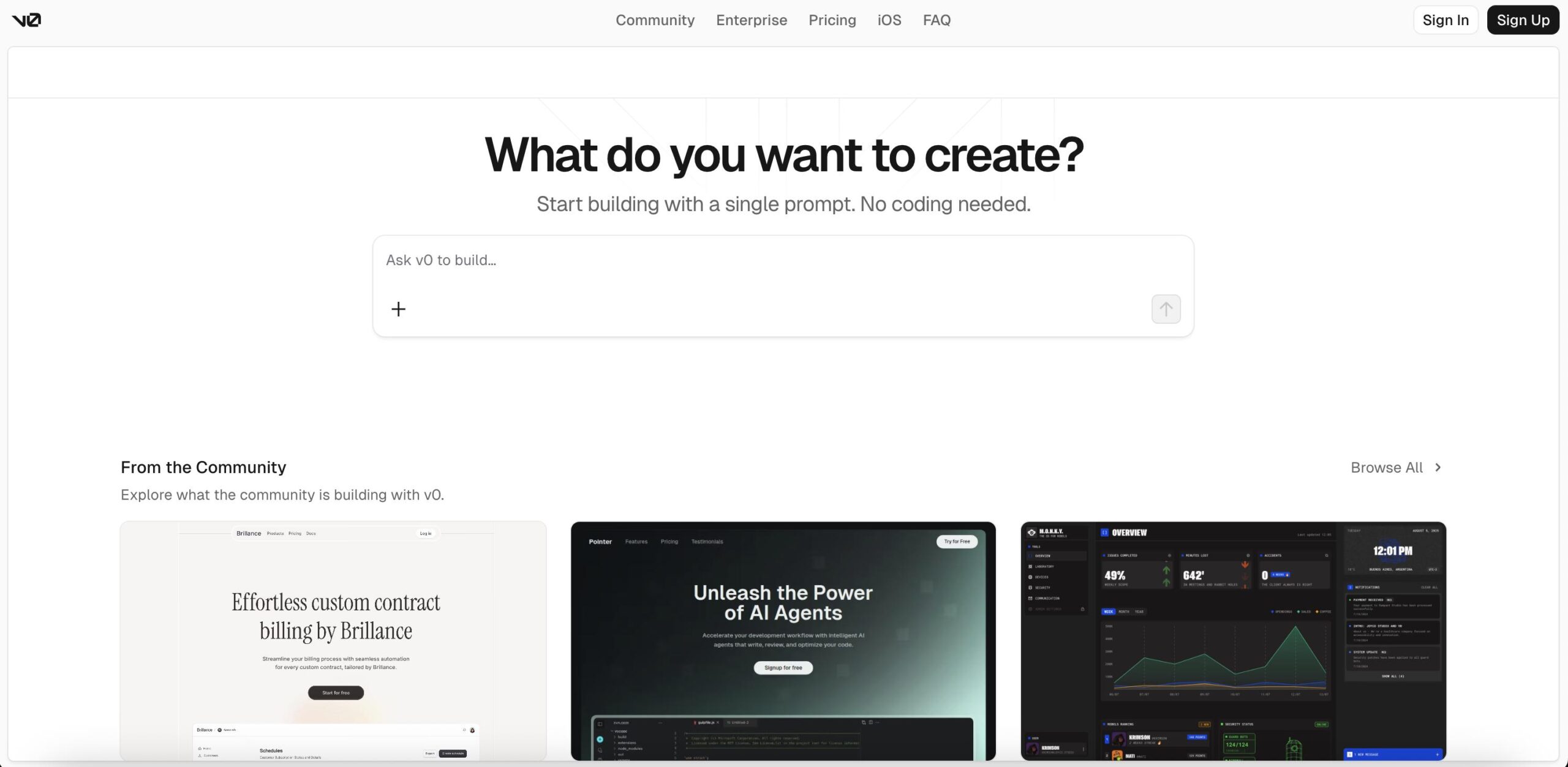
What if you could just describe what you want and watch it come to life? That's exactly what v0 does. It's an AI tool from Vercel that turns your words into working web apps. No coding degree required.
Think about it – you could build that customer portal you've been planning, create a slick landing page for your new product, or test out that app idea that's been bouncing around your head. All without writing a single line of code.
We've spent time digging into v0 to see if it lives up to the hype. Does it really work as smoothly as they claim? What can you actually build with it? And most importantly – is it worth your time and money?
Let's break down everything you need to know about v0, from what it does best to where it might fall short. By the end, you'll know if this tool fits into your business plans.
v0 Key Features
Agentic AI Capabilities: Let v0’s smart AI handle the heavy lifting by automatically fixing errors, finding design inspiration, and setting up integrations. You describe what you want, and it figures out how to build it.
Full-Stack Application Development: Build complete web apps with databases, API connections, and backend features right out of the box. Your apps come with built-in performance optimization and SEO benefits thanks to Next.js and React Server Components.
One-Click Integrations: Connect your app to popular databases like Supabase and Neon, or add AI features from providers like Grok and Groq through Vercel’s marketplace. No complex setup required – just pick what you need and v0 handles the rest.
Environment Variables Management: Keep your API keys and sensitive data secure with built-in environment variable management. Connect to external services and AI providers without worrying about exposing your credentials.
Incremental Development Workflow: Start with a simple UI and gradually add features as you go. Build your app step by step – create the interface first, then add data storage, implement features, and optimize performance when you’re ready.
Figma Import: Turn your Figma designs into working code with high accuracy. Skip the tedious process of manually coding your designs – just import and watch v0 convert them into functional applications.
Our Take of v0
v0 is a solid choice if you’re looking to build web apps quickly without getting stuck in complex code. For small business owners who need prototypes or landing pages fast, this tool gets you from idea to working app in minutes. You just describe what you want and it creates the frontend code for you.
The best part? You don’t need to be a developer to start. If you can explain what you want your app to look like, v0 can build it. This makes it great for testing new ideas or creating MVPs without hiring a developer right away.
But here’s what you need to know – v0 focuses on the frontend, which is the part users see and interact with. If your app needs to save data, handle user accounts, or connect to other services, you’ll need to set that up yourself or hire someone who can. This isn’t a deal-breaker, but it’s something to plan for.
The credit system can be tricky too. You pay for credits to generate apps, and unused credits don’t carry over each month. If you’re just building a few apps, this works fine. But if you’re constantly creating and testing new ideas, costs can add up quickly.
For business owners already using Vercel or GitHub, v0 fits right into your workflow. The integration is smooth and saves time when you’re ready to launch. If you’re using Figma for designs, you can import those directly, which is a huge time-saver.
Bottom line – v0 works best for businesses that need quick prototypes, landing pages, or simple web apps. It’s not the right fit if you need complex backend features or want an all-in-one solution. But for getting ideas online fast without writing code from scratch, it’s one of the better options available right now.
v0's Pricing
v0 offers a freemium pricing model with four tiers designed for different user needs.
The Free plan costs nothing and provides $5 in monthly credits, 200 projects, and access to the v0-1.5-md model.
The Premium plan at $20 per month includes $20 in monthly credits, unlimited projects, access to both v0-1.5-md and lg models, API access, and the ability to purchase additional credits.
The Team plan costs $30 per user per month and includes all Premium features plus unlimited users, shared projects and credits, team collaboration tools, centralized billing, and enhanced usage analytics.
Enterprise pricing is custom and includes access to all models, advanced access controls, and additional security features.
Credits function as a prepaid balance that resets monthly on your billing date. Each generation draws from your credit balance, with different models consuming credits at varying rates.
The v0-1.5-md model costs $1.50 per million input tokens and $7.50 per million output tokens, while the v0-1.5-lg model costs $7.50 per million input tokens and $37.50 per million output tokens.
Additional credits can be purchased in bundles ranging from $10 to $500, with larger bundles offering better value. Technical limits vary by plan, with Premium users allowed 10 API requests per minute and 3 concurrent requests, while Team users get 60 API requests per minute and 10 concurrent requests.
Final Thoughts about v0
So what’s the next step? Take a minute to think about that project that’s been sitting on your backburner. Maybe it’s the customer dashboard you keep putting off, or that product showcase site you sketched out months ago. v0 could be the push you need to finally bring it to life.
Here’s the thing – you won’t know if v0 fits your workflow until you try it. The free tier lets you test the waters without any commitment. Spend 30 minutes this week playing around with it. Describe your simplest app idea and see what happens. You might surprise yourself with what you can build.
If you’re still on the fence, consider this: every day you wait to test that new idea is another day your competition might be moving ahead. v0 isn’t perfect, but it could be the difference between launching next week or waiting another month for a developer.
Ready to see what you can build? Give v0 a shot and turn that idea into something real. Click the button below to get started.
v0 FAQs