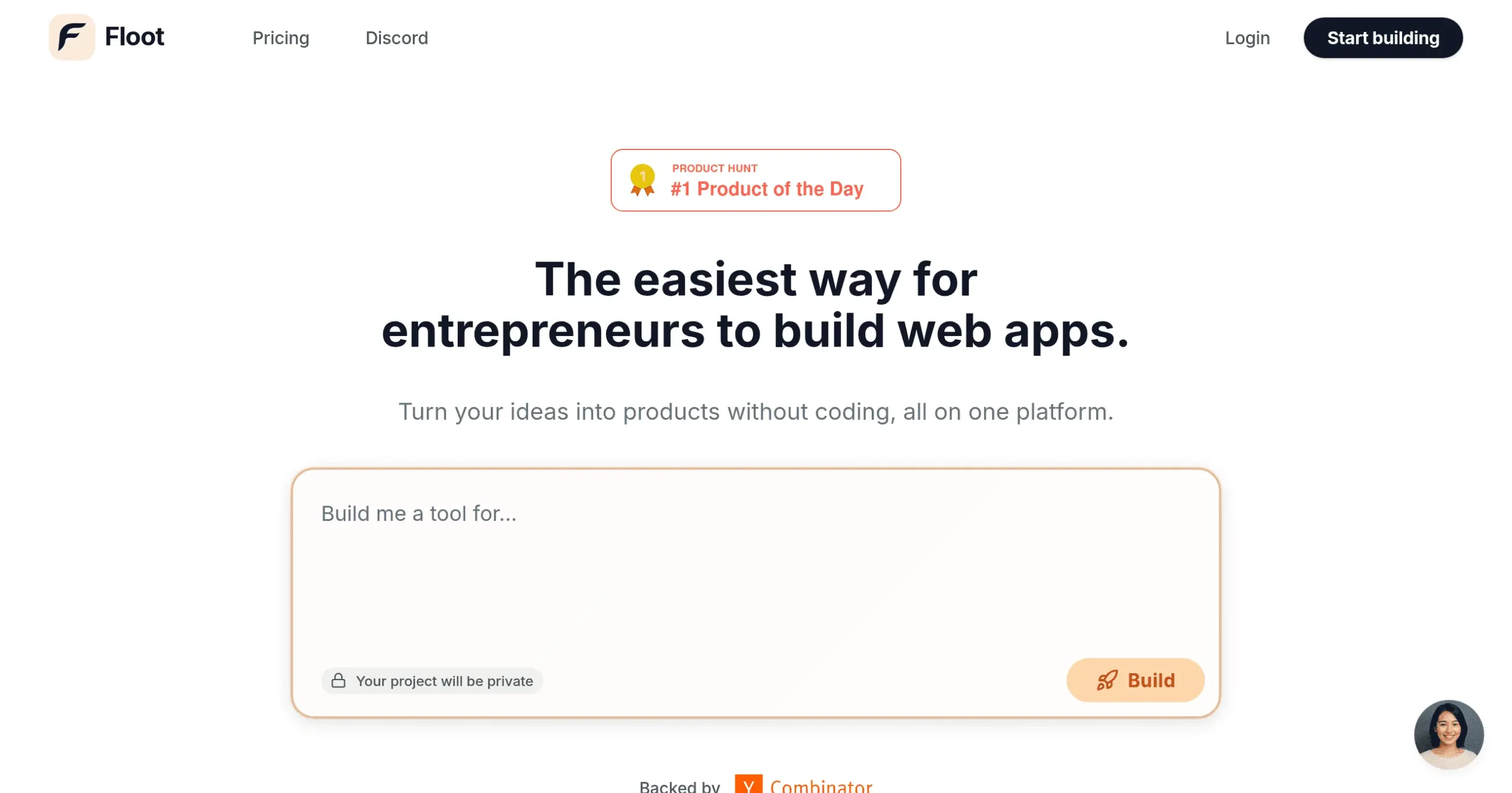
Floot Introduction
Building a web app used to mean hiring developers, learning to code, or watching your great ideas collect dust. But what if you could just describe what you want and watch it come to life? That's exactly what Floot promises to do.
If you're tired of technical barriers standing between you and your app idea, this might be the breakthrough you've been waiting for. Floot lets you build real, working web applications by simply explaining what you need in plain English. No coding bootcamps. No expensive development teams. Just you, your ideas, and an AI that turns them into reality.
Whether you're launching a new business, creating internal tools for your team, or finally building that side project you've been dreaming about, the traditional route has always been frustrating. You either spend months learning to code, pay thousands for developers, or settle for cookie-cutter templates that don't quite fit your vision.
Floot changes that equation completely. By combining AI-powered development with visual editing tools and everything else you need to run an app, it puts the power of creation directly in your hands. But does it really work as smoothly as it sounds? Can AI truly replace the need for coding knowledge? And more importantly, will the apps you build actually perform like professionally developed ones?
We spent weeks testing Floot, building different types of applications, and pushing its limits to see if it lives up to the hype. From simple landing pages to complex web apps with user accounts and payment processing, we put this platform through its paces.
Here's what we discovered about who should use it, what it does best, and where it might fall short of your expectations.
Floot Key Features
AI-Powered App Building: Describe your app idea in plain English and watch Floot build it for you. No coding skills needed – just tell it what you want and get a working app or website in minutes.
Visual Editing Tools: Make changes by drawing directly on your screen. Circle things you want to move, draw arrows to show where they should go, and Floot handles the technical stuff behind the scenes.
Complete Business Platform: Get everything you need in one place – hosting, database, user management, payment processing, and monitoring. No need to juggle multiple services or figure out how to connect them.
Smart Error Fixing: Let Floot catch and fix mistakes automatically while you build. Spend less time debugging and more time bringing your ideas to life.
Production-Ready Hosting: Launch your app with confidence on servers that grow with your business. Your app loads fast worldwide, backs up automatically, and stays secure without you lifting a finger.
Full Ownership Rights: Keep complete control of your code, data, and ideas. Export everything whenever you want – you’re never locked into the platform.
Our Take of Floot
If you’re looking to build a web app but coding isn’t your thing, Floot could be worth checking out. The AI basically lets you describe what you want and it builds it for you – pretty cool if you ask me. What caught my attention is how they’ve packed everything into one place. You get hosting, databases, payment processing, and all that technical stuff handled without jumping between different services.
The visual editing feature is interesting too. You can literally draw on your screen to make changes, which feels way more intuitive than digging through code. And when things break (because let’s face it, they always do), the AI apparently fixes errors on its own. That could save you from those frustrating moments when something stops working and you have no clue why.
For business owners who need a simple web app fast, this makes sense. You’re not spending months learning to code or thousands on developers. Plus, they say you own everything you build, so if you ever want to leave, you can take your stuff with you.
But here’s the thing – if you need something super specific or complex, you might hit some walls. AI is smart, but it’s not a mind reader. And since you’re building on their platform, you’re playing by their rules. That’s fine for most people, but if you’re the type who likes total control over every little detail, traditional development might still be your best bet.
The pricing isn’t listed publicly, which always makes me wonder. But considering you’re getting an all-in-one solution, it could still work out cheaper than hiring developers or subscribing to multiple services. Just make sure to check if it plays nice with whatever tools you’re already using for your business.
Floot's Pricing
Floot offers three pricing tiers to accommodate different project needs.
The Free plan at $0/month includes a generous 5,000 credit signup bonus for a limited time, access to the all-in-one platform with hosting, database, and authentication included, plus a free floot.app domain.
The Pro plan at $25/month adds priority support, the ability to use custom domains, and removes the Floot badge from your app.
For larger organizations, the Enterprise plan offers custom pricing with 1-on-1 consultations, tailored requirements, and dedicated support.
Contact their team directly for Enterprise pricing details.
Credits are used to power various features within the platform, and additional information about credit usage, purchasing options, and plan management is available through their support channels.
Final Thoughts about Floot
So here’s the bottom line – if you’ve been sitting on an app idea because coding seemed impossible or hiring developers felt too expensive, Floot might be your answer.
It’s not perfect, and you’ll probably bump into some limitations if you’re trying to build the next Facebook. But for most business apps, landing pages, and tools you need to run your company? This could save you months of time and thousands of dollars.
Think about what you could build right now if technical skills weren’t holding you back. That customer portal you’ve been wanting. The booking system that would make your life easier. The internal tool that would help your team work faster. All of those are possible without writing a single line of code.
The real question isn’t whether AI can build apps; it clearly can. The question is whether you’re ready to stop letting technical barriers keep your ideas locked away. Every day you wait is another day your competition might be moving ahead with tools like this.
Want to see if Floot can bring your app idea to life?
Click the button below to get started and discover what you can build when coding is no longer a barrier.
Floot FAQs