Ztalk Introduction
Ever been stuck in a video call where half the team speaks different languages? You're nodding along, pretending to understand, while missing crucial details that could make or break your next big project.
Language barriers cost businesses real money – from lost deals to confused team members who can't collaborate effectively. That's where Ztalk comes in.
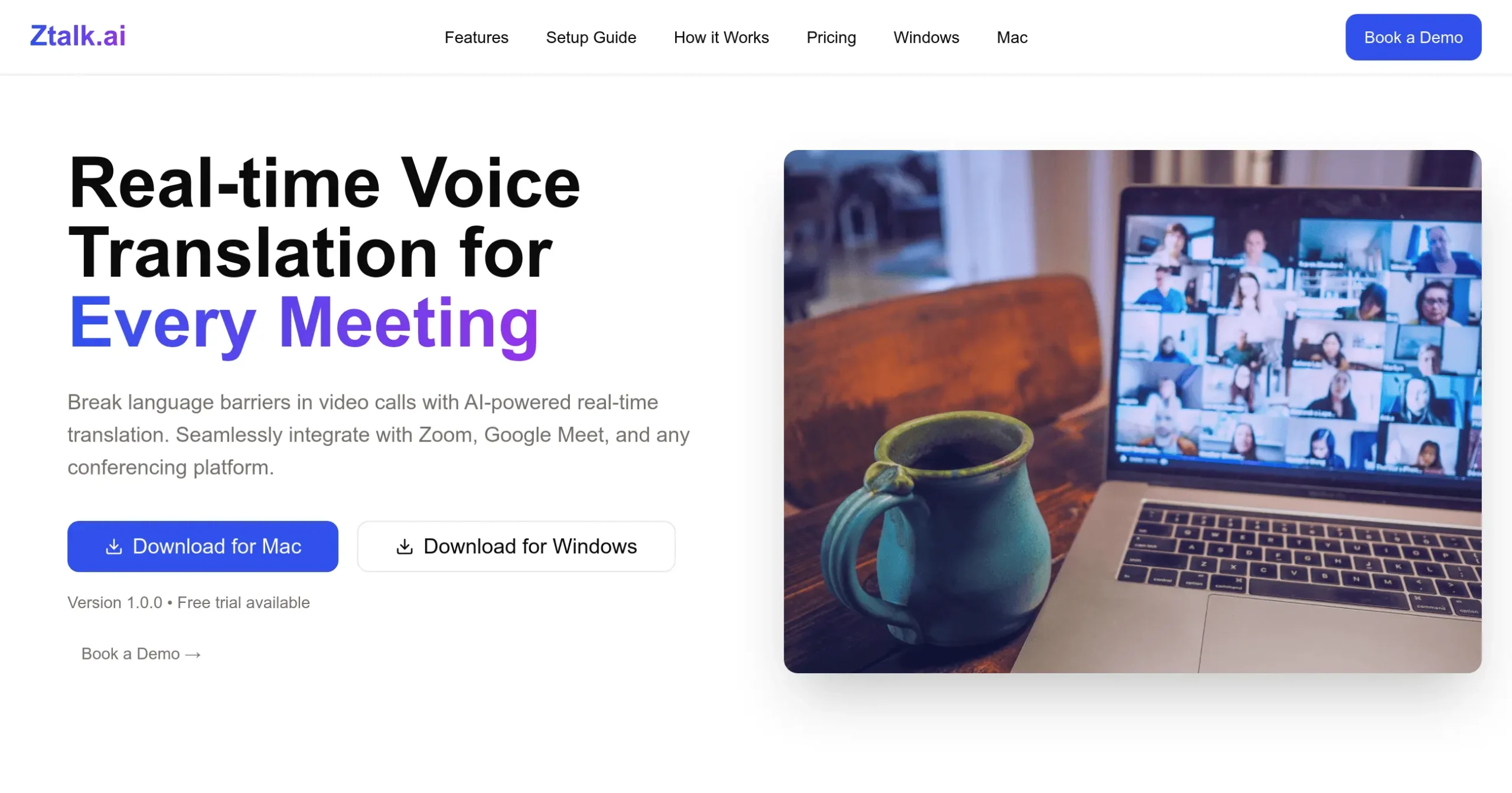
This AI-powered tool translates voices in real-time during your video calls, so everyone speaks the same language instantly. No more awkward pauses while waiting for translations. No more hiring expensive interpreters for every international meeting. Just smooth conversations that flow naturally, whether you're talking to clients in Tokyo or partners in Paris.
Let's see if Ztalk really delivers on its promise to break down language walls and help your business grow globally.
Ztalk Key Features
Real-Time Voice Translation: Break down language barriers instantly during your video calls. Speak in your native language while participants hear you in theirs – supporting over 30 languages with almost no delay.
Seamless Platform Integration: Connect directly with Google Meet, Zoom, and Microsoft Teams without changing your workflow. Just launch Ztalk alongside your regular video conferencing app and start translating.
Advanced Noise Cancellation: Focus on what matters with crystal-clear communication. Background noise and distractions get filtered out automatically, so your translations come through loud and clear.
Enterprise-Grade Security: Keep your conversations private with end-to-end encryption. Your data stays protected with GDPR and HIPAA compliance, giving you peace of mind during sensitive business discussions.
User-Friendly Desktop App: Get started in minutes with an intuitive interface that works on any computer. No complex setup or technical knowledge needed – just download, install, and start translating.
Our Take of Ztalk
If you’re running a business with international clients or remote teams, language barriers can seriously slow you down. Ztalk takes a direct approach to this problem – it translates voices in real-time during your video calls. No waiting for transcripts, no hiring interpreters.
The tool works right inside Google Meet, Zoom, and Microsoft Teams, so you won’t need to change how you already run meetings. Setup takes just a few minutes, and then you’re ready to talk with people in over 30 languages. For entrepreneurs working with overseas manufacturers, international customers, or global freelancers, this could save hours of back-and-forth emails trying to clarify what was said.
What sets Ztalk apart is its accuracy with technical terms. If you’re discussing product specs, contract details, or industry-specific topics, the translations stay precise. The noise cancellation also helps in less-than-perfect call environments – useful when you’re taking calls from coffee shops or co-working spaces.
There are some limitations to consider. When multiple people talk at once or jump in quickly, the translation can lag. You’ll get better results if speakers pause briefly between turns. Also, while the tool works on any computer, you’ll want decent headphones or a good microphone for best results. The mobile version exists but lacks some desktop features, which might frustrate entrepreneurs who handle business on the go.
For the price point, Ztalk delivers solid value if international communication is a regular part of your business. It’s particularly worth it if you’re currently paying for human translation services or losing deals due to communication issues. However, if you only have occasional international calls, you might find free translation tools sufficient for basic needs.
Bottom line: Ztalk makes sense for businesses actively working across language barriers. It won’t replace learning a language, but it will help you close deals and manage projects without waiting for translations.
Ztalk's Pricing
Ztalk offers three flexible plans.
The Basic plan is free and perfect for trying out the platform, providing 40 minutes of translation per month, support for 2 languages, basic noise cancellation, and access to community support.
The most popular option, the Pro plan, is priced at $499 per month and is designed for professionals and small teams. It includes 20 hours of translation per month, support for all languages, advanced noise cancellation, priority support, custom AI prompts, and caption support.
For larger organizations, the Enterprise plan offers everything in Pro plus custom deployment options, advanced security features, 24/7 dedicated support, SLA guarantees, and custom integrations, with pricing tailored to specific needs.
Final Thoughts about Ztalk
Language barriers shouldn’t hold your business back from growing globally.
If you’re losing deals because of communication issues or spending too much on translation services, Ztalk could be the simple fix you need.
Take a moment to think about how many opportunities you’ve missed because someone on the call couldn’t understand what was being discussed.
Now imagine those same meetings flowing smoothly, with everyone contributing their best ideas regardless of what language they speak.
The real question isn’t whether you need better international communication – it’s whether you can afford to keep struggling without it. Ready to see how Ztalk works for your business?
Ztalk FAQs