Time Champ Introduction
You're losing money right now. Every minute your team spends on Facebook instead of finishing projects? That's cash walking out the door. Every hour you can't accurately bill because you don't know what your people actually worked on? More money gone. And if you're trying to manage a remote team without knowing if they're actually working? Good luck with that.
Time Champ caught my attention because it promises to fix these exact problems. It's a productivity tracking tool that watches what your team does, tracks their time automatically, and gives you the data you need to run your business better. No more guessing games about who's working and who's slacking off.
I spent weeks testing Time Champ to see if it lives up to its promises. I looked at how it tracks employee activity, tested its project management features, and compared it to other tools on the market. What I found was interesting – this tool does some things really well, but it's not perfect.
If you're tired of wondering where your team's time goes or struggling to prove your invoices are accurate, you need to read this review. I'll show you exactly what Time Champ can do, where it falls short, and whether it's worth your money. Let's get into it.
Time Champ Key Features
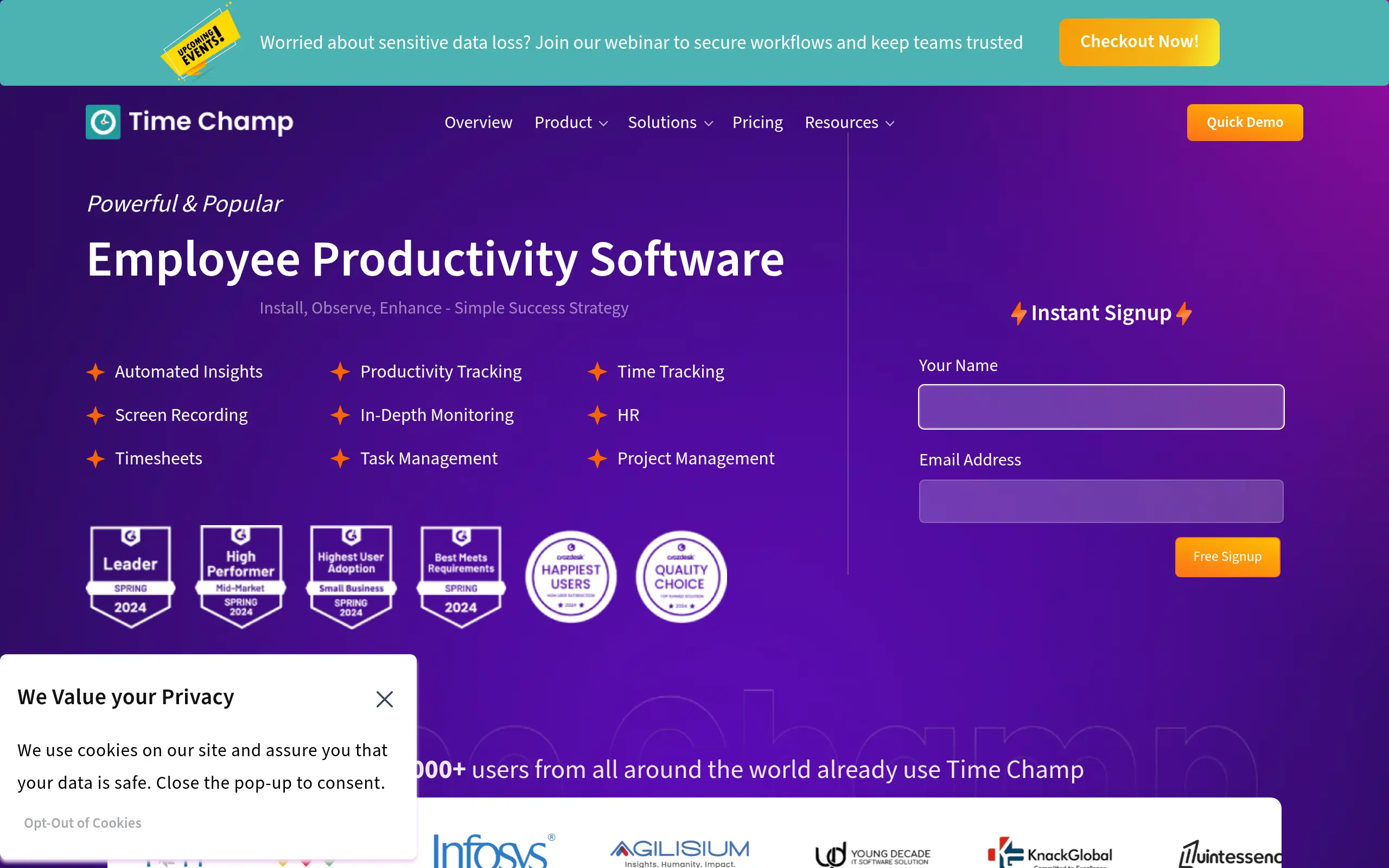
Employee Monitoring: Track what your team’s working on throughout the day, from apps they use to websites they visit. You’ll spot productivity patterns and know exactly where time goes, helping you make smarter decisions about workflows and resources.
Automatic Attendance: Say goodbye to manual time sheets and punch cards. Time Champ automatically logs when your team starts and stops work, giving you real-time attendance data that makes payroll and scheduling a breeze.
Project Management: Keep all your projects and tasks organized in one place. You’ll see who’s working on what, track progress at a glance, and spot bottlenecks before they slow down your team.
Time Tracking: Know exactly how long tasks and projects take with automatic time recording. You’ll bill clients accurately, quote future projects better, and identify which activities eat up the most time.
Task Tracking: Watch tasks move from start to finish with clear progress updates. Your team stays on track with deadlines, and you’ll always know what’s getting done and what needs attention.
Usage Analytics: Get insights into which software and tools your team actually uses. You’ll cut costs by dropping unused subscriptions and invest in the tools that really make a difference.
Location Activity: Track where your remote and hybrid team members are working from. You’ll verify attendance for location-based roles and make sure everyone’s where they need to be.
Audio Tracking: Monitor audio activity during work hours to keep your team focused and compliant. You’ll catch potential issues early and maintain professional standards across your workforce.
Our Take of Time Champ
Time Champ is one of those productivity tools that tries to do a lot of things at once. For small and medium business owners who need to keep tabs on their team’s work, it offers pretty much everything you’d expect – time tracking, project management, and detailed reports on what everyone’s up to.
What sets it apart is how easy it is to get started. You won’t need a tech degree to figure out how to use it, which is great if you’re busy running your business. The automatic attendance feature is particularly useful if you’re managing remote workers or hybrid teams. Instead of chasing people for timesheets, the software handles it for you.
The monitoring features are comprehensive – maybe too comprehensive for some. You can see which apps and websites your team uses, track project progress, and even monitor audio activities. This level of detail helps you spot productivity issues, but you’ll want to be transparent with your team about what you’re tracking to maintain trust.
On the technical side, users report the customer support team is quick to help when issues come up. That said, some people have mentioned the app doesn’t always start automatically, which could be annoying if you’re relying on it for accurate time tracking. The offline functionality is also limited – it’ll track basic stuff when you’re disconnected, but won’t sync until you’re back online.
For pricing and ROI, Time Champ sits in the middle of the pack. It’s not the cheapest option out there, but it’s not the most expensive either. The value really depends on whether you’ll use all those monitoring features. If you just need basic time tracking, you might find it’s more than you need. But if you want detailed insights into how your team works and where time is being spent, it could pay for itself through improved productivity.
One thing to note – the available information doesn’t clearly spell out which other tools Time Champ plays nice with. If you’re already using specific project management or accounting software, you’ll want to check on integration options before committing.
Time Champ's Pricing
The Starter Plan, at $3.9 per user/month, includes Interactive Mode, Automatic Attendance, Single Shift support, App Productivity and Categories Classifications, a Team View with up to 2 teams, and reporting features such as Monthly Attendance Reports, Daily and Monthly Timesheet Reports, and Time Claims. It also supports Offline Tracking, Auto Login/Logout, Application and Website Tracking, and a Productivity Calculator. Additional features include company-level time zones, summarized activity tracking, and the option to book a demo.
The Professional Plan, at $6.9 per user/month, includes everything in the Starter Plan, plus Silent/Invisible Tracking, configurable idle timeout and tracker screen, and continuous visible tracking. It provides advanced reporting, such as Late Employees Reports, Productivity Reports, Apps & URLs Usage Reports, Summary Alerts, and Urgent Attention Emails. Users gain access to 1 week of detailed activity, the ability to delete screenshots, support for up to 10 teams, multiple shift configurations, and organization structure by line manager hierarchy. It also offers Screenshot Frequency of 2 in 10 minutes, Intensity Graphs, team-level time zones, summarized detailed activity, and a task timer. A demo is also available.
The Enterprise Plan, at $13.9 per user/month, includes everything in the Professional Plan, along with premium features such as live videos, real-time statuses, break-time split reports, custom reports, suspicious activity and shrinkage reports, and real-time alerts. Additional benefits include phone support, a dedicated account manager, support for up to 50 teams, away-time split tracking, blurring screenshots, fixed breaks, Azure Single Sign-On, and user-level time zones.
Final Thoughts about Time Champ
So here’s the bottom line – if you’re losing track of your team’s time and productivity, Time Champ could be the fix you need. It won’t solve every problem, but it gives you the visibility to make better decisions about your business. Before you jump in, think about what you really need. Do you want full monitoring capabilities or just basic time tracking? Are you comfortable with the level of employee monitoring it offers? And most importantly, will your team be on board with how you plan to use it?
The best approach is to be upfront with your team about why you’re implementing this kind of software. Focus on how it helps everyone – accurate billing means steady income, better project tracking means less stress, and clear productivity data means you can reward good work. Remember, this tool is only as good as how you use it.
If you’re ready to stop guessing about where your team’s time goes and start knowing for sure, Time Champ is worth a serious look. The automatic time tracking alone could save you hours each week, and the productivity insights might surprise you. Why not see for yourself what your team can really accomplish when you have the right data?
Want to give Time Champ a try? Click the button below to get started.
Time Champ FAQs