Rustic Introduction
Ever feel like you're stuck between hiring an expensive designer and trying to create visuals that look like they were made in MS Paint? You're not alone. Most business owners and marketers need professional-looking graphics yesterday, but don't have the budget for a design team or the time to learn complicated software.
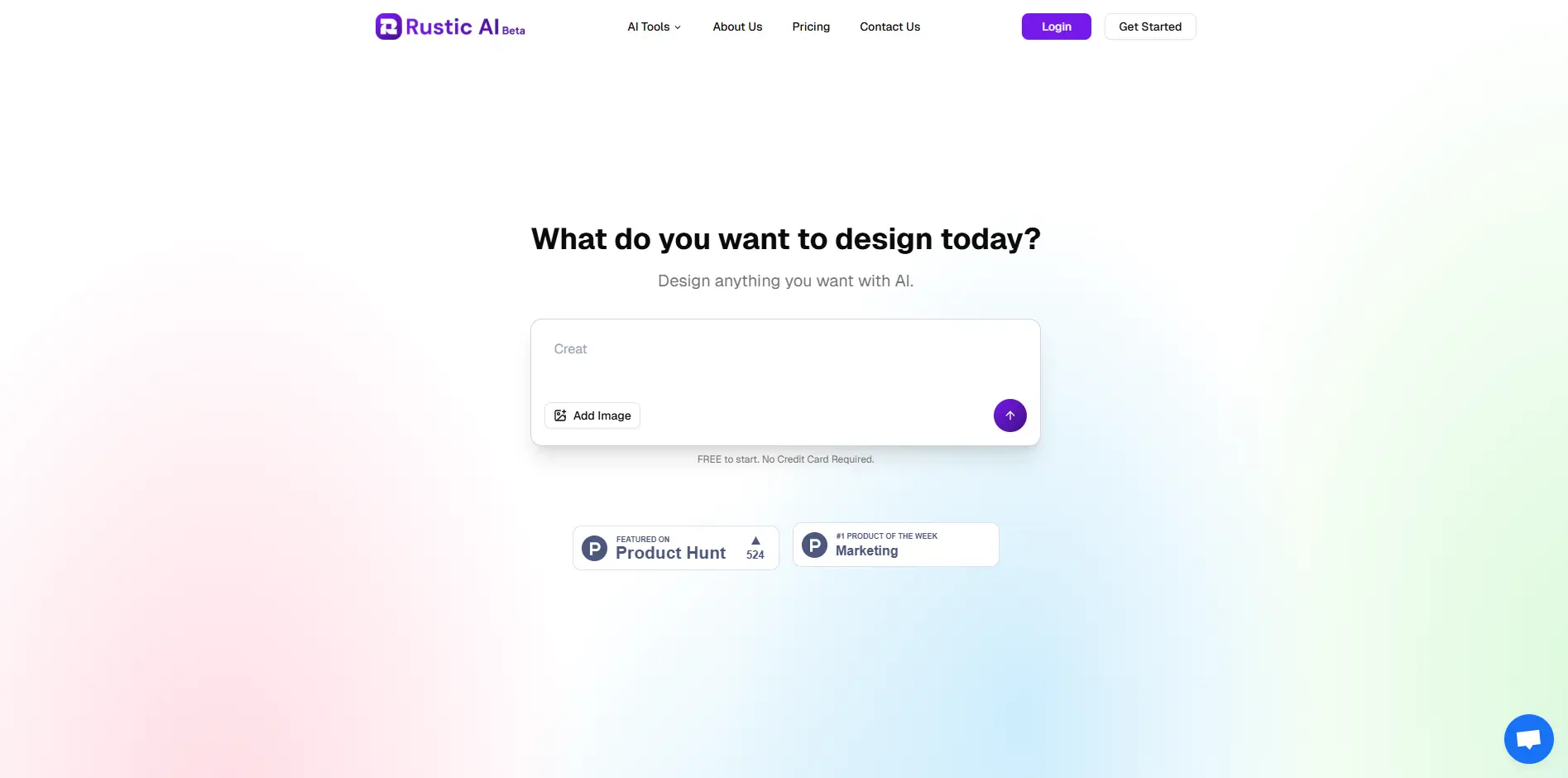
That's where AI design tools come in – and Rustic AI caught my attention for good reason. Launched just last month, this tool promises to help you create stunning visuals using nothing more than text prompts and simple drag-and-drop editing. No design degree required.
What makes Rustic AI different from the dozens of other AI image generators flooding the market? It's not just about generating pretty pictures. This tool focuses on giving you actual control over what you create, letting you tweak individual elements, swap backgrounds, and keep everything looking professional without wrestling with complex design software.
If you're running social media for your business, creating product photos for your online store, or just need marketing materials that don't scream “I made this myself,” you might want to stick around. I've spent time testing Rustic AI to see if it lives up to its promises – and whether it's worth adding to your toolkit.
Rustic Key Features
AI-Generated Visuals: Create professional images just by typing what you want. This means you can produce marketing materials in minutes instead of hours, without hiring a designer.
Drag-and-Drop Editing: Customize your AI-created images with simple drag-and-drop tools. You’ll be able to perfect your visuals without learning complicated software or design principles.
Object-Level Adjustments: Change specific parts of your image like removing backgrounds or swapping out products. This gives you the flexibility to adapt one image for different uses, saving you from creating everything from scratch.
Image Upscaling: Make your images bigger without losing quality. You can use the same image for both social media posts and large print materials without it looking blurry or pixelated.
Smart Style Advice: Get automatic suggestions for colors, spacing, and gradients that match your brand. This helps you create consistent, professional-looking content even if you’re not sure about design rules.
Our Take of Rustic
If you’re running a business and need professional visuals but don’t have design skills, Rustic AI could be worth checking out. The platform makes it pretty simple to create graphics for social media, product photos, and marketing materials without spending hours learning complicated software.
What stands out is how the AI generation works together with the editing tools. You type what you want, get a starting image, then tweak it with drag-and-drop controls. For busy marketers or small business owners, this saves real time compared to starting from scratch or hiring a designer for every little graphic.
The platform does have its limits though. If you need super advanced design features or pixel-perfect control, you might find it lacking compared to professional software like Photoshop. And since it relies on AI to generate base images, you’ll sometimes need to make adjustments when the AI doesn’t quite nail what you’re looking for.
Price-wise, it seems positioned as a middle ground between free basic tools and expensive design software. For businesses that need consistent visual content but can’t justify a full-time designer or premium software subscriptions, the time savings could make it worthwhile. The responsive support team is a nice bonus too, especially if you run into issues.
Bottom line: Rustic AI works well for what it’s built for – helping non-designers create decent visuals quickly. If that’s exactly what you need, it’s worth trying out. If you need more advanced capabilities or already have design resources in place, you might want to look elsewhere.
Rustic's Pricing
VoxDeck offers three subscription plans: Free, Pro, and Business.
The Free plan, ideal for getting started, costs $0 per month and includes basic features, 60 credits per month, and community support.
The Pro plan, designed for growing businesses, costs $10 per month and includes all Free features plus 1,000 credits per month, priority support, and advanced analytics.
The Business plan, tailored for large organizations, costs $25 per month and includes all Pro features, 3,000 credits per month, 24/7 dedicated support, and custom integrations.
Final Thoughts about Rustic
So here’s the thing – you don’t need to struggle with design anymore. Rustic AI gives you the tools to create professional visuals without the headache of learning complex software or breaking the bank on designers. Whether you’re posting on social media tomorrow or need product photos for your website, this tool can help you get it done.
Take a minute to think about how much time you spend trying to create graphics that look halfway decent. Now imagine cutting that time in half while actually improving the quality. That’s what we’re talking about here.
The best part? You can test it out yourself and see if it fits your workflow. No need to take my word for it – give it a try and see if it makes your life easier. Ready to see what Rustic AI can do for your business? Click the button below to get started.
Rustic FAQs