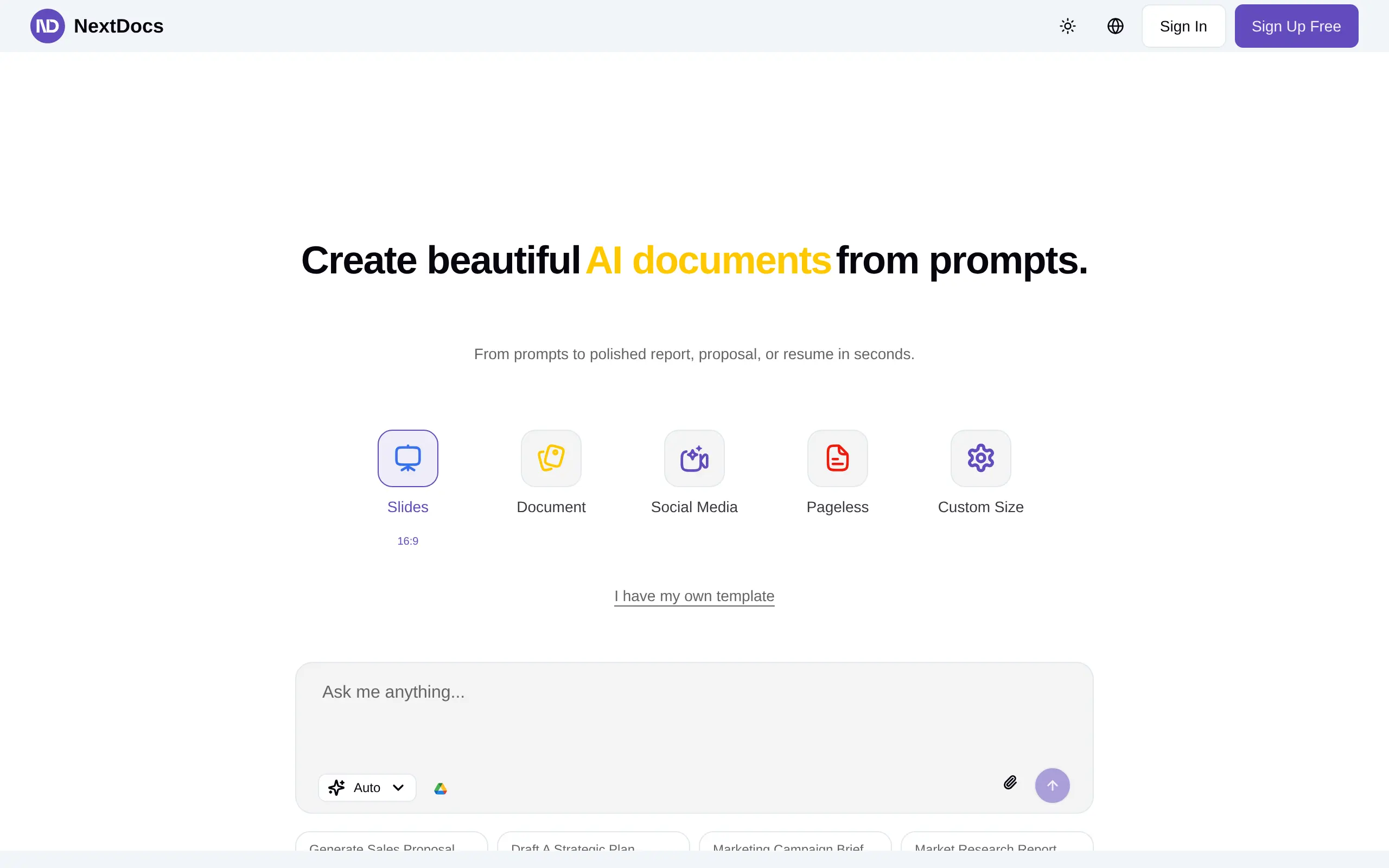
NextDocs Introduction
Creating professional documents can feel like a never-ending battle. You're stuck fiddling with fonts, fixing margins, and trying to make your proposal look like it wasn't thrown together at 2 AM. Sound familiar? If you're running a business, you know how much time gets eaten up by formatting when you could be focusing on what really matters – your actual content and growing your company.
That's where NextDocs comes in. This AI-powered tool promises to turn your rough ideas into polished, professional documents in seconds. No more wrestling with templates or spending hours on design. Just type what you need, and let the AI handle the heavy lifting.
Whether you're cranking out client proposals, putting together investor decks, or drafting contracts, NextDocs aims to be your go-to solution for getting documents done fast. It's built for people who need professional results without the professional design skills – perfect for busy entrepreneurs, freelancers, and small business teams who can't afford to waste time on formatting nightmares.
NextDocs Key Features
AI-Powered Document Creation: Transform simple prompts into fully formatted and styled documents or presentations in seconds. Whether you need proposals, contracts, or investor decks, you’ll save hours on formatting and design work.
Multi-Model AI Integration: Get the best writing help from OpenAI’s GPT-4o, Google’s Gemini, and Anthropic’s Claude 3.5 Sonnet all in one place. This means smarter suggestions, better reasoning, and more polished final documents.
Template Library: Access professionally designed templates for resumes, reports, contracts, proposals, and more. You can customize everything to match your brand and create consistent, professional documents every time.
Collaborative Editing: Share documents with your team and work together in real-time or offline. Track changes, manage versions, and keep everyone on the same page without endless email chains.
Cloud Storage: Store all your documents securely online with automatic version history. Find any document instantly with AI-powered search, and access your work from any device, anywhere.
Our Take of NextDocs
If you’re running a small or mid-sized business and constantly creating documents, NextDocs could save you serious time. The platform combines AI from OpenAI, Google, and Anthropic to turn basic prompts into polished documents fast.
What makes it practical is how it handles the boring stuff. You won’t spend hours tweaking margins or searching for the right template. The software does that heavy lifting, leaving you to focus on what you actually want to say. For teams juggling proposals, contracts, and presentations, this could mean finishing work that used to take hours in just minutes.
The collaboration features work well for remote teams. You can share documents, track changes, and manage versions without the usual email chaos. The cloud storage with AI search makes finding old documents simple too.
But there are trade-offs to consider. The free version has restrictions that might frustrate growing teams. You’ll probably need the paid version to access all the customization options your business needs. And since everything runs through the cloud, you’re stuck if your internet goes down.
For most small business owners, the time savings alone make NextDocs worth trying. Just test the free version first to see if the premium features justify the cost for your specific needs. If your team creates lots of professional documents and values efficiency over perfect customization control, this tool fits well into your workflow.
NextDocs's Pricing
Free – $0/month
For hobbyists who want to get started easily. This plan includes a $5 monthly limit and a $1 daily limit, along with up to 3 document exports and 12 pages. Enjoy access to premium AI models, AI image generation, AI image editing, and premium support.
Pro – $20/month (Most Popular)
Perfect for individuals and small teams. This plan includes a $20 monthly limit with no daily limit, plus unlimited document exports and unlimited pages. It also provides access to premium AI models, AI image generation, AI image editing, and premium support.
Ultra – $100/month
Designed for large teams and enterprises that need more power and scalability. Includes a $100 monthly limit, no daily limit, unlimited document exports, and unlimited pages. Enjoy full access to premium AI models, AI image generation, AI image editing, and premium support.
Final Thoughts about NextDocs
NextDocs could be the time-saving solution your business needs. If you’re tired of spending hours on document formatting when you could be closing deals or building your business, it’s worth taking a closer look. The free version gives you a chance to test the waters without any risk.
Think about how much time you waste each week on formatting alone. Now imagine cutting that down to minutes instead of hours. That’s real time you get back for the work that actually grows your business.
The combination of AI power and professional templates means you don’t need design skills to create documents that impress clients. And with team collaboration features, everyone stays in sync without the usual headaches.
Ready to see if NextDocs fits your workflow? Give the free version a spin and see how much time you can save on your next proposal or presentation. If it works as well for you as it has for other small business owners, you might just wonder how you managed without it.
Want to try NextDocs and start creating professional documents faster? Click the button below to get started.
NextDocs FAQs