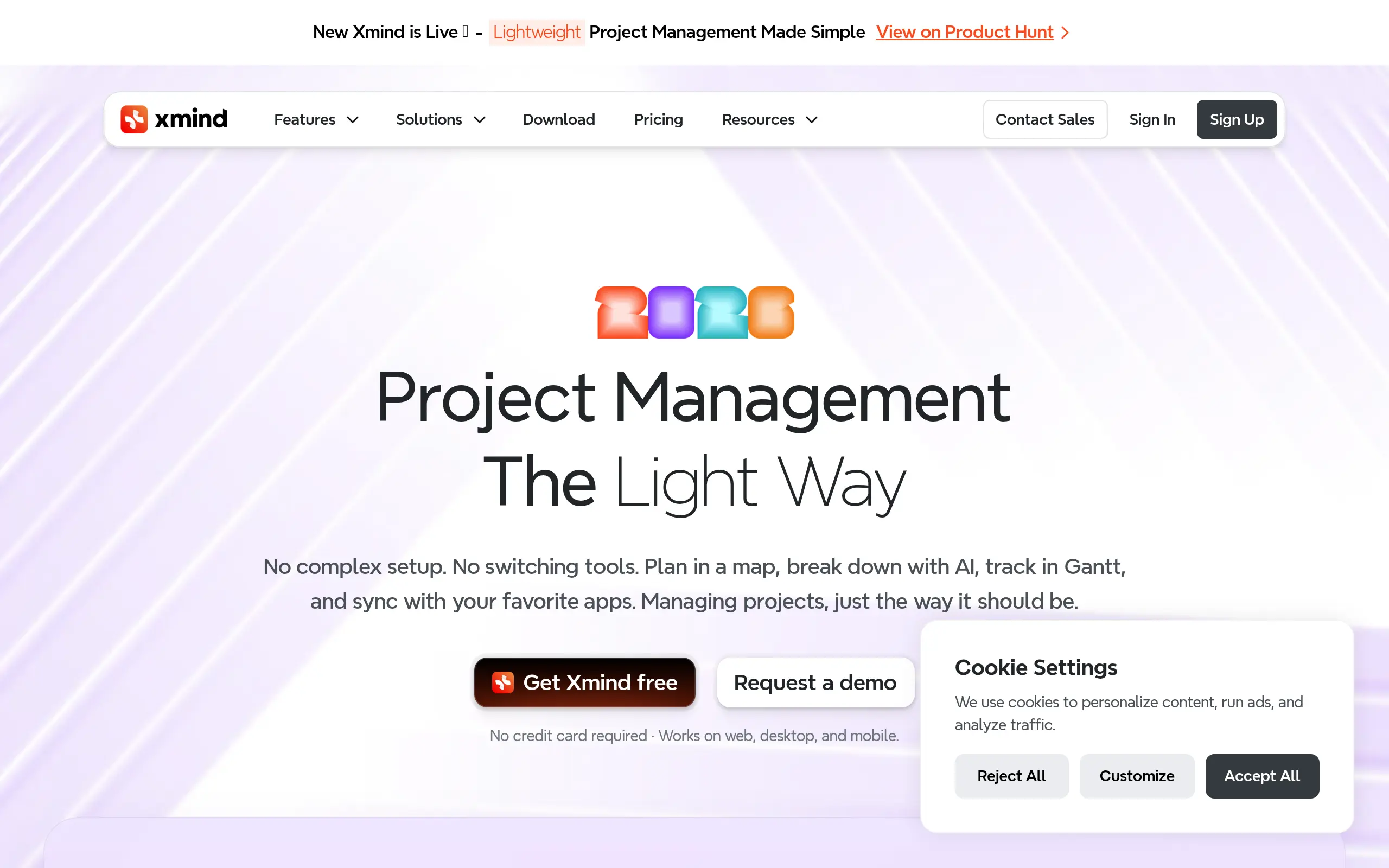
Xmind Introduction
Ever feel like your brain's running a million miles an hour but you can't get those brilliant ideas down on paper? You're not alone. Whether you're trying to map out a new business strategy, plan a project, or just organize your thoughts, getting everything out of your head and into a clear visual format can feel impossible.
That's where Xmind comes in. This mind mapping tool helps you turn that mental chaos into organized, visual diagrams that actually make sense. Think of it as a digital whiteboard that never runs out of space – you can create mind maps, flowcharts, and all sorts of diagrams to connect your ideas and see the bigger picture.
What makes Xmind different from just scribbling notes on paper? For starters, you can use it on pretty much any device – your computer, phone, or tablet. So when inspiration strikes during your morning coffee or late-night brainstorming session, you're ready to capture it. Plus, if you're working with a team, everyone can jump in and add their ideas in real-time, no matter where they are.
In this review, we'll break down everything you need to know about Xmind – what it does well, where it might fall short, and whether it's worth your time and money. We've spent hours testing every feature, comparing it to other tools, and figuring out who'll get the most value from it. Let's see if Xmind is the solution you've been looking for to finally get those ideas organized.
Xmind Key Features
Mind Maps & More: Create different types of diagrams like mind maps, tree charts, fishbone diagrams, and timelines. This lets you organize your thoughts in the way that makes the most sense for your project, whether you’re planning a marketing campaign or breaking down a complex problem.
Smart Color Themes: Pick from professional color themes and styles that match your brand. Your mind maps will look polished and consistent, making you look more professional when sharing with clients or team members.
Pitch Mode: Turn your mind maps into sleek presentations with just a click. You’ll keep your audience engaged without spending hours building slides from scratch.
Team Collaboration: Work together on mind maps in real-time, even if your team uses different devices. Everyone stays on the same page whether they’re on Windows, Mac, iPhone, or Android.
Rich Content Editing: Add images, equations, and detailed notes to your mind maps. You can explain complex ideas clearly without cluttering up your diagrams.
AI Assistant: Let AI help you brainstorm ideas and plan tasks faster. You’ll spend less time staring at a blank screen and more time bringing your ideas to life.
Export Anywhere: Save your mind maps as PDFs, Word docs, Excel sheets, or PowerPoint presentations. Share your work with anyone, even if they don’t have Xmind installed.
Our Take of Xmind
Xmind is a solid choice if you’re looking for a mind mapping tool that won’t break the bank. Small business owners will appreciate that you can start using it for free and still get access to most of the features you need for basic brainstorming and project planning.
The real strength here is how easy it is to use. You can jump right in and start creating mind maps without watching hours of tutorials. Whether you’re mapping out a marketing campaign or organizing your product roadmap, the interface feels natural and doesn’t get in your way.
What makes Xmind practical for small teams is its cross-platform support. Your team can use it on Windows, Mac, phones, or tablets, and everyone stays on the same page. The collaboration features work well enough for most small business needs, though larger teams might want something more robust.
The free version gives you plenty to work with, which is great when you’re watching every dollar. You can create mind maps, export them to different formats, and share them with your team. If you need the extra features like advanced export options or priority support, the Pro Plan is reasonably priced compared to competitors.
One thing to watch out for is performance when your mind maps get really big. If you’re planning to create massive, detailed maps with hundreds of nodes, you might notice some slowdown. For most small business uses though, this won’t be an issue.
The AI features are helpful for getting started when you’re stuck, though they’re not going to replace your creativity. Think of them as a starting point rather than a complete solution.
For the price point and what you get, Xmind offers good value. It’s not perfect, but it does what it promises without trying to be everything to everyone. If you need a straightforward mind mapping tool that your whole team can use without a steep learning curve, it’s worth trying the free version to see if it fits your workflow.
Xmind's Pricing
Xmind offers three pricing tiers for individual users with both monthly and yearly billing options.
The Free plan costs $0 and includes up to 10 mind maps, basic themes and stickers, 3-day version history, link sharing, up to 5 presentation slides, and 10 AI credits to try AI features.
The Pro plan costs $4.92 per month when billed annually and includes everything in Free plus up to 50 maps with basic collaboration, topic linking and attachments, custom themes, watermark-free exports in multiple formats including PNG, SVG, PDF, Markdown and Office Suite, unlimited presentation slides, and 10 AI credits.
The Premium plan, marked as most popular, costs $8.25 per month when billed annually and includes everything in Pro plus unlimited collaborative maps, real-time collaboration with view following, 30-day version history, unlimited sheets per map, Gantt charts for project timelines, task management with assignees, task export to Calendar or Excel, and 500 AI credits monthly. AI features in Premium include text-to-mind-map conversion, summarizing texts and webpages, idea generation, and project breakdown into tasks.
All plans support unlimited topics and maps creation from templates, with Pro and Premium offering additional features like colored branches, topic highlighting, and branch-only views. Export capabilities expand significantly in paid tiers, with Premium offering the most comprehensive options including PowerPoint export for presentations and mind map splitting by branches.
Additional plans are available for teams, education, non-profits, government organizations, and NGOs, with multi-user options and lifetime licenses for businesses.
Final Thoughts about Xmind
So there you have it – Xmind makes it simple to get your ideas out of your head and into a format that actually helps you move forward. Whether you’re planning your next product launch or trying to organize a complex project, having a tool that works across all your devices and doesn’t require a tech degree to use can be a real game saver.
The best part? You can test it out for free and see if it fits how you work. No credit card required, no sales calls to dodge. Just download it and start mapping out those ideas that have been bouncing around in your head.
Think about how much clearer your next team meeting could be when everyone can actually see the plan laid out visually. Or how much easier it would be to explain that new process to your team when you can show them a clear diagram instead of a wall of text.
If you’re ready to stop losing great ideas and start turning them into action, give Xmind a try. Click the button below to get started with the free version and see if it helps you work better. Your future organized self will thank you.
Xmind FAQs