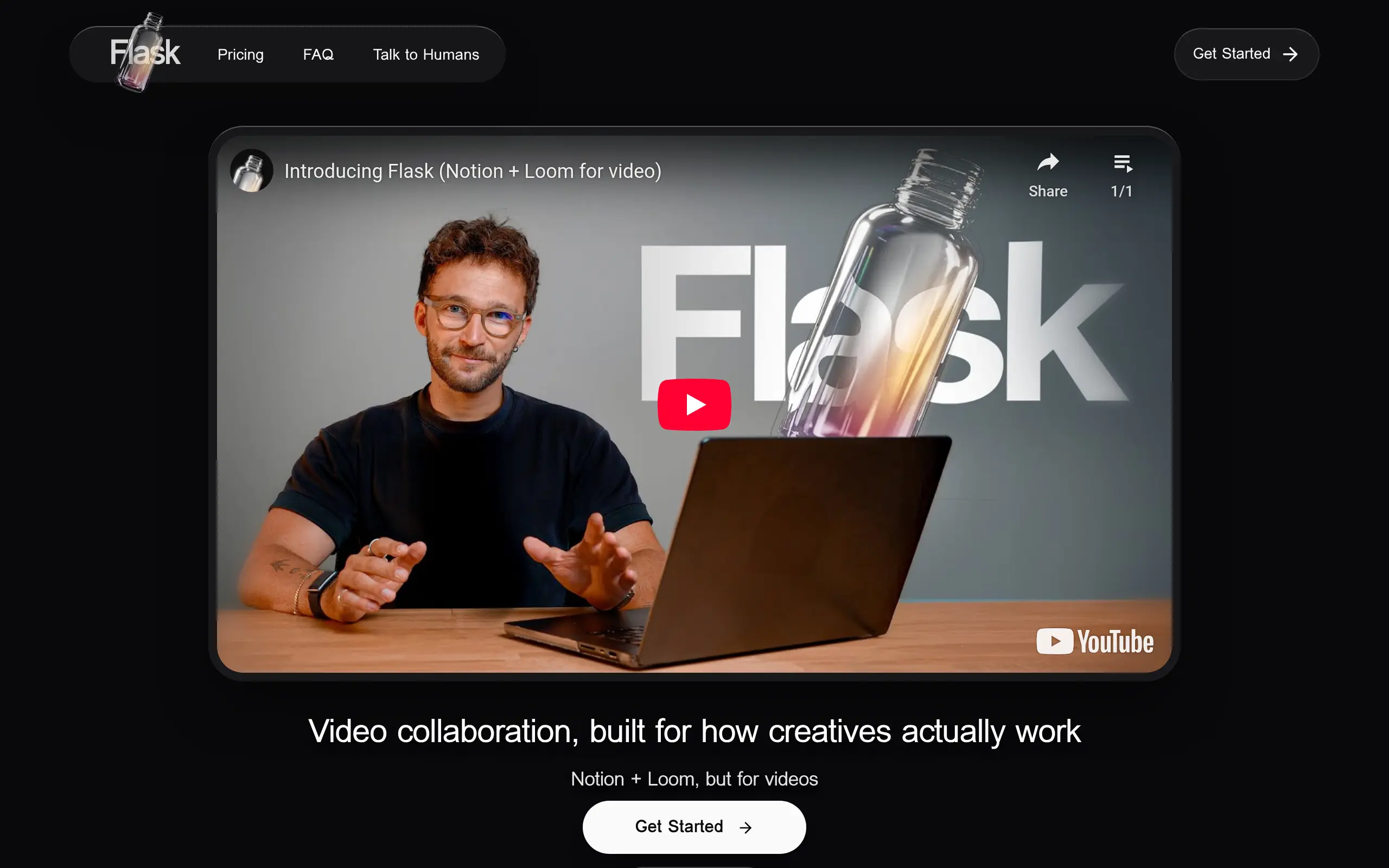
Flask Introduction
If you're tired of endless email chains about video feedback or losing track of which version your team reviewed, Flask might be exactly what you need. This new video collaboration platform combines the best parts of tools like Notion and Loom, making it way easier for creative teams to work together on video projects.
Think about the last time you tried to get feedback on a video. You probably sent it to a bunch of people, got comments at different times, and then had to piece together what everyone said. Flask fixes that mess by letting people comment right on the video timeline. Your team can point to exact moments and say what needs to change, and you'll never lose track of feedback again.
What makes Flask different is how it thinks like you do. Instead of just storing videos, it helps you organize projects, track different versions, and even uses AI to turn rambling feedback into clear action items. Whether you're working with clients, managing a YouTube channel, or collaborating with designers, Flask keeps everything in one place where your whole team can see it.
The best part? You can start using it for free. Flask connects with YouTube for video storage on the free plan, so you don't have to worry about running out of space. And since it launched in 2025, early users are already saying it's changed how they handle video projects.
Flask Key Features
Time-Based Video Comments: Drop feedback right where it matters on the video timeline. Your team sees exactly what frame you’re talking about, so there’s no confusion about which part needs work.
Asset Versioning System: Keep track of every version of your videos in one place. Compare old and new versions side-by-side to see what’s changed and make sure nothing gets lost between revisions.
AI Feedback Processor: Let AI turn messy voice notes and video feedback into clear action items. It picks out deadlines and tasks from rambling comments, so you get organized to-do lists instead of scattered notes.
Customizable Tagging and Filtering: Sort your videos by client, project stage, or priority with custom tags. Find what you need fast by filtering for “Approved” videos or ones that need revision.
Shareable Links with Pre-Filtered Views: Send clients or teammates links that show only what they need to see. You control which videos and feedback appear, keeping everyone focused on their part of the project.
YouTube Integration for Free Tier: Store unlimited videos without paying for storage. Flask uses YouTube’s servers to host your videos for free, saving you money on expensive video hosting.
Our Take of Flask
Flask brings something fresh to video collaboration that caught our attention. If you’re running a small business with a creative team, this could be the tool that finally makes remote video reviews feel less like a headache.
What makes Flask stand out is how it combines video feedback with project management in one place. You can drop comments right on specific moments in videos, which beats the old way of writing “at 2:35, the logo needs to be bigger” in endless email chains. The AI that turns rambling video feedback into actual tasks? That’s pretty clever and could save you hours of organizing notes after client calls.
The free version gives you unlimited storage through YouTube, which is generous but might feel weird if you’re working with confidential client videos. Flask Pro at $8 per user monthly opens up direct uploads and team workspaces, which most businesses will probably need.
Here’s what to consider: Flask works great for marketing teams, video editors, and designers who need visual feedback. But if your team lives in Figma or other design tools, you’ll miss having direct connections to those platforms. The learning curve isn’t steep, but your team will need a few days to get comfortable with all the features.
Compared to cobbling together Loom, Notion, and email threads, Flask streamlines everything into one workflow. For teams producing regular video content or managing multiple creative projects, the time savings could easily justify the cost. Just make sure your whole team is ready to adopt a new tool before jumping in.
Flask's Pricing
Free Plan — Unlimited Video Collaboration at No Cost
Enjoy free, unlimited video collaboration with no hidden fees. The Free Plan includes unlimited comments, recordings, and AI insights, allowing your team to communicate and iterate seamlessly. You can also use YouTube as storage for your videos, whether unlisted or public. It’s the perfect starting point for individuals and small teams looking to collaborate on creative projects without limitations or commitments.
Pro Plan — Creative Collaboration for Teams
Upgrade to Flask Pro for $13 per member per month (billed annually) and unlock professional-grade collaboration features. The Pro Plan includes everything in the Free Plan, plus the ability to upload videos directly from your device, manage projects in a shared team workspace, and maintain multiple assets or versions per Flask. You can also remove Flask branding for a polished, professional presentation. With a 30-day guarantee, it’s a risk-free way to enhance your creative workflow.
Exclusive Offer — Top 1% Teams Get Flask Pro for Free
The top 1% most active teams qualify for free access to Flask Pro as a recognition of their creativity and engagement. Keep collaborating, stay active, and you could enjoy all the benefits of Flask Pro — completely free.
Final Thoughts about Flask
So, is Flask right for your business? If you’re drowning in scattered video feedback across emails and chat apps, it’s worth a look. The time you’ll save by having everything in one place could free you up to focus on what you actually care about – creating great content and growing your business.
Before you decide, think about how your team currently handles video projects. Are people missing feedback because it’s buried in their inbox? Do you struggle to track which version got approved? If these problems sound familiar, Flask could be the fix you need.
The free version lets you test it out without any risk. You can see if your team actually uses the features and if it speeds up your workflow. Just remember that changing tools always takes some adjustment time, so give it a fair shot before making your final call.
Ready to see if Flask can clean up your video collaboration chaos? Click the button below to give it a try.
Flask FAQs