Mockuplabs Introduction
You're running a print-on-demand business and spending hours creating product mockups in Photoshop. Sound familiar? If you're tired of the endless cycle of designing, photographing, or paying for expensive mockup services, you need to hear about Mockuplabs.
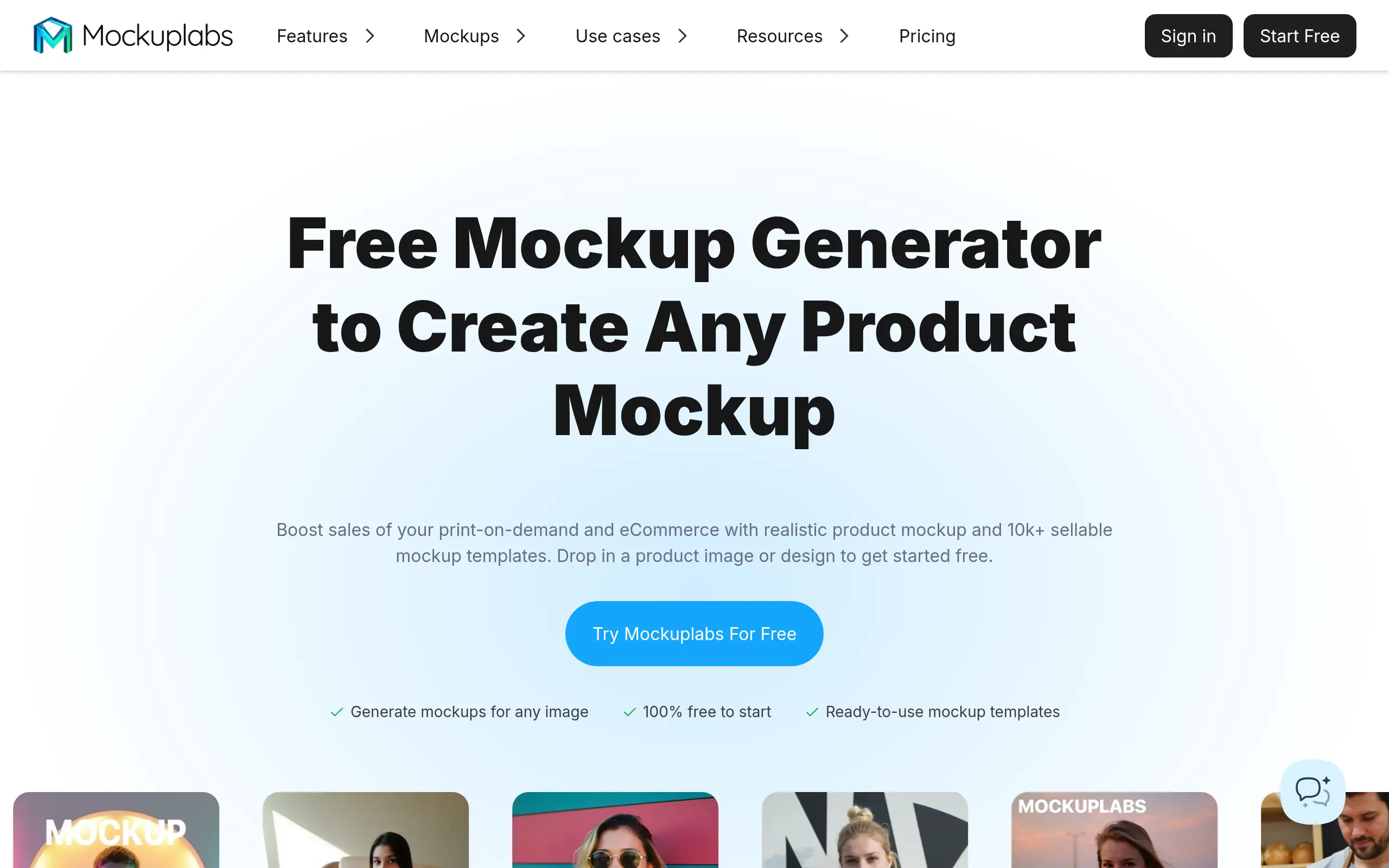
This AI-powered tool promises to transform how POD sellers and eCommerce store owners create product visuals. Instead of wrestling with complex design software or settling for generic stock photos, Mockuplabs lets you drag, drop, and download professional mockups in minutes.
The platform caught our attention with its massive library of over 20,000 templates and smart features like AI color changing and all-over-print designs. But does it actually deliver on these promises? We spent weeks testing every feature, comparing it to competitors, and gathering feedback from real users to give you the complete picture.
Whether you're launching your first POD store or looking to speed up your workflow, this review breaks down everything you need to know about Mockuplabs – the good, the bad, and whether it's worth your investment.
Mockuplabs Key Features
AI Mockup Generator: Create realistic product mockups in seconds by dragging and dropping your designs onto professional templates. No design skills needed – just upload your artwork and get store-ready images that sell.
AI Color Changer: Change product colors instantly with pinpoint accuracy. Preview different color options in real-time and download multiple versions at once, so you can offer more choices to customers without extra work.
All-Over-Print Design: Apply your patterns and designs across entire products with one click. Perfect for creating seamless prints on t-shirts, hoodies, and other items that make your products stand out from competitors.
Text Design Editor: Add custom text directly to your mockups without switching between apps. Great for creating personalized products or adding promotional messages that boost conversions.
20,000+ Mockup Templates: Access a massive library of ready-to-use templates for everything from apparel to tech accessories. Find the perfect mockup for any product you’re selling and get professional results every time.
Our Take of Mockuplabs
Mockuplabs could be a solid choice if you’re running a print-on-demand business and need to create product mockups quickly. The drag-and-drop interface makes it simple to get started, even if you’re not tech-savvy. With over 20,000 templates available, you’ll likely find options that work for your products, whether you’re selling t-shirts, mugs, or phone cases.
The AI features set this tool apart from basic mockup generators. Being able to change colors instantly and create all-over-print designs with one click saves significant time compared to traditional photo editing software. For small business owners who wear many hats, this efficiency matters.
However, there are some limitations to consider. If you need to create mockups in bulk or want to apply the same design across multiple products at once, you’ll find yourself doing more manual work than necessary. The lack of direct Shopify integration means extra steps in your workflow if that’s your primary selling platform.
Customer reviews consistently mention the responsive support team, which is reassuring for a tool that’s still developing. The quality of the mockups gets positive feedback from users who switched from Photoshop, suggesting the output meets professional standards.
For businesses just starting out or those looking to streamline their mockup creation process, Mockuplabs offers good value. But if you’re already running high-volume operations or need advanced bulk features, you might want to explore other options or wait for these features to be added. The tool works best for businesses that prioritize ease of use and mockup quality over advanced automation features.
Mockuplabs's Pricing
MockupLabs offers a freemium pricing model with two main tiers.
The Free plan includes 30 credits per month, access to any image mockup generator, AI color changer, all-over-print design capabilities, text design tools, over 20,000 high-fidelity mockups, and downloads in JPG, PNG, and WebP formats.
The Basic plan costs $5 per month and includes everything in the free tier plus 500 credits monthly, AI background remover, AI object eraser, AI image upscaler, AI image generator, AI image-to-video conversion, and adjustable equal resolution downloads. Credits are used for certain features at 1-2 credits per use and refresh monthly on a fixed date without rollover.
Users can cancel subscriptions anytime and continue using remaining credits until the billing cycle ends. Refunds are available for users who consume less than 20 credits during their subscription period. Additional credits can be earned for free or purchased separately by contacting support.
Final Thoughts about Mockuplabs
So, what do you think? Mockuplabs could transform how you create product mockups, especially if you’re spending too much time in Photoshop right now. Take a moment to consider your current workflow – how many hours each week go into creating mockups? What could you do with that time if you got it back?
The AI features alone might justify giving it a shot. Being able to test different colors instantly or create all-over-print designs with one click sounds pretty appealing when you’re trying to grow your business. Sure, it’s missing some bulk features, but for most POD sellers, the time savings from the existing tools could make a real difference.
Before making any decision, think about your specific needs. Are you looking for speed and simplicity? Do you need professional-quality mockups without the learning curve? If you answered yes to either question, Mockuplabs might be exactly what you need to take your business to the next level.
Ready to see if Mockuplabs works for your business? Click the button below to start creating better mockups today.
Mockuplabs FAQs