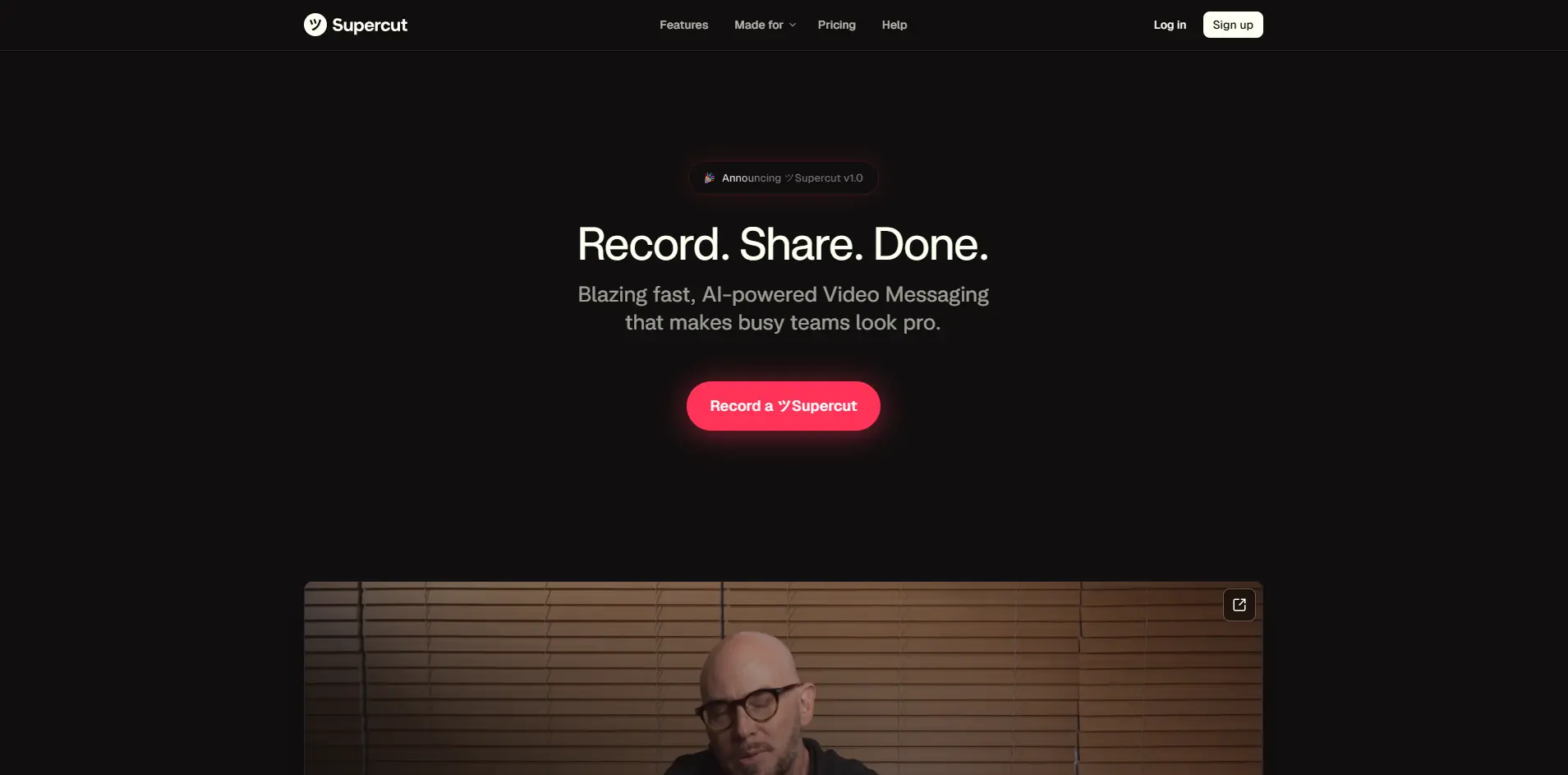
Supercut Introduction
You're sitting there with a brilliant idea for a video, but the thought of spending hours recording, editing, and polishing it makes you want to close your laptop and walk away.
If this sounds familiar, you're not alone. Creating professional videos for your business feels like it requires a Hollywood budget and a film school degree.
What if you could record a video message, have it automatically edited to perfection, and share it with your team or clients in minutes instead of hours?
That's exactly what Supercut promises to deliver.
This AI-powered screen recording tool wants to transform how teams communicate through video, taking the pain out of production and letting you focus on what really matters – your message.
Let's see if it lives up to the hype.
Supercut Key Features
High-Resolution Recording: Capture your screen and camera in crystal-clear 4K quality. Your videos look sharp and professional, making a great impression on clients and team members.
Custom Branding and Layouts: Add your company logo, colors, and choose from different layouts to match your brand. Every video you send reinforces your professional image without extra design work.
Instant Sharing: Share videos right away with a simple link – no uploading or waiting required. You can send videos publicly or keep them private for specific team members.
Auto-Chapters and Smart Navigation: Your videos automatically get divided into sections that viewers can jump between. People can skip straight to the parts they need without watching the whole thing.
Auto-Editing: AI removes all those “ums,” awkward pauses, and repeated words from your recordings. You get a smooth, polished video without spending time editing.
In-Video Comments and Reactions: Team members can leave comments and reactions right on your video timeline. You get feedback exactly where it matters instead of long email threads.
Call-to-Action Integration: Add buttons and links inside your videos that viewers can click. Direct people to book meetings, visit your website, or take other actions while they watch.
Viewer Analytics: See who’s watching your videos and which parts they’re most interested in. You’ll know if your message is getting through and can follow up at the right time.
Our Take of Supercut
If you’re looking for a way to create professional video messages without spending hours editing, Supercut could be exactly what you need. This AI-powered tool takes the hassle out of video production by automatically cleaning up your recordings – cutting out those awkward pauses and filler words that can make videos feel unprofessional.
What sets Supercut apart is how simple it makes the entire process. You can record in crystal-clear 4K resolution, add your company logo and colors, then share the video instantly. No need to export, upload somewhere else, or deal with complicated software. The auto-chapters feature is particularly clever – viewers can jump straight to the parts they need, which is perfect for longer training videos or product demos.
For small and medium-sized businesses, the time savings alone could justify the investment. Instead of spending hours editing or hiring someone to do it, you can record once and let the AI handle the cleanup. The ability to add comments directly on the video timeline makes it great for team collaboration too.
However, it’s not perfect for everyone. If you need precise control over every cut and transition, you might find the auto-editing limiting. And if you’re a Windows user, you’ll need to wait for their desktop client or stick with the web version for now. The lack of upfront pricing info on their homepage is also frustrating – you’ll need to sign up to see what it actually costs.
Overall, Supercut hits the sweet spot for businesses that want professional-looking videos without the professional video editor price tag. It won’t replace Adobe Premiere for complex projects, but for quick team updates, client presentations, or training videos, it offers solid value. Just be aware of its limitations and make sure it fits your specific needs before committing.
Supercut's Pricing
Supercut isn’t free — but Loom is. If you’re looking for a free, basic video messaging tool, Loom’s free tier is a great place to start.
Ready to raise the bar? Try Supercut’s AI-Powered Video Messaging for Pros for $15 per seat per month, billed yearly — no credit card required. It includes premium screen recording, blazing-fast native recording, instant 4K unlimited sharing, multiple layouts and branding, auto-chapters, auto-edit, and Ask AI / Documents for intelligent video assistance.
For large organizations, Supercut’s Enterprise plan offers AI-powered video messaging for enterprise needs, designed for teams with 50+ seats and advanced requirements.
Final Thoughts about Supercut
Video communication doesn’t have to be complicated. Supercut strips away the barriers that keep you from sharing your ideas clearly and professionally. Whether you’re updating your team, walking a client through a proposal, or creating training materials, this tool helps you get your message across without the usual headaches.
Think about how much time you could save by recording once and letting AI handle the cleanup. No more re-recording because you stumbled over your words. No more spending hours in editing software trying to cut out dead air. Just hit record, share your knowledge, and move on to the next task.
The best part? You can start using it right away. There’s no steep learning curve or complicated setup process. If you can click a record button, you can create professional videos that actually get watched and understood.
Ready to see how Supercut can transform your video communication? Give it a try and experience the difference for yourself. Click the button below to get started.
Supercut FAQs