Revise Introduction
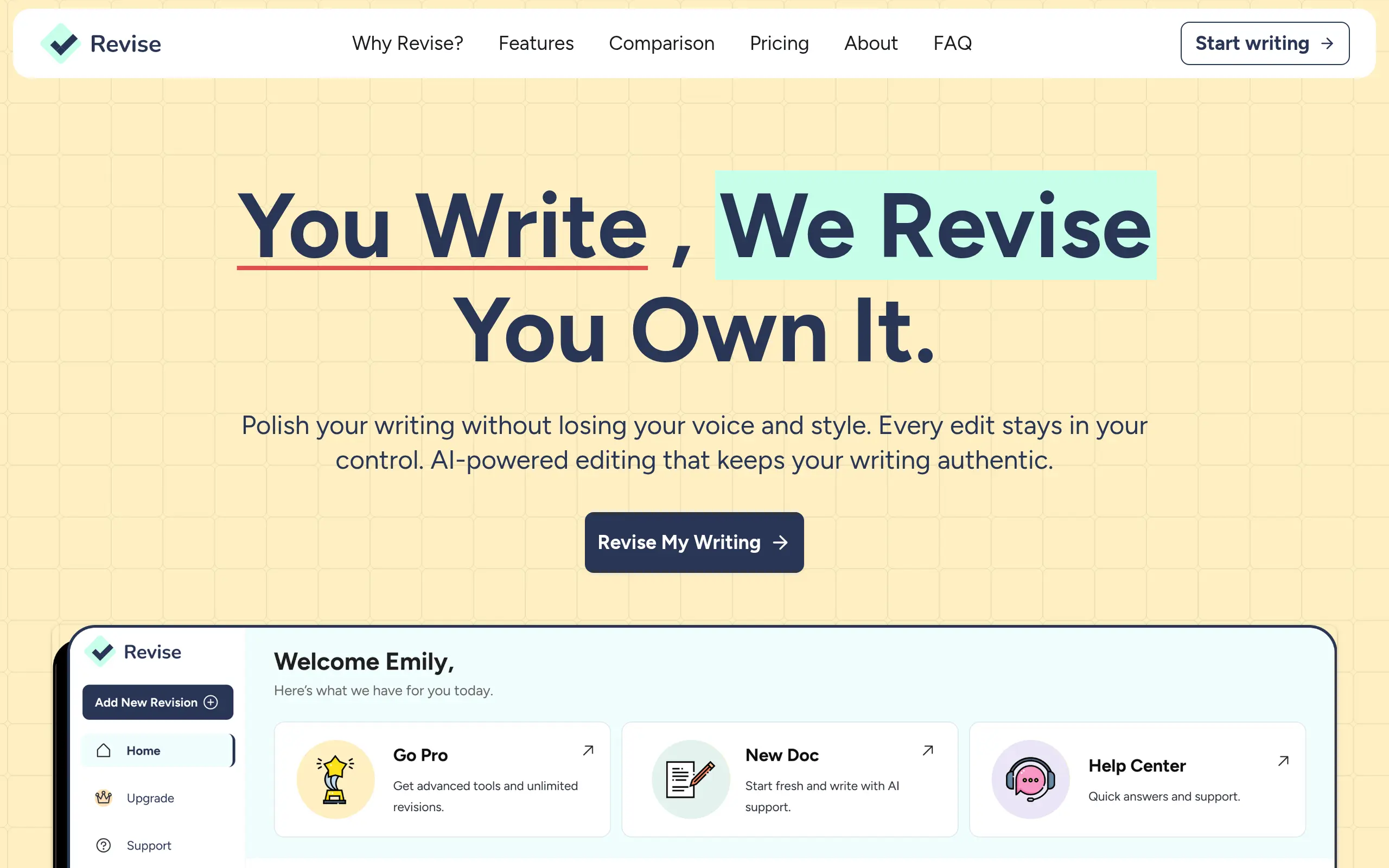
Ever stared at your screen, wondering if that email sounds too stiff or if your blog post makes sense? You're not alone. Writing can feel like a constant battle between sounding professional and sounding like yourself. That's where Revise comes in – it's an AI writing assistant that helps you polish your words without losing what makes your writing uniquely yours.
Unlike other tools that completely rewrite your content, Revise gives you the power to pick and choose which suggestions work for you. It learns how you write and adapts to your style, so you get help that actually sounds like you wrote it. Whether you're drafting emails, creating content, or working on important documents, this tool acts like a smart editor sitting right beside you.
The best part? You don't have to be a writing expert to use it. Revise helps catch those pesky grammar mistakes, suggests clearer ways to say things, and even helps when you're stuck on what to write next. It's like having a writing coach available 24/7, ready to help whenever you need it.
Revise Key Features
Full Control Over Edits: Review every change before it goes live. Accept or reject each suggestion so your writing sounds exactly how you want it to – not like a robot wrote it.
Customizable Style Rules: Set your own writing guidelines once and watch Revise follow them every time. Whether you prefer short sentences or specific terminology, it’ll remember your preferences.
Adaptive Learning: The more you use it, the better it gets at matching your voice. Revise picks up on your writing patterns and adjusts its suggestions to sound more like you with each document.
In-Document Brainstorming: Chat with AI right inside your document when you’re stuck. No switching between tabs – just type your question and get ideas flowing without losing your train of thought.
Voice-to-Text Conversion: Talk out your ideas and watch them turn into written text. Great for when inspiration strikes but typing feels too slow.
Multiple AI Models: Choose between different AI engines based on what you need. Pick the creative model for marketing copy or the precise one for technical documentation.
Our Take of Revise
For business owners looking to polish their writing without losing their personal touch, Revise offers something different. You get to keep full control over every edit the AI suggests, which means your emails, proposals, and content still sound like you wrote them. The customization options let you set up your own style rules, so once you train it on your preferences, it starts making suggestions that actually fit how you write.
The setup does take some time. You’ll need to spend a bit getting familiar with all the features and teaching the AI your writing style. But once you get it running, it can save you hours on editing and proofreading. The voice-to-text feature is handy for those times when you need to get ideas down quickly, and the built-in brainstorming chat helps when you’re stuck on how to phrase something.
One thing to consider is that there’s not much public info about the company or detailed user reviews yet. We also couldn’t find specifics about how it connects with other tools you might already use. The pricing details aren’t readily available either, so you’ll need to check their website or contact them directly for that info.
What sets Revise apart from other AI writing tools is how much it focuses on keeping your voice intact. Most AI editors try to make everything sound the same, but this one adapts to you. For businesses that value authentic communication with customers and partners, that’s a big plus. Just be prepared to invest some time upfront to get the most out of it.
Revise's Pricing
Revise.net offers three pricing tiers designed for different writing volumes and needs.
The Free plan costs $0/month and includes access to basic rules, basic AI models, 5,000 words per month, and requests up to 500 words, though users cannot modify the basic rules and receive limited support.
The Pro plan at $8/month (or $96 billed annually with 20% savings) provides unlimited rules and custom prompts, up to 200,000 words monthly, premium models including GPT 4.1 and Gemini 2.5 Flash, unlimited documents and requests, document chat capabilities, AI personalization to match your writing voice, speech-to-text input, and advanced support.
The Ultra plan at $20/month (or $240 billed annually) includes everything in Pro plus up to 2,000,000 words per month, access to the most advanced AI models like Claude Sonnet 4.5, the ability to handle longer documents and heavier workloads, beta feature access, extended speech-to-text input, and priority support.
All plans include yearly billing options that save 20% compared to monthly payments.
Final Thoughts about Revise
Writing doesn’t have to feel like a struggle between sounding professional and being yourself. With Revise, you get an AI assistant that respects your voice while helping you communicate better. Sure, there’s a learning curve as you set it up to match your style, but once you do, you’ll wonder how you managed without it.
The lack of public reviews and pricing info might make you hesitate, and that’s fair. But if you’re tired of generic AI tools that strip away your personality, Revise could be exactly what you need. It’s built for people who want their writing to improve without losing what makes it theirs.
Think about all those times you’ve rewritten the same email three times, or stared at a blank page not knowing where to start. This tool tackles both problems head-on. You get suggestions you can actually use, and when you’re stuck, the brainstorming feature helps you break through without switching between different apps.
Ready to see if Revise fits your writing workflow? Give it a try and see how it feels to have an AI editor that actually gets your style. Click the button below to get started.
Revise FAQs