Ekinox Introduction
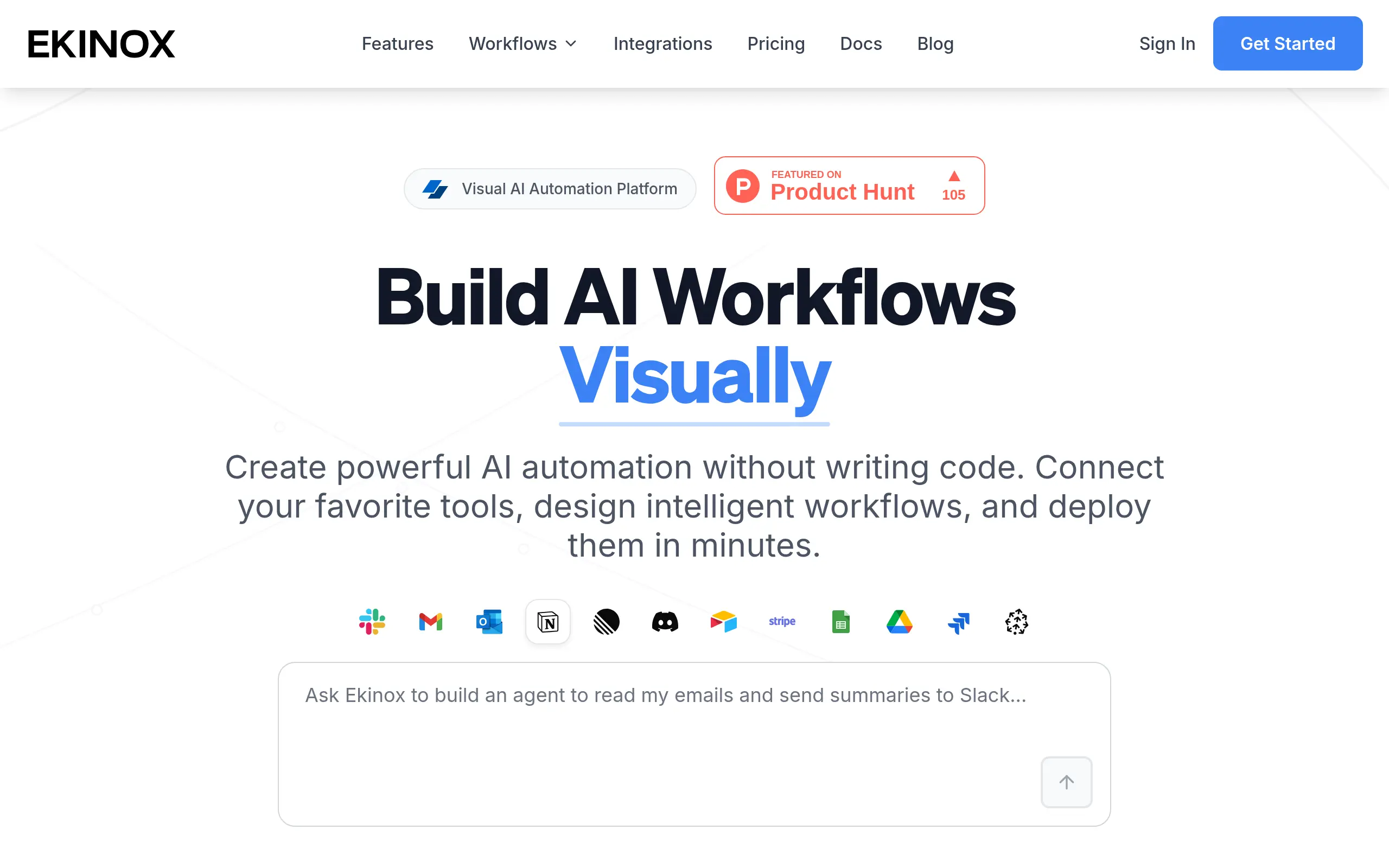
If you're tired of complex AI workflows that require coding skills or technical expertise, you're not alone. Many business owners struggle to automate their processes because traditional AI tools feel out of reach. That's where Ekinox comes in – it's a visual AI automation platform that lets you build and deploy AI workflows with simple drag-and-drop actions. No coding required.
Think of it as connecting building blocks. You can link over 100 different tools and AI models together to create automated workflows that actually work for your business. Whether you need to process customer data, generate content, or streamline your operations, Ekinox makes it possible without hiring a developer or learning to code.
What makes this tool different is how it brings AI automation to everyone. You don't need to be tech-savvy to use it. The platform works with popular AI models like GPT-4 and Claude, plus it connects with tools you probably already use. Your team can even work on workflows together in real-time, making collaboration simple and efficient.
For small and medium business owners who want to use AI but feel held back by technical barriers, Ekinox offers a practical solution. It's built to help you automate tasks, save time, and compete with larger companies that have bigger tech budgets. Let's take a closer look at what this platform can actually do for your business.
Ekinox Key Features
Visual No-Code Interface: Build complex AI workflows with simple drag-and-drop actions. You can create powerful automations without writing a single line of code, saving hours of development time.
100+ Tool Integrations: Connect your favorite apps and AI models in one place. From OpenAI to Google Workspace, you’ll streamline your entire tech stack into unified workflows.
Real-Time Team Collaboration: Work on workflows together with your team at the same time. See changes instantly and get projects done faster with shared workspaces that keep everyone in sync.
AI Copilot Assistant: Get smart suggestions while building your workflows. The AI assistant helps you create, fix, and improve automations, making you more productive from day one.
Multi-Model AI Support: Pick the perfect AI model for each task in your workflow. Whether you need GPT-4 for writing or Claude for analysis, you’re always using the best tool for the job.
Enterprise Security: Keep your data safe with bank-grade encryption and SOC2 compliance. Advanced access controls let you manage who sees what, giving you peace of mind as you automate.
Our Take of Ekinox
If you’re running a small business and constantly feel overwhelmed by the number of tasks you need to automate, Ekinox could be exactly what you need. The platform makes AI automation accessible to anyone, regardless of technical background. You don’t need to hire a developer or spend months learning to code – the visual interface lets you create workflows by simply dragging and dropping elements.
What makes Ekinox particularly useful for small business owners is how it connects with tools you’re already using. Whether you’re working with Google Workspace, Slack, or various AI models, you can link them all together in one workflow. This means you can automate repetitive tasks like processing customer inquiries, generating reports, or managing social media content without switching between multiple platforms.
The real-time collaboration feature stands out for teams. Multiple people can work on the same workflow at once, which speeds up the process of building and refining automations. The AI Copilot acts like a helpful assistant, suggesting improvements and explaining how different parts of your workflow function.
However, there are some limitations to consider. The free tier restricts how many workflows you can run, which might not be enough if you’re planning to automate multiple processes. As your usage grows, you’ll need to purchase AI credits, and costs can add up quickly. Some of the more powerful features are locked behind higher-tier plans, so you’ll need to evaluate whether the investment makes sense for your business size and needs.
For businesses just starting with AI automation, Ekinox offers a gentler learning curve compared to code-based alternatives. The platform’s strength lies in making complex AI workflows simple enough for anyone to build and manage. Whether it delivers enough value depends on your specific automation needs and budget constraints.
Ekinox's Pricing
Ekinox offers a tiered pricing structure with four plans to accommodate different automation needs.
The Free plan includes $5 in AI credits, supports 10 workflows per minute, basic integrations, community support, and 7 days of log retention.
The Pro plan at $30 monthly provides $30 in AI credits, unlimited workflows, all integrations, Copilot AI assistant, priority support, 30 days of logs, and advanced analytics.
The Team plan costs $100 monthly and includes $100 in AI credits, everything from Pro plus real-time collaboration, team management features, SSO/SAML authentication, 90 days of logs, and 10 workspaces.
The Enterprise plan at $500 monthly offers $500 in AI credits, unlimited workspaces, 24/7 dedicated support, unlimited log retention, custom SLA, on-premise deployment options, and custom integrations. All plans include SSL encryption, automatic backups, and a 99.9% uptime SLA.
The free plan requires no credit card, and all paid plans are billed monthly with the option to cancel anytime.
Final Thoughts about Ekinox
If you’re ready to stop letting technical barriers hold your business back, Ekinox might be the solution you’ve been looking for. The platform gives you the power to automate complex tasks without needing to become a tech expert overnight. Start small with a few simple workflows, then expand as you get comfortable with the interface. Your competitors are already using AI to work smarter – now you can too. The free plan lets you test everything out before committing any money, so there’s no risk in giving it a shot. Ready to see what AI automation can do for your business? Click the button below to try Ekinox today.
Ekinox FAQs