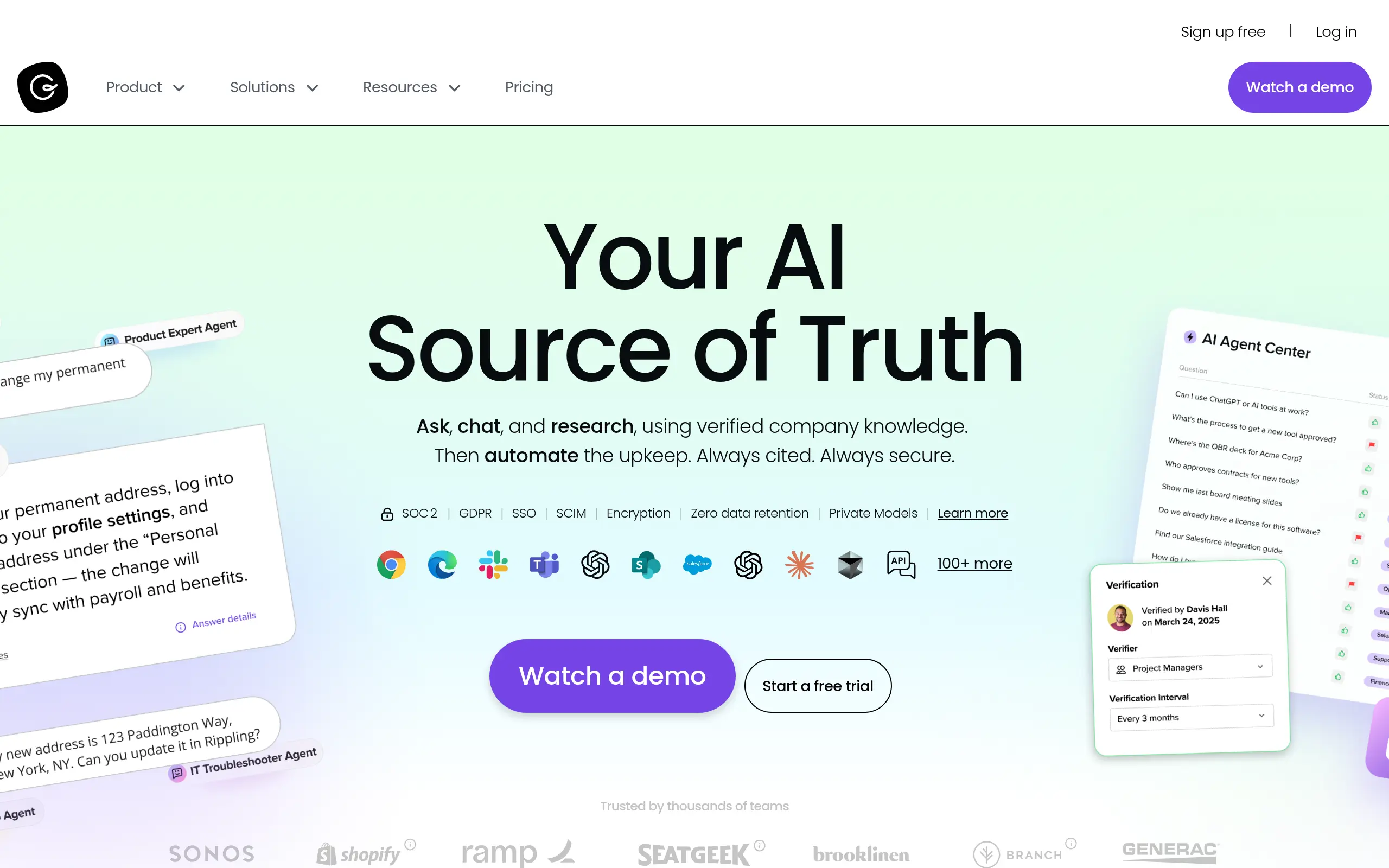
Guru Introduction
Ever feel like your team spends more time searching for information than actually getting work done? You're not alone. When important company knowledge is scattered across emails, documents, and different people's heads, it's like trying to find a specific needle in a haystack of needles.
This is where Guru comes in. It's a knowledge management platform that brings all your company's information into one place and uses AI to help you find what you need fast. Think of it as your team's shared brain that never forgets and always knows where everything is.
For small and medium business owners who are tired of watching productivity drop because employees can't find the right information, Guru promises to fix that problem. It works with tools you already use like Slack and Microsoft Teams, so your team doesn't have to learn a whole new system from scratch.
But here's the thing – not every knowledge management tool is right for every business. Some are too complicated, others don't integrate well with your existing setup, and many just create more work than they save. So let's take a close look at what Guru really offers and whether it's worth your time and money.
Guru Key Features
AI-Powered Search: Find exactly what you need in seconds without leaving your current work. The AI learns your patterns and delivers the most relevant information right when you need it.
Knowledge Cards: Break down complex information into bite-sized pieces that anyone can understand. Your team can quickly create, update, and share knowledge without writing lengthy documents.
Verification Workflow: Keep your information fresh and accurate with automatic reminders to review content. Subject matter experts get prompted to check and update knowledge, so you’re never working with outdated info.
Seamless Integrations: Access your knowledge base directly in Slack, Microsoft Teams, Zendesk, or Salesforce. No need to switch between apps – the information comes to you where you’re already working.
Browser Extension: Get instant answers while browsing any website. The extension puts your company’s knowledge at your fingertips, so you can reference important info without opening new tabs or windows.
Our Take of Guru
If you’re looking for a way to keep your team’s knowledge organized and accessible, Guru might catch your attention. It’s one of those tools that tries to solve a real problem – teams constantly asking each other the same questions and struggling to find information that’s scattered across different platforms.
The good news is that Guru does what it promises pretty well. Your team can create these knowledge cards that break down information into bite-sized pieces, and the AI search actually works. When someone needs an answer, they can find it quickly without bothering their coworkers. The integration with tools like Slack and Microsoft Teams means your team doesn’t have to learn a whole new system.
But here’s where it gets tricky. Setting up Guru isn’t as simple as clicking a few buttons. You’ll need someone tech-savvy to configure the advanced features, and even then, some team members might struggle with the learning curve. The search function, while generally good, sometimes gives you too many similar results – kind of like when you Google something and get pages of almost-but-not-quite what you wanted.
The verification workflow is smart. It reminds experts to check if information is still accurate, which prevents outdated info from misleading your team. That’s a feature many knowledge bases lack, and it could save you from costly mistakes.
Price-wise, you’re looking at a mid-range investment. It’s not cheap, but it’s not breaking the bank either. The real question is whether your team will actually use it. If they’re already comfortable with their current way of sharing information, getting them to adopt a new system might be harder than you think.
For small to medium businesses dealing with information chaos, Guru could streamline operations. But if your team is small enough that everyone knows everything already, or if you’re happy with a simple shared document system, this might be overkill. Consider your team’s size, technical comfort level, and how much time you’re currently wasting on repeated questions before making the jump.
Guru's Pricing
Guru offers flexible pricing with two main tiers.
The Self-serve plan costs $25 per seat per month with a 10-seat minimum (or $30 when billed monthly). This includes AI credits with usage limits, custom AI knowledge agents, secure AI search and chat capabilities, an AI-native verified knowledge base, customizable intranet, and basic usage monitoring.
For larger organizations, the Enterprise plan offers custom pricing with flexible AI credit pools and usage limits. This tier includes everything from the self-serve plan plus a dedicated success manager, SSO and enterprise integrations, SLA guarantees, advanced governance controls, and custom integrations.
Both plans include enterprise-grade security features such as zero data retention by third-party LLMs, private AI models, SOC 2 Type 2 and GDPR compliance, data encryption, role-based access control, SAML-based SSO, SCIM provisioning, and IP whitelisting. AI credits are consumed when Guru’s AI executes tasks, with different capabilities consuming credits based on complexity.
Guru also offers special non-profit pricing through their Guru for Good initiative for eligible 501(c)(3) organizations with over 50 users. The platform integrates with hundreds of tools including Slack, Microsoft Teams, Salesforce, and Zendesk, and supports content in all languages with instant translation to over 50 languages.
Final Thoughts about Guru
Look, finding the right knowledge management tool isn’t just about features – it’s about whether your team will actually use it. Before you decide on Guru or any other platform, ask yourself a few questions. How much time does your team waste right now looking for information? Are people constantly interrupting each other with the same questions? Is outdated information causing real problems?
If you answered yes to any of these, then investing in a proper knowledge management system makes sense. But if your team is small and communication flows naturally, or if you’ve tried similar tools before and they collected dust, maybe hold off.
The truth is, Guru works best for teams that are ready to commit to using it. That means taking the time to set it up properly, getting everyone on board, and actually maintaining your knowledge base. If you can do that, you’ll probably see real improvements in how your team shares information.
Want to see if Guru fits your team? The best way to know is to try it yourself. Take it for a test drive and see if it solves your specific problems. Just click the button below to get started.
Guru FAQs