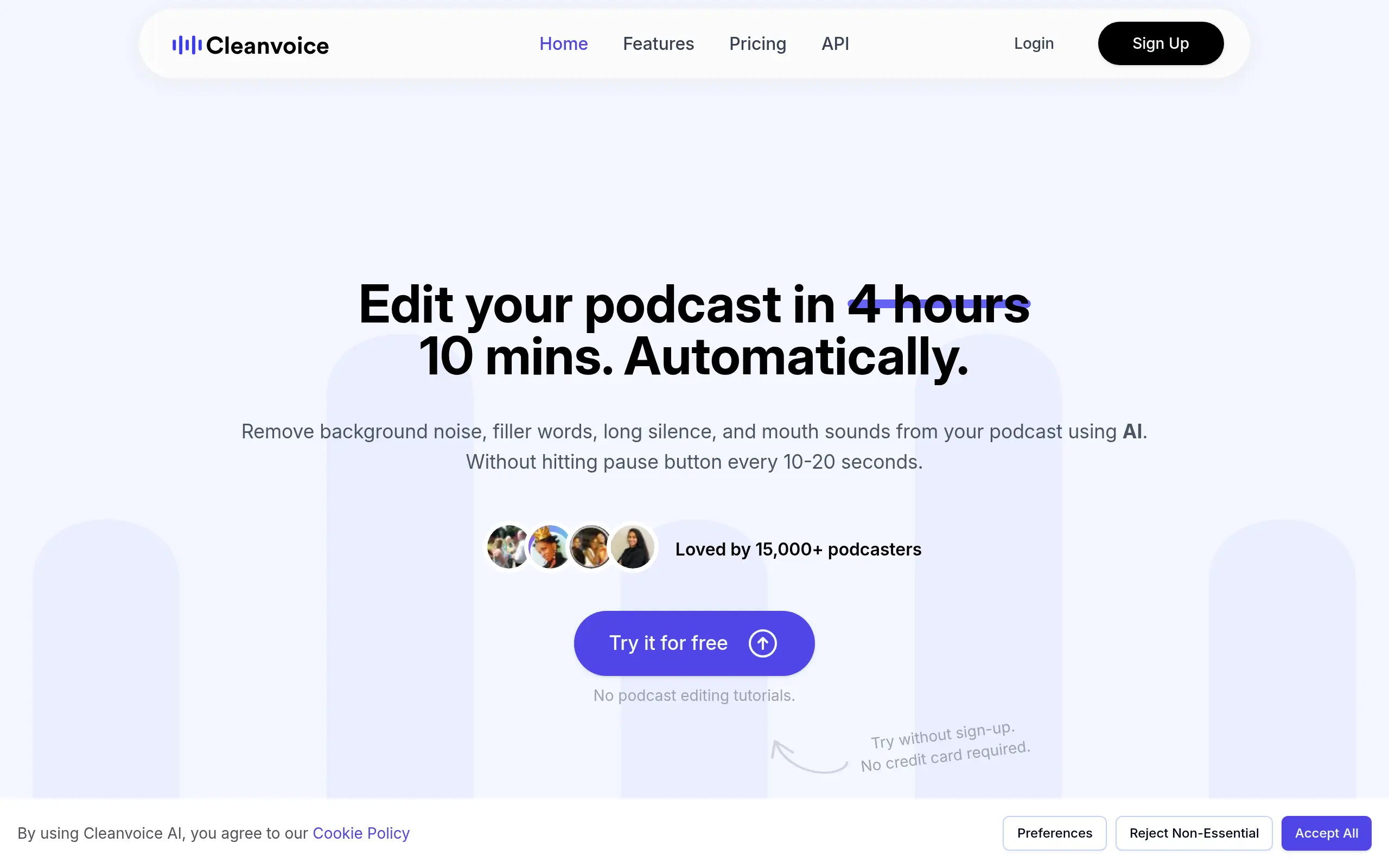
Cleanvoice AI Introduction
Ever spent hours editing out those annoying “ums” and “ahs” from your podcast? Or maybe you've been frustrated by background noise ruining what could have been a perfect recording? You're not alone.
Audio editing can eat up so much time that many creators start to dread it. That's where Cleanvoice AI comes in.
This tool promises to automatically clean up your audio files, removing filler words, mouth sounds, and background noise without you lifting a finger.
For busy business owners who want professional-sounding content without spending all day in editing software, this could be exactly what you need. But does it actually work as promised?
Let's find out if Cleanvoice AI can really save you time and deliver the clean audio you're after.
Cleanvoice AI Key Features
Filler Words Remover: Automatically catches and removes those pesky “ums” and “ahs” from your recordings in over 20 languages. Your speech sounds cleaner and more professional without hours of manual editing.
Background Noise Remover: Gets rid of annoying background sounds like traffic, fans, or room echoes. Your listeners hear your voice clearly without distractions.
Mouth Sound Remover: Eliminates lip smacks, clicks, and other mouth noises that make listeners cringe. Your audio sounds smooth and professional, like you recorded in a high-end studio.
Stutter Remover: Smooths out repeated words and phrases automatically. Your speech flows naturally without awkward repetitions breaking the rhythm.
Silence Remover: Finds and shortens long pauses in your recordings. Keeps your audience engaged by maintaining a steady pace throughout your content.
Podcast Transcription & Summary: Converts your audio into written text and creates quick summaries. Makes your content searchable and helps you repurpose it for blogs or social media posts.
Multitrack Editing: Edit multiple audio tracks at the same time while keeping everything in sync. Perfect for interviews or multi-host podcasts where timing matters.
Our Take of Cleanvoice AI
If you’re running a small business and creating audio content like podcasts or voice-overs, Cleanvoice AI could save you hours of editing time each week. The tool automatically removes those annoying “ums” and “ahs” that sneak into recordings, plus it cleans up background noise and mouth sounds that make audio less professional.
What makes this tool stand out for busy business owners is that you don’t need any technical skills to use it. Just upload your audio file and let the AI do its thing. You can work on it from any computer since it’s all online, which is perfect if you’re always on the go or working with a remote team.
The multilingual support is a big plus if you’re creating content in different languages or working with international clients. And the fact that it can handle multiple audio tracks at once means you can clean up interview-style podcasts or multi-person recordings without losing sync.
But here’s what you need to know before jumping in. Some users have found that the AI can be a bit too aggressive with its cuts, sometimes chopping off parts of words or creating awkward transitions. This means you’ll probably still need to review the edited audio and make some manual tweaks. The 400MB file size limit might frustrate you if you’re working with longer recordings, forcing you to compress files or split them up.
For the price point and time savings, Cleanvoice AI works well as a first-pass editing tool that handles the tedious stuff. Just don’t expect it to completely replace human editing, especially if your content needs to sound super polished. Think of it as a helpful assistant that gets you 80% of the way there, not a complete solution.
Cleanvoice AI's Pricing
The Free Trial allows users to try the service at no cost, with no credit card required.
The Pay-as-You-Go option offers flexible pricing for occasional users, with credits valid for 2 years. Plans include 5 hours of processed audio per month for $11 ($2.20/hour), 10 hours for $20 ($2.00/hour), and 30 hours for $45 ($1.50/hour). Users can purchase credits as needed.
The Subscription plan provides ongoing access with credits usable anytime during the subscription period. Unused credits roll over, up to three times the plan limit. Options include 10 hours of processed audio per month for $11 ($1.10/hour), 30 hours for $30 ($1.00/hour), and 100 hours for $90 ($0.90/hour).
Final Thoughts about Cleanvoice AI
So here’s the bottom line: if you’re tired of spending hours cleaning up your audio recordings, Cleanvoice AI could give you back a good chunk of your week. It won’t replace careful human editing entirely, but it’ll handle the boring stuff that makes you want to pull your hair out. Think about what you could do with those extra hours – create more content, connect with your audience, or just take a breather. The tool isn’t perfect, but for the time it saves, it’s worth testing on your next recording. Why not upload one of your recent audio files and see what happens? You might be surprised at how much cleaner it sounds with zero effort on your part. Ready to give it a shot? Click the button below to try Cleanvoice AI and see if it fits into your workflow.
Cleanvoice AI FAQs