Altered Introduction
Voice acting used to cost a fortune. Now you can create professional voice content from your desk with Altered, an AI tool that's changing how businesses handle audio production.
If you've ever needed voiceovers for videos, struggled to find the right voice for your brand, or wished you could clean up poor audio recordings, you know the frustration. Traditional solutions mean hiring voice actors, booking studio time, or settling for robotic text-to-speech that makes your business sound cheap.
Altered tackles these problems head-on. It lets you change voices in real-time, clone voices from short recordings, convert text to natural speech, and clean up messy audio files. Content creators use it for YouTube videos. Game developers create character voices. Even call centers use it to help agents sound more professional.
The big question is whether this tool actually delivers on its promises. Can AI really replace expensive voice talent? Will it work for your specific needs? And most importantly, is it worth your money?
We put Altered through its paces to find out. This review breaks down what works, what doesn't, and who should consider using it. You'll get the straight story on features, pricing, and real-world performance so you can decide if it fits your business.
Altered Key Features
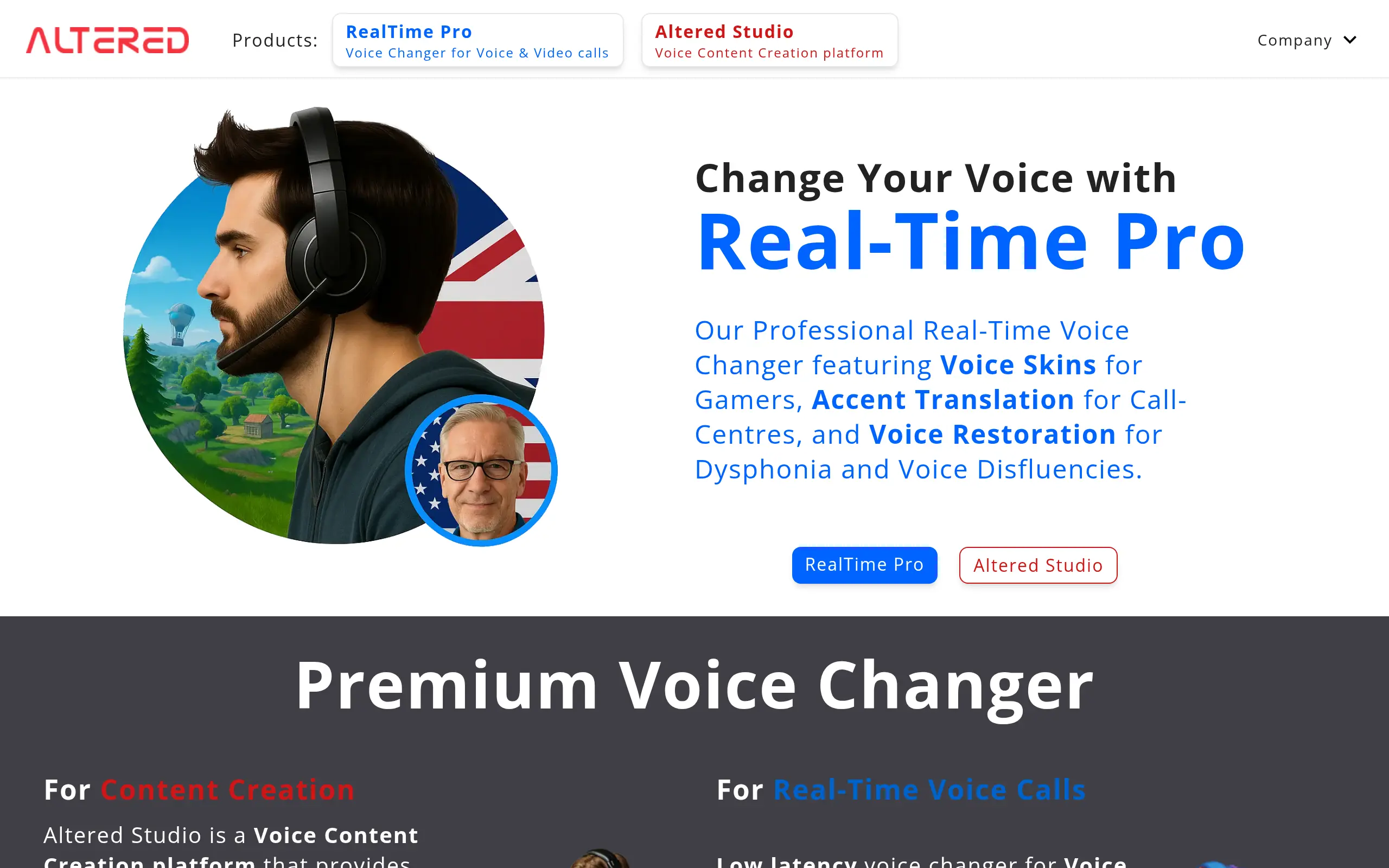
Real-Time Voice Changer: Transform your voice instantly during live calls on Discord, Zoom, and Microsoft Teams. Perfect for maintaining privacy in meetings or creating unique characters for your gaming sessions without any post-production work.
Voice Cloning: Create a digital copy of any voice with just a short recording. Save hours of recording time by generating consistent voiceovers for your videos or podcasts using your own voice or custom character voices.
Text-to-Speech (TTS): Convert written content into natural-sounding speech across multiple languages and accents. Skip expensive voice actor fees and produce professional narrations for your training materials or marketing videos in minutes.
AI Voice Cleaning: Remove background noise, filler words, and unwanted sounds automatically. Turn amateur recordings into studio-quality audio without hiring an audio engineer or learning complex editing software.
Voice Editor: Edit audio directly in your browser with both traditional effects and AI-powered tools. No need to download heavy software or learn complicated programs – just upload, edit, and export professional results.
Our Take of Altered
Altered gives you a lot of voice modification options that could really help your business create better audio content. Whether you’re making training videos, recording customer service examples, or creating marketing materials, this tool lets you work with voices in ways that save time and money.
The platform shines when it comes to cleaning up audio recordings. If you’ve ever recorded something and heard background noise or those annoying “ums” and “ahs,” you’ll appreciate how Altered can fix these issues automatically. This feature alone could save hours of editing time for businesses that regularly produce audio content.
Voice cloning is another standout feature, though you’ll want to use it carefully. You can create a digital version of your voice from just a short recording, which means you could update your phone system messages or create new content without having to record everything from scratch. Just make sure you’re following all the legal guidelines around voice cloning in your area.
The text-to-speech feature works well for creating quick voiceovers in multiple languages. This could be particularly useful if you serve customers who speak different languages or if you need to create training materials in various languages without hiring multiple voice actors.
One thing to keep in mind is that Altered requires a decent computer to run smoothly, especially for the real-time voice changing features. If your computer is older or you’re working with limited resources, you might experience some lag or performance issues.
Setting up Altered takes some time and patience. While the interface is pretty straightforward once you get going, the initial configuration can be tricky if you’re not tech-savvy. Plan to spend an hour or two getting everything set up the way you want it.
For Windows users, you’ll get access to all the features including real-time voice changing for calls and meetings. Mac and Linux users can still use the platform but won’t have access to the real-time features, which is worth considering if those features are important to your workflow.
The pricing structure offers different tiers based on your needs. Small businesses might find the lower tiers sufficient for occasional use, while companies that produce regular audio content will likely need the higher tiers with more processing time included.
When compared to hiring voice actors or spending hours editing audio, Altered could provide solid value for businesses that regularly work with voice content. The time savings and flexibility it offers make it worth considering, especially if you’re currently outsourcing voice work or spending significant time on audio editing.
Altered's Pricing
The Free Plan costs $0 under an Attribution License and includes 3 minutes per month of Voice Morphing, 10,000 AI Tokens, and Local Voice Cloning.
The Creator Plan, priced at $40 per month (excluding tax) and billed monthly under a Creator License, includes 60 minutes per month of Voice Morphing, 325,000 AI Tokens, Local Voice Cloning, Accent Voice Morphing, and Speaking Style Voice Morphing. It also offers a free trial option.
The Professional Plan, labeled as the most popular, costs $120 per month (excluding tax) and is billed monthly under a Commercial License. It includes 180 minutes per month of Voice Morphing, 1,000,000 AI Tokens, Unlimited Local Morphing, and Local Voice Cloning. It also offers all features from the Creator Plan, plus Flexible Voice Morphing, Performance Voice Morphing, and 48kHz Sample Rate Output.
Final Thoughts about Altered
Making professional voice content doesn’t have to drain your budget or take forever. Altered gives you the tools to create, edit, and enhance audio right from your computer. Whether you’re producing training videos, updating your phone system, or creating content in multiple languages, this tool could change how you handle voice work.
Think about how much time you spend on audio tasks each week. Recording multiple takes, editing out mistakes, or waiting for voice actors to deliver files. Now imagine cutting that time in half while getting better results. That’s what the right voice tool can do for your business.
Before jumping in, consider what you need most. Do you want to clean up existing recordings? Create voiceovers without recording yourself? Or change your voice during live calls? Your answer will help you decide if Altered fits your workflow and budget.
Take a few minutes to list your current audio challenges. Compare the cost of your current solutions to what Altered offers. Factor in not just money but also the time you’ll save and the new possibilities it opens up for your business.
Ready to see if Altered works for you? Click the button below to start your trial and transform how you create voice content.
Altered FAQs