Gomotion Introduction
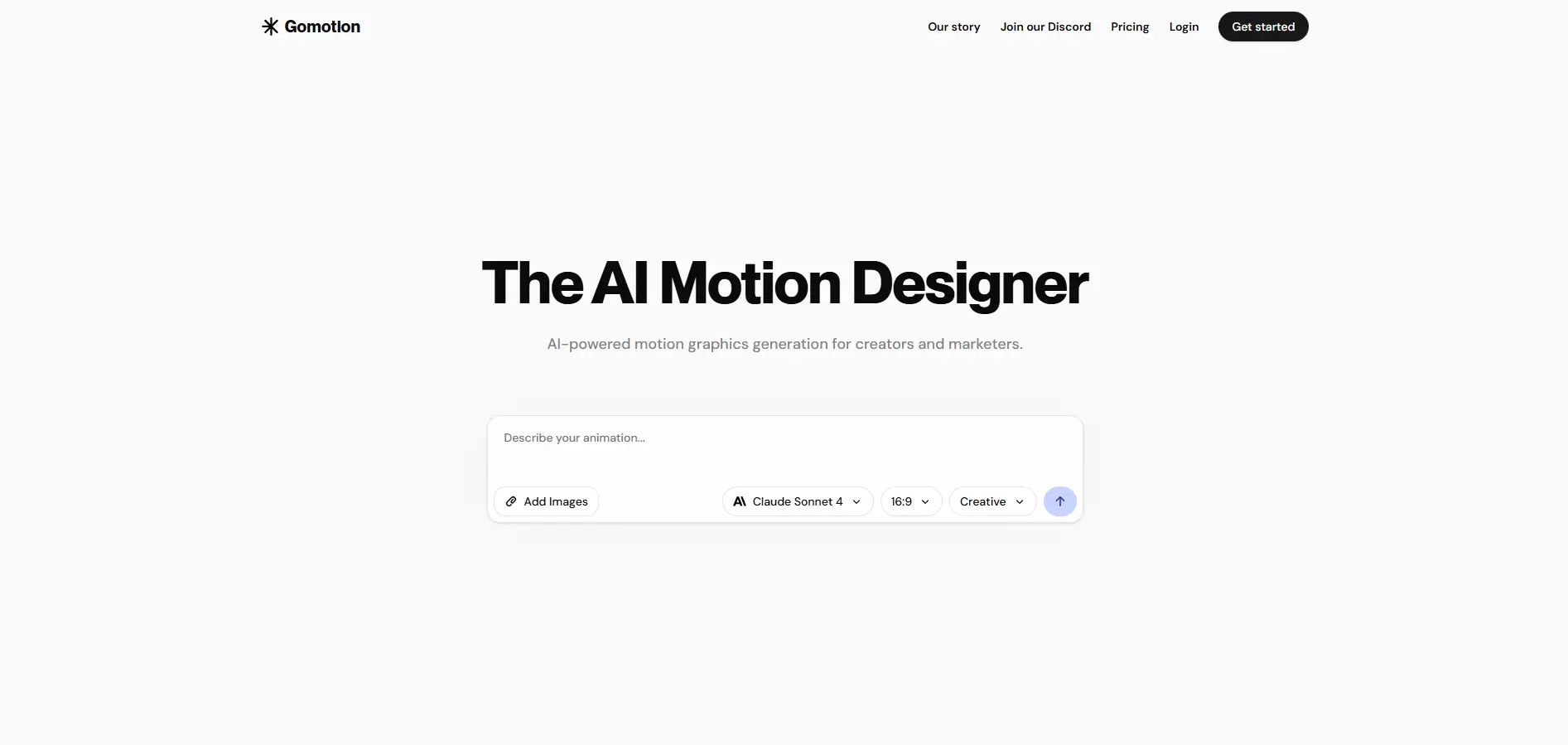
If you're tired of spending hours trying to create professional animations or paying big bucks for motion designers, Gomotion might be exactly what you need. This AI-powered tool takes your text descriptions and turns them into smooth, professional animations without any of the headaches that come with traditional animation software.
Think about the last time you wanted to create an eye-catching video for your business. Maybe it was for a product demo, social media post, or an ad campaign. You probably either settled for something basic or spent way too much time (and money) getting it done. That's where Gomotion steps in. It's built for people who want professional results without learning complicated software or hiring expensive designers.
The best part? You don't need any animation experience. Just type what you want to see happen, and Gomotion creates it for you. Whether you're making animated titles, captions, logos, or even full stories with moving images, this tool handles it all. It's especially useful if you're running a small business and need to create lots of content quickly without breaking the bank.
Gomotion Key Features
Text Animation from Prompts: Describe what you want your text to do, and Gomotion creates the animation for you. No more spending hours learning complex software – just type what you need and watch it come to life.
Narrative Mode: Turn your scripts into fully animated stories complete with synchronized images and videos. Create ads or short videos in minutes instead of days, perfect for keeping up with social media demands.
Responsive Design: Your animations automatically adjust to look great on phones, tablets, and computers. No need to create multiple versions – one animation works perfectly everywhere.
Brand Integration: Import your logos, colors, and brand elements once, then use them across all your videos. Keep your brand consistent without starting from scratch every time.
Complex Animations: Create professional charts, graphs, and simulations that would normally require a motion design expert. Make your presentations and explainer videos stand out without the steep learning curve.
Our Take of Gomotion
If you’re a small business owner who needs professional-looking videos but can’t afford a motion designer, Gomotion might be exactly what you’re looking for. This AI tool takes your text descriptions and turns them into animated graphics, which saves you from learning complicated software or hiring expensive freelancers.
The best part is how fast you can create content. Instead of spending hours figuring out keyframes and timing, you just type what you want and the AI handles the technical stuff. For busy entrepreneurs who need to pump out social media videos or product demos regularly, this speed is a huge advantage.
The brand import feature is particularly useful if you’ve already got your colors, fonts, and logos sorted out. You can upload your brand assets once and keep all your videos looking consistent, which helps build trust with your audience. This matters when you’re trying to look professional on a budget.
However, if you’re someone who likes to control every tiny detail of your animations, you might feel limited. The AI makes decisions based on your prompts, but sometimes it won’t match exactly what’s in your head. Traditional motion design software gives you more control, but that control comes with a steep learning curve and time commitment most business owners don’t have.
For the price point and ease of use, Gomotion offers solid value for businesses that need good-enough motion graphics quickly. It won’t replace a professional motion designer for high-stakes projects, but for everyday marketing content, social media posts, and basic product videos, it gets the job done without breaking the bank or your schedule.
Gomotion's Pricing
Gomotion offers three paid tiers.
The Standard plan costs $8.99 per month and includes 7,000 credits, up to 4K export quality, priority support, and a commercial license.
The Pro plan is priced at $29.99 monthly with 26,000 credits, 4K export capability, priority support, and commercial licensing.
For larger organizations, an Enterprise plan with custom pricing includes everything in the Pro plan plus a brand kit, no usage limits, and bespoke integrations. The free plan includes watermarks on exports, while paid plans remove this limitation and allow unlimited video creation.
Final Thoughts about Gomotion
At the end of the day, the right tool depends on what you need most. If you’re spending too much time or money on animations and just need something that works, Gomotion could save you both. Sure, it won’t match the pixel-perfect control of traditional software, but most businesses don’t need that level of detail. What they need is professional-looking content that connects with their audience, delivered fast enough to keep up with today’s content demands.
Think about your current animation workflow. How much time are you losing? How much are you spending on freelancers? If those numbers make you wince, it might be time to give AI-powered animation a shot. The technology has come far enough that it’s no longer just a gimmick – it’s a practical tool for real businesses with real deadlines.
Ready to see if Gomotion fits your needs? Take it for a test drive and create your first animation. Click the button below to get started.
Gomotion FAQs