Plus Introduction
Creating presentations from scratch takes forever, and let's be honest—most of us aren't design pros.
You've probably spent hours tweaking slides, trying to make them look professional, only to feel like something's still off. That's where Plus AI comes in.
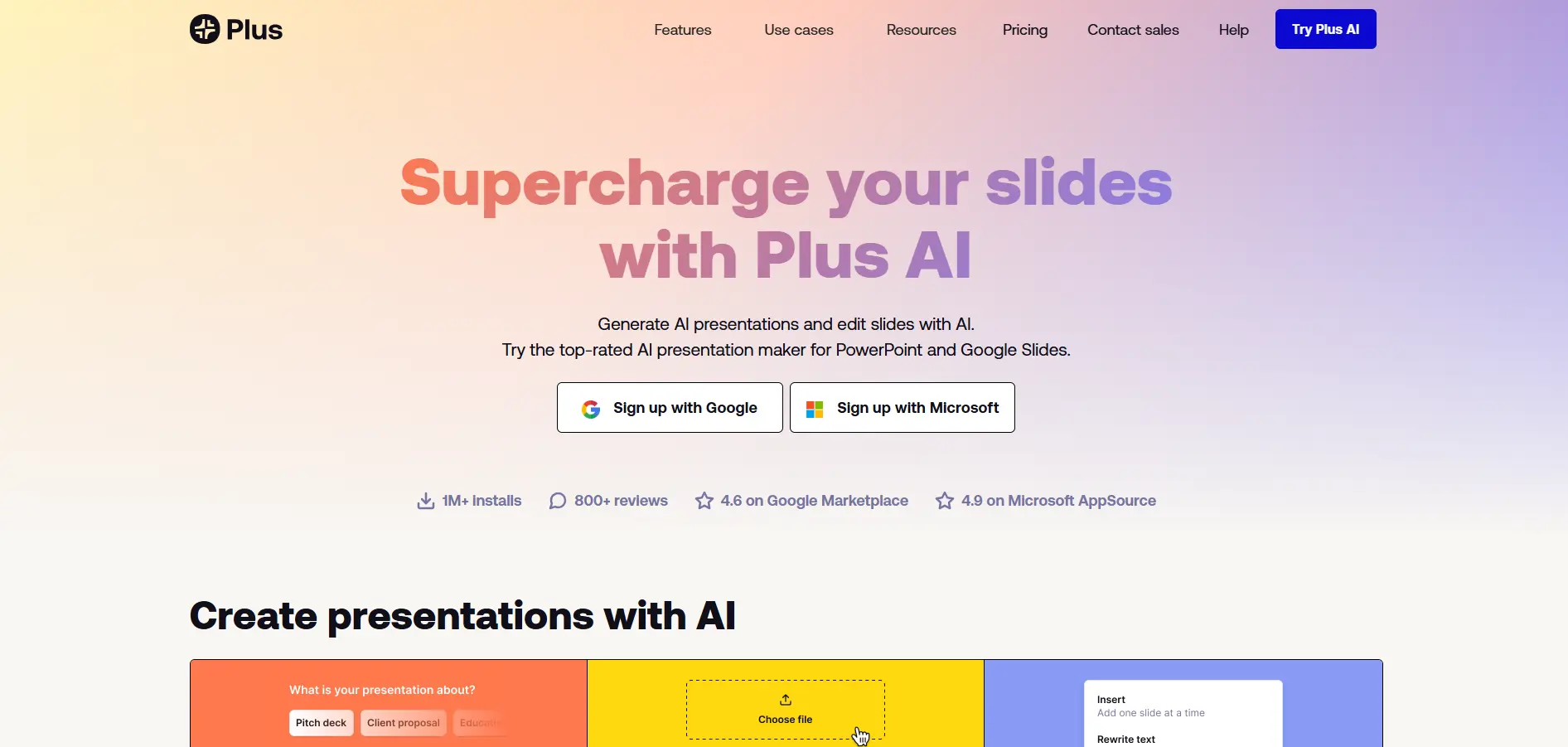
This AI-powered tool works right inside Google Slides and PowerPoint, so you don't have to learn new software or switch between different apps. It promises to turn your ideas into polished presentations in minutes, not hours.
Whether you're pitching to investors, training your team, or presenting quarterly results, Plus AI claims it can handle the heavy lifting while you focus on your message.
But does it actually deliver on these promises? Let's take a closer look at what this tool can really do for your business presentations.
Plus Key Features
AI-Powered Slide Generation: Create complete presentations in minutes by typing a brief description or uploading your existing documents. Turn PDFs, Word files, or plain text into polished slides that look like they took hours to make.
Seamless Integration: Work right inside Google Slides or PowerPoint without learning new software. Your team keeps using the tools they already know while getting AI superpowers added in.
AI Editing Tools: Fix and polish your slides with one click using smart rewriting, reformatting, and remixing features. Transform messy slides into professional ones without starting from scratch.
Custom Branding: Import your company’s templates, logos, fonts, and colors to keep every presentation on-brand. Your slides will always match your business identity without manual formatting.
Multilingual Support: Create and translate presentations in multiple languages to reach clients and partners worldwide. Break down language barriers without hiring translators.
AI Image Generation: Generate custom images, icons, and charts that match your content perfectly. Get professional visuals without design skills or expensive stock photo subscriptions.
Our Take of Plus
If you’re a small business owner looking to create presentations faster, Plus AI could be a real time-saver. The fact that it works right inside Google Slides and PowerPoint means you won’t have to learn a whole new program or switch between different apps.
The AI features do most of the heavy lifting for you. You can type a quick description or upload a document, and it’ll create a presentation outline and slides automatically. This could turn what normally takes hours into a 15-minute task. The custom branding options are particularly useful if you need to keep your presentations consistent with your company’s look.
However, there are some things to consider. Several users have mentioned problems with customer support, which could be frustrating if you run into issues. The image generation feature doesn’t always work as expected, so you might still need to find images elsewhere. And since it’s subscription-based, you’ll want to think about whether you create enough presentations to justify the monthly cost.
Compared to other AI presentation tools, Plus AI stands out because it works directly in the programs you probably already use. This integration makes it more convenient than tools that require you to export and import files. For busy business owners who create presentations regularly, the time savings could easily justify the cost. But if you only make a few presentations a year, you might want to stick with manual creation or look for pay-per-use alternatives.
Plus's Pricing
The Basic plan costs $10 per user per month when billed annually, or $15 monthly, and is ideal for individuals creating simple presentations, offering unlimited AI generation in Google Slides and PowerPoint, single-slide creation, and AI-powered rewriting and remixing.
The Pro plan, the most popular option, costs $20 per user per month annually or $25 monthly and includes everything in Basic plus document uploads (PDF, DOCX, TXT), long prompts up to 100,000+ characters, AI image generation, and unlimited team member collaboration.
The Team plan costs $30 per user per month annually or $40 monthly and adds advanced brand-focused features such as custom logos, colors, fonts, custom template uploads, saved instructions, prompt history, presets, team-wide branding, shared preset libraries, and all Pro capabilities.
The Enterprise plan is customized for organizations requiring complex designs, custom assets, automations, and integrations, offering advanced template options, asset-library integrations, workflows, white-glove setup, unlimited collaborators, custom slide libraries, and tailored integrations and workflows.
Final Thoughts about Plus
Creating presentations doesn’t have to eat up hours of your day. Plus AI shows that you can work smarter, not harder, by using AI right inside the tools you already know. While it’s not perfect—and you’ll want to weigh the subscription cost against how often you create presentations—the time you’ll save could free you up to focus on what really matters: growing your business.
Think about how many presentations you create each month. If you’re spending more than a few hours on them, Plus AI might pay for itself just in time saved. And since it works directly in Google Slides and PowerPoint, you can test it out without changing your whole workflow.
Ready to see if Plus AI can transform how you create presentations? Click the button below to give it a try and start creating professional slides in minutes instead of hours.
Plus FAQs