Cowriter Introduction
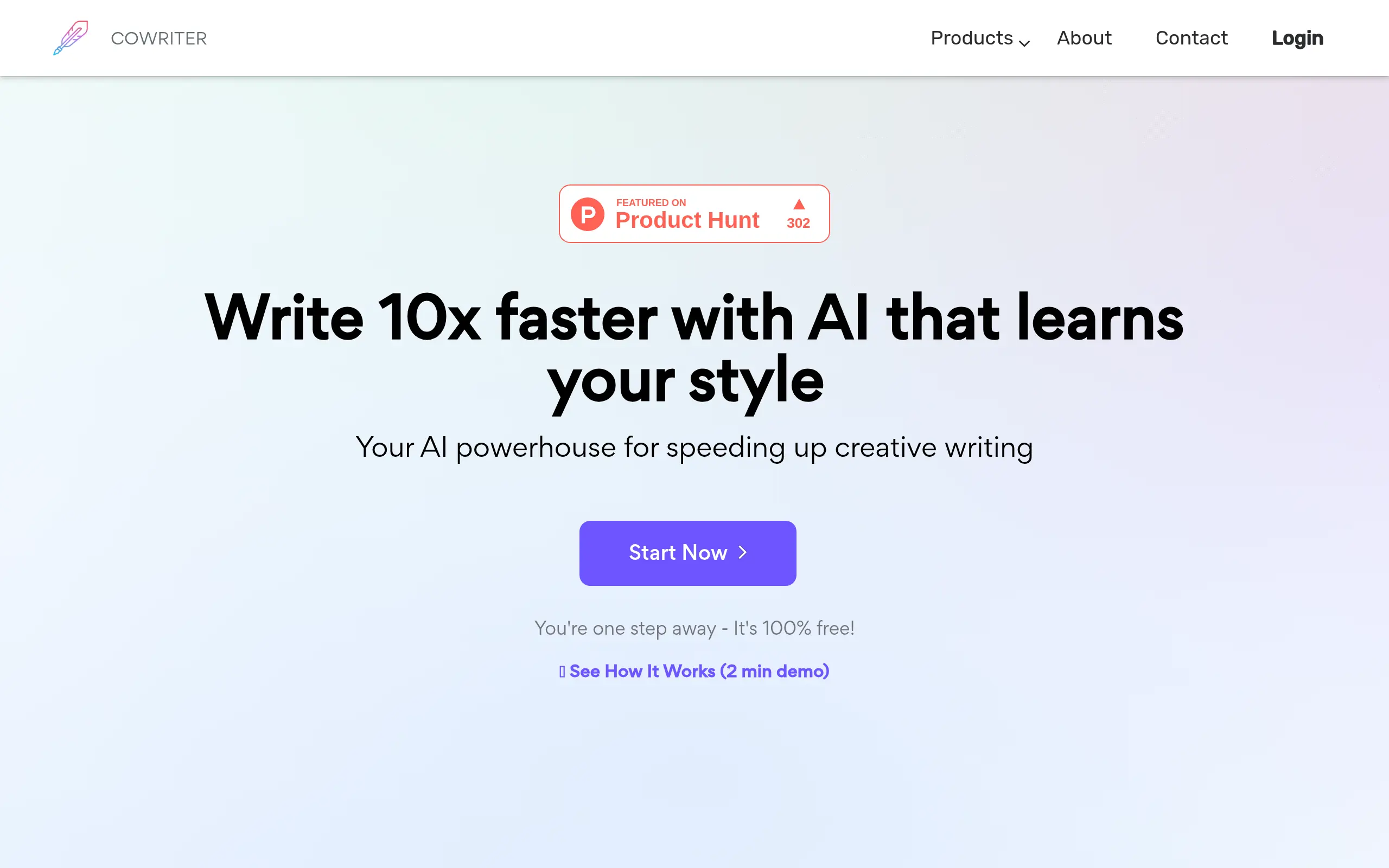
Ever feel like you're staring at a blank page for way too long? You're not alone. Whether you're writing blog posts, emails, or marketing copy, getting those first words down can feel impossible. That's where Cowriter comes in—it's like having a writing buddy who never gets tired and always has ideas ready to go.
Think about all those times you've struggled to find the right words or spent hours editing the same paragraph over and over. Or maybe you've wished you could write faster without sacrificing quality. Cowriter tackles these exact problems by using AI to help you write better content in less time.
For business owners who need to create content regularly but don't have a dedicated writing team, this tool could be a real lifesaver. It helps with everything from finishing your sentences when you're stuck to checking your grammar and even translating your content into other languages. Let's take a closer look at what Cowriter brings to the table and whether it's worth adding to your toolkit.
Cowriter Key Features
AI-Powered Autocompletion: Get real-time suggestions that complete your sentences and paragraphs for you. This means you’ll write faster and spend less time staring at a blank page.
Grammar and Style Checking: Receive smart word predictions that catch grammar mistakes and improve your vocabulary. Your writing will sound more polished without hiring an editor.
Translation Support: Write in one language and translate to another with a few clicks. You can create content for international customers without speaking multiple languages.
Speech Recognition: Talk to your computer and watch your words appear on screen. This lets you write hands-free when typing feels too slow or your hands are tired.
Citation Formatting Aid: Format citations in APA, MLA, IEEE, or Harvard styles automatically. You’ll save hours on academic or research writing without memorizing citation rules.
Outline Builder: Create organized outlines that give your documents clear structure. Your readers will follow your ideas more easily when everything flows logically.
Our Take of Cowriter
CoWriter offers small business owners a practical solution for speeding up their content creation without breaking the bank. If you’re juggling blog posts, social media content, or customer emails, this tool can help you write faster with its real-time suggestions and autocomplete features.
The grammar checking and translation support make it particularly useful if you’re working with international customers or need to polish your writing. You won’t need extensive training to get started – the interface is straightforward enough that you can jump in and start writing immediately.
However, there are some things to consider. You’ll need a reliable internet connection since it’s cloud-based, which could be frustrating if you travel frequently or work from areas with spotty wifi. Some users also mention wanting more control over how the AI suggests content, so if you have a very specific brand voice, you might find yourself editing more than you’d like.
For the price point, CoWriter delivers solid value compared to hiring a freelance writer or editor. It’s especially helpful if you’re creating routine content like product descriptions or FAQ pages. Just don’t expect it to completely replace human creativity – think of it more as a writing assistant that helps you get your ideas down faster.
Before committing, test it with your typical writing tasks to see if it fits your workflow. Since there’s no mention of direct integrations with popular business tools, you’ll want to check how easily you can move content between CoWriter and your other platforms.
Cowriter's Pricing
Cowriter offers three flexible options to suit different creative needs.
You can start for free with a no-commitment plan that includes 2,000 words, access to the writing editor, real-time web data, the image generator, the AI chat assistant, email tools, and human support, all with the ability to cancel anytime.
For small projects, you can add a one-time boost of 10,000 words for $8, which also includes marketing copy tools in addition to the standard features.
If you need full creative freedom, the “No Limits” plan provides unlimited words for $15 per month and includes all available tools—writing editor, real-time web data, image generation, AI assistant, marketing copy, email support, and human help—with the option to cancel anytime.
Final Thoughts about Cowriter
Writing doesn’t have to feel like pulling teeth anymore. With CoWriter helping you finish sentences, catch grammar mistakes, and even translate your content, you can focus on what you actually want to say instead of how to say it. Sure, it has its limits – you’ll need good internet and might wish for more customization options – but for most small business owners, those trade-offs are worth the time you’ll save.
Before you decide, think about your biggest writing challenges right now. Are you spending too much time on routine content? Struggling with grammar or need help writing for international customers? If you answered yes to any of these, CoWriter could make your work life easier. The best part is you don’t need to be tech-savvy to use it – just open it up and start typing.
Ready to see if CoWriter can help you write faster and better? Give it a try and see how much time you could save on your next project. Click the button below to get started.
Cowriter FAQs