DeepTagger Introduction
Ever spent hours typing data from PDFs into spreadsheets? You're not alone. Most business owners waste countless hours on manual data entry, and those old OCR tools just can't handle the messy, real-world documents we deal with every day.
That's where DeepTagger comes in. This AI tool turns your unstructured documents into organized data without any coding or technical setup. Think of it as having a smart assistant who can read through your invoices, contracts, and forms, then pull out exactly what you need.
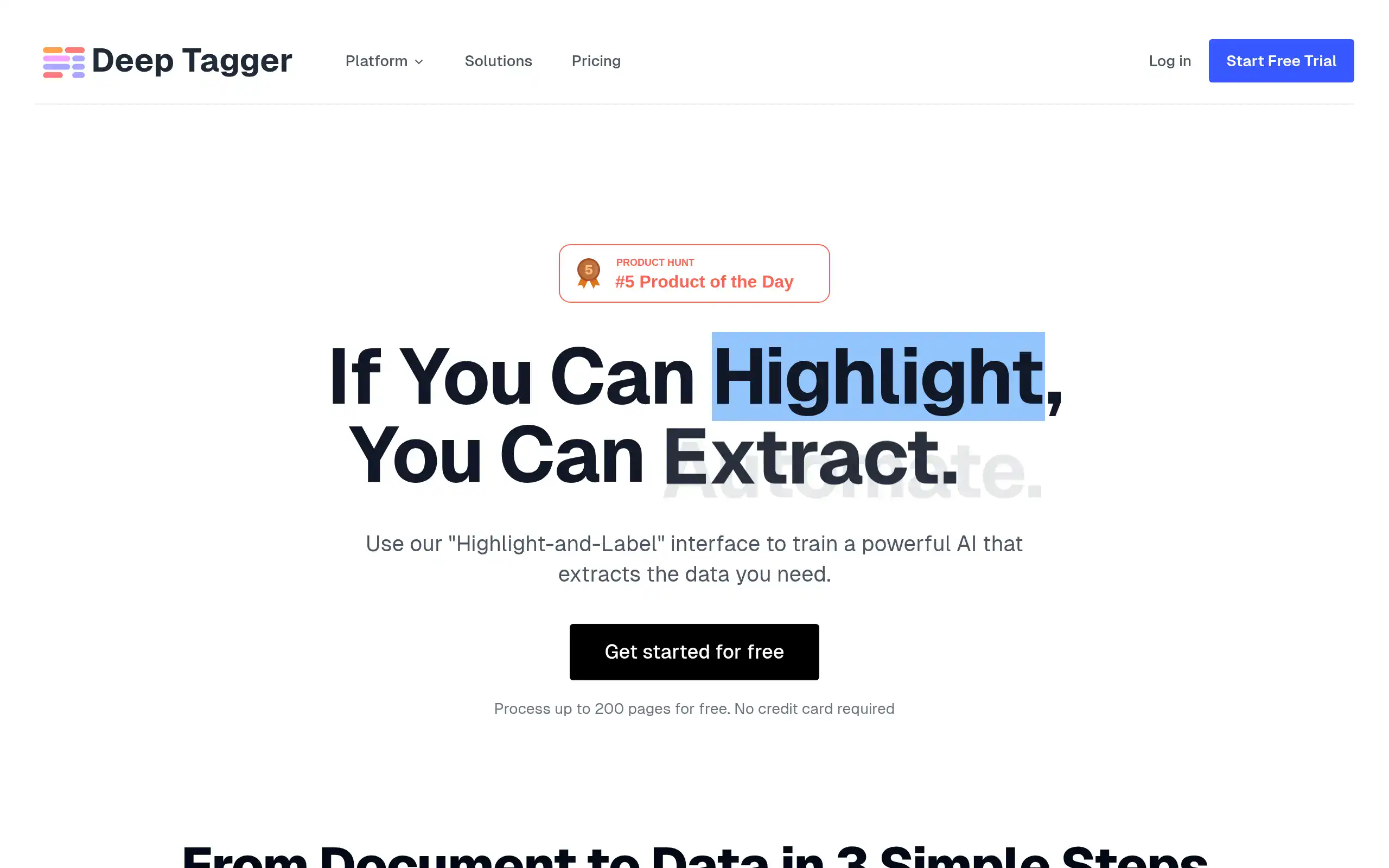
What makes DeepTagger different is how simple it is. You just highlight the info you want extracted and label it. The AI learns from your examples and starts doing the heavy lifting for you. No templates to build, no programming required.
Whether you're drowning in invoices, processing applications, or managing contracts, this tool promises to cut your document processing time by up to 90%. And since it launched in 2025, thousands of businesses have already made the switch from manual data entry to automated extraction.
DeepTagger Key Features
Highlight-and-Label Interface: Train the AI by highlighting and labeling data in your documents – no coding required. This means you can start extracting data in minutes, not days, saving your team countless hours of manual work.
Template-Free Extraction: Process any document format without creating templates for each type. Whether you’re dealing with invoices from 50 different vendors or contracts in various formats, DeepTagger adapts automatically.
Nested Structure Support: Extract complex data like multi-line invoices or hierarchical documents with perfect accuracy. You won’t miss important details buried in tables or sub-sections anymore.
Built-in OCR Technology: Convert scanned documents and images into searchable, extractable text instantly. This means you can digitize years of paper files and make them useful for your business.
Contextual Understanding: Get more than just text extraction – DeepTagger understands what the data means. It knows the difference between a shipping address and billing address, making your extracted data ready to use.
Multiple File Format Support: Upload PDFs, Word docs, JPGs, PNGs, and text files all in one platform. No more juggling between different tools or converting files – everything works seamlessly together.
Our Take of DeepTagger
If you’re looking for a way to turn messy documents into organized data, DeepTagger might catch your attention. This tool lets you highlight and label what you want to extract – no coding needed. That’s pretty handy if you’re not tech-savvy but still need to process lots of paperwork.
What sets it apart from regular OCR tools is how it understands context. Instead of just reading text, it figures out what that text means in your document. So if you’re dealing with invoices that have multiple items or contracts with different sections, it can handle those without getting confused.
The free starter plan is a smart move – you can test it out before spending money. This matters for small businesses watching every dollar. You won’t need IT help to get started either, which saves both time and consulting fees.
But let’s be real about some limitations. Your results depend on how well you highlight and label things. If you’re inconsistent, the AI gets confused. And if your team needs to work together on documents, the collaboration features might feel basic compared to other business software.
For businesses drowning in paperwork – think insurance claims, legal contracts, or shipping documents – this could speed things up significantly. You’re basically teaching a computer assistant to read your documents the way you do. Once it learns, it keeps extracting that same data from new documents automatically.
The bottom line? If manual data entry is eating up your time and traditional OCR tools aren’t smart enough for your documents, DeepTagger offers a middle ground that’s worth trying. Just start with the free tier and see if it actually saves you time before upgrading.
DeepTagger's Pricing
DeepTagger offers a consumption-based pricing model with no platform fees or hidden costs. You pay only for the tokens processed during document extraction.
The Pay As You Go tier is free for up to 200 documents and includes document upload capabilities for PDFs, images, and text files, a visual annotation interface, advanced schema design for complex nested data structures, augmented text processing with precise position mapping, and API access. This tier is ideal for small businesses, freelancers, and proof-of-concepts.
The Production Scale tier is designed for growing businesses with consistent document volume and includes everything in the Pay As You Go plan plus K-Score Analytics with a 100-point confidence scoring system, one-out testing for automated validation, a batch prediction engine for processing hundreds of documents, and priority support. Volume discounts are available at this level.
The Enterprise tier offers custom pricing and includes all Production Scale features plus multi-tenant architecture with separate data isolation, workflow automation using Temporal-based processing pipelines, compliance-ready frameworks supporting SOC2, GDPR, and HIPAA, and 24/7 premium support with a dedicated success manager.
Pricing is transparent and predictable with automatic volume discounts applied as usage increases. Document complexity determines token usage, with simple invoices using fewer tokens than complex legal contracts. Real-time usage and cost tracking is available through the dashboard. Enterprise pricing is available upon request.
Final Thoughts about DeepTagger
At the end of the day, you know your business better than any tool ever will. DeepTagger gives you a way to teach AI exactly what matters in your documents without getting bogged down in technical stuff. The real question isn’t whether AI can help with your paperwork – it’s whether you’re ready to stop doing data entry the hard way.
Start small. Pick your most annoying document type – maybe those vendor invoices that come in 20 different formats. Use the free tier to see if DeepTagger can actually handle them. If it saves you even an hour a week, that’s 52 hours a year you just got back.
Want to see if DeepTagger fits your workflow? Give it a shot with their free starter plan. Click the button below to get started.
DeepTagger FAQs