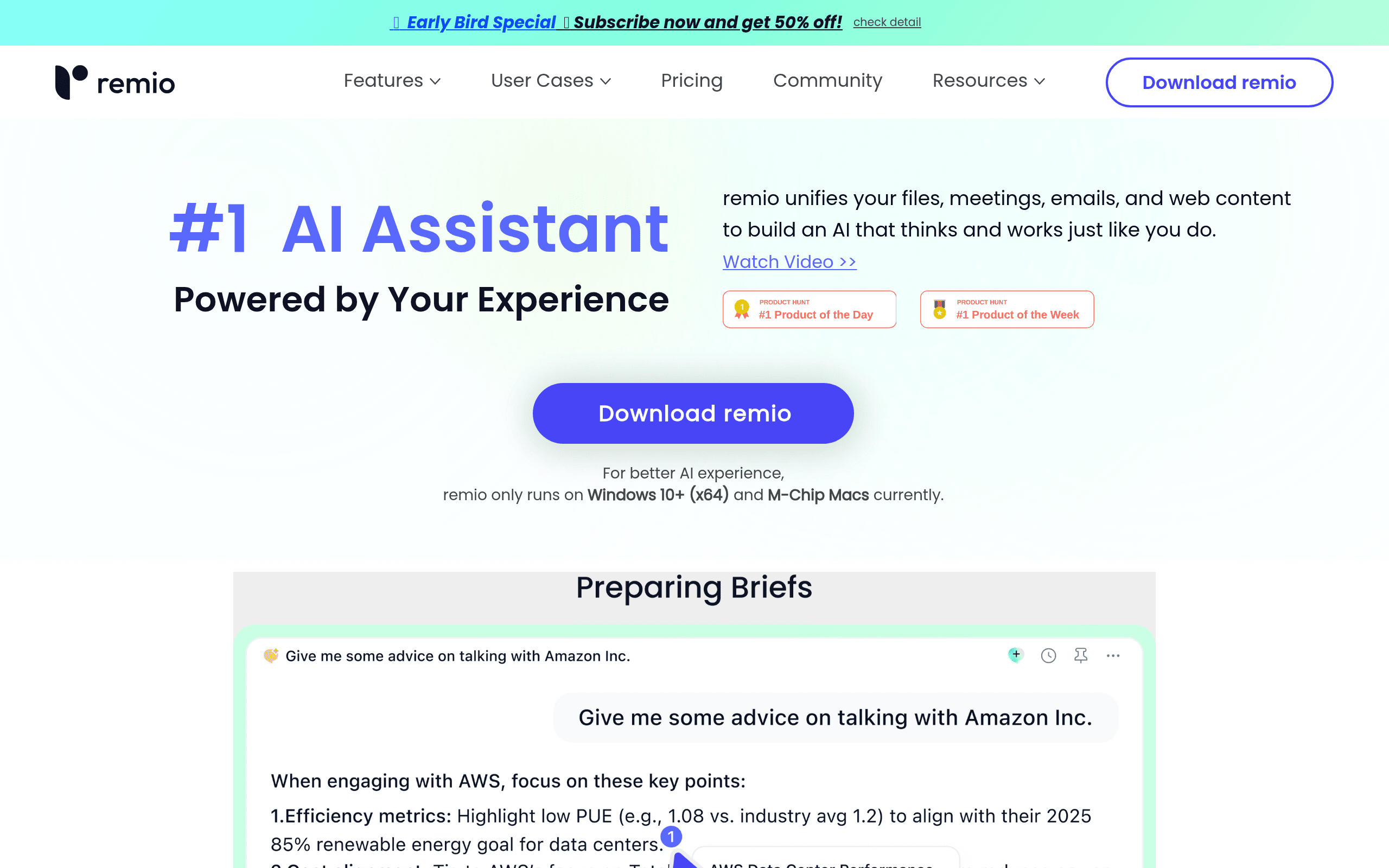
Remio Introduction
Ever feel like you're drowning in information? You save articles, take notes, bookmark pages, and somehow still can't find that perfect piece of research when you need it most. If you're running a business or managing projects, this constant information juggling act probably sounds way too familiar.
What if your computer could automatically capture everything you read, watch, and work on, then help you find exactly what you need with a simple question? That's where Remio comes in. This AI-powered tool works quietly in the background, collecting information from your web browsing, documents, emails, and meetings. When you need something specific, just ask Remio like you'd ask a colleague, and it pulls up the answer from your personal knowledge base.
For business owners and professionals who spend hours searching through old emails, trying to remember which document had that important detail, or wishing they could instantly recall something from a meeting three months ago, Remio promises to be that reliable assistant who never forgets. Plus, since all your data stays on your own computer instead of floating around in the cloud, you don't have to worry about sensitive business information ending up where it shouldn't.
Let's dig into whether Remio actually delivers on these promises and if it's worth adding to your productivity toolkit.
Remio Key Features
Automatic Information Capture: Remio works quietly in the background, grabbing content from your web browsing, documents, emails, and messages. You’ll never lose track of important information again since everything gets saved automatically without you lifting a finger.
AI-Powered Search and Q&A: Ask questions in plain English and get instant answers from all your saved information. Instead of digging through folders and files, you just type what you need and Remio finds it for you.
Personalized AI Learning: The more you use Remio, the smarter it gets about your work style and needs. You’ll get responses and suggestions that actually match how you think and work, making your research faster over time.
Local-First Data Storage: Your information stays on your computer, not floating around on someone else’s servers. You control your data completely and can even use your own AI connection for extra privacy protection.
Browser Extension Integration: Capture web content with a single click right from Chrome. You won’t need to switch between apps or copy-paste information – everything flows straight into your knowledge base while you browse.
Our Take of Remio
If you’re running a business and constantly juggling information from emails, meetings, and research, Remio could be the solution you’ve been looking for. This AI-powered tool takes care of the heavy lifting by automatically capturing and organizing all your scattered data into one searchable knowledge base.
What makes Remio particularly appealing for business owners is its local-first approach. Your sensitive business data stays on your device, not floating around in someone else’s cloud. This is a big deal if you’re handling confidential client information or proprietary business strategies.
The automatic capture feature is where Remio really shines. Instead of manually copying and pasting information or trying to remember where you saw that important detail, Remio quietly collects everything in the background. You can then ask questions in plain English and get answers pulled from your entire knowledge base.
However, there are some limitations to consider. Right now, Remio only works on Mac and Windows, so if your team uses Linux or other systems, you’re out of luck. The lack of integration with popular business tools like Notion or Obsidian could also create workflow hiccups if these are central to your operations.
For small to medium businesses looking to get a handle on information overload, Remio offers solid value. The time saved from not having to manually organize and search through documents can be significant. The personalized AI that learns your business context over time is a nice touch that sets it apart from generic search tools.
The bottom line? If you’re drowning in information and need a private, intelligent way to manage it all, Remio is worth trying. Just be prepared for a bit of a learning curve and check that it fits with your existing tech stack before fully committing.
Remio's Pricing
Remio offers three pricing tiers with annual billing options.
The Free plan costs $0/month and includes 100 AI credits monthly, unlimited capture and organization of webpages, files, emails, and Slack content, markdown writing, webpage highlighting and commenting, basic collections and search, plus upcoming mobile app and 2-device sync capabilities.
The BYOK (Bring Your Own Key) plan is $6.20/month when billed annually (currently 50% off from $149/year), offering everything in Free plus full AI features with your own LLM keys from providers like OpenRouter, OpenAI, Google, Anthropic, and xAI. This plan ensures 100% data privacy and includes upcoming full cross-device sync.
The Pro plan costs $8.30/month annually (50% off from $199/year) and provides 2,000 AI credits monthly, enabling over 300 pro queries and 1,000+ hours of auto-overview and auto-minutes for recordings. Both paid plans include a 14-day free trial, smart collections, enhanced support, and multi-device sync for up to 1 million files.
All plans include core features like webpage capture, folder and file management, unlimited recording transcripts, and integration with Slack, email, and WeChat. Additional credit packs will be available for purchase separately when the included credits are exhausted.
Final Thoughts about Remio
Running a business means dealing with an endless stream of information, and keeping track of it all feels like a full-time job on its own. Remio offers a fresh approach to this old problem by doing the organizing for you. Instead of spending your evenings searching through emails or trying to remember where you saved that important document, you could let Remio handle the heavy lifting while you focus on growing your business.
The real question is whether the time you’ll save is worth the investment. Think about how many hours you spend each week searching for information, recreating lost notes, or asking team members to resend documents. If that number makes you wince, Remio might be exactly what you need.
Before jumping in, take a moment to consider your current workflow. Do you work primarily on Mac or Windows? Are you comfortable with your sensitive business data staying on your device? Can you work without direct integrations to tools like Notion for now? If you’re nodding along, you’re probably a good fit for what Remio offers.
The beauty of Remio is that it grows smarter the more you use it. Your first week might feel like you’re teaching it the ropes, but after a month, it’ll feel like having a personal assistant who knows exactly where everything is and what you need before you ask.
Ready to stop drowning in information and start actually using it? Give Remio a try and see if it transforms how you manage your business knowledge. Click the button below to get started.
Remio FAQs