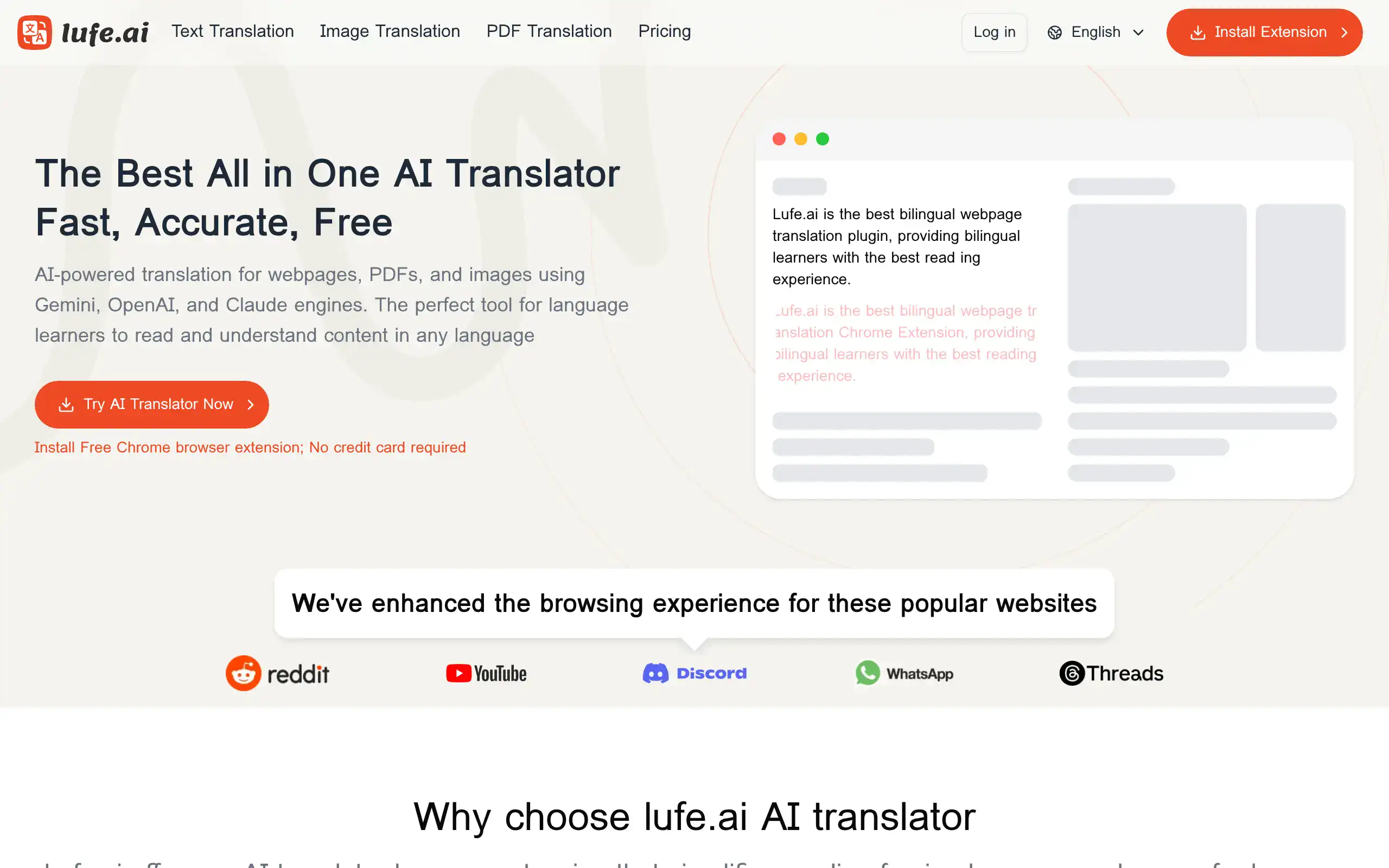
Lufe Introduction
If you're tired of language barriers slowing down your business or content creation, you're not alone.
Whether you're trying to translate customer emails, research documents in different languages, or communicate with international clients, getting accurate translations quickly can feel like a constant struggle. That's where Lufe AI comes in – an AI-powered translation tool that promises to break down these barriers with speed and accuracy.
Unlike basic translation tools that often miss context and nuance, Lufe uses advanced AI engines like ChatGPT, Claude, and Gemini to understand not just words, but meaning. Supporting over 100 languages and handling everything from web text to PDFs and images, it's built for people who need translations that actually make sense.
Let's take a closer look at what Lufe AI offers and whether it lives up to its promises.
Lufe Key Features
AI Translation Engines: Get accurate translations powered by ChatGPT, Claude, and Gemini. These smart engines understand context, so your translations sound natural instead of robotic.
Multi-Format Support: Translate text, images, and PDFs all in one place. No need to switch between different tools when you’re working with various file types.
Bilingual Reading Enhancement: See original and translated text side by side. This helps you learn new languages faster by comparing words and phrases in real-time.
Customizable Display Styles: Adjust how translations appear on your screen. Choose the layout that works best for your eyes and reading style.
Audio Translation with Pronunciation Support: Translate audio content and hear how words should be pronounced. Great for learning new languages or working with international voice recordings.
Extensive Language Support: Access translations for over 100 languages. Connect with customers and partners worldwide without language getting in the way.
Fast Translation Speed: Get high-quality translations in seconds, not minutes. Keep your workflow moving without waiting around for results.
Our Take of Lufe
Lufe AI brings some interesting tech to the translation space with its mix of AI engines like ChatGPT, Claude, and Gemini. For small business owners working with international clients or teams, the ability to translate web content, images, and PDFs in one place could save real time. The support for over 100 languages means you’re probably covered no matter where your customers are based.
The bilingual reading feature stands out if you’re learning a new language or checking translations for accuracy. Seeing the original and translated text side by side helps catch any meaning that might get lost. The customizable translation models could be useful if you work in a specific industry with lots of technical terms.
But here’s where things get tricky. There aren’t many user reviews out there yet, which makes it hard to know how well it actually works day to day. One person reported trouble canceling their subscription and said the tool didn’t work as expected. That’s concerning, especially if you’re running a business and need reliable tools.
The free plan gives you a chance to test things out before committing any money. Given the subscription issues someone reported, that’s probably the smart way to go. Try it with your actual business content and see if it delivers what you need. If you’re dealing with sensitive business documents, you’ll want to pay extra attention to their privacy policies and maybe test with less critical content first.
For now, Lufe AI looks promising on paper but needs more real-world testing and user feedback before we can confidently say it’s worth your business dollars. Start with the free version, test it thoroughly with your specific needs, and keep an eye on those subscription terms before upgrading.
Lufe's Pricing
LUFE AI offers four pricing tiers to accommodate different translation needs.
The Free Plan provides basic features with no AI translation credits, supporting only machine translation through Google, Bing, and Yandex, with a 1500-word limit for image and PDF translations.
The Starter Plan at $9.99 includes 5 million AI translation credits, which typically translates to about 2,500 pages.
This tier removes word limits for image and PDF translations and includes AI translation through ChatGPT, Claude, and Gemini, plus custom translation styles.
The Standard Plan at $19.99 doubles the AI credits to 10 million and adds early access to new features.
The Premium Plan at $39.99 provides 50 million AI translation credits with 24/7 email support instead of the standard 7-day response time.
All paid plans include unlimited machine translation, AI-powered translation capabilities, custom translation styles, and no word limits for document processing.
The service offers a 7-day refund policy for unused portions of the service.
Final Thoughts about Lufe
So what’s the bottom line? If you’re dealing with language barriers in your business, Lufe AI could be worth a look. The tech looks solid with those AI engines working together, and being able to translate images and PDFs along with regular text is pretty handy. But with those subscription concerns floating around, you’ll want to test it carefully before putting down any money.
Start with the free plan and really put it through its paces. Try translating your actual business documents, customer emails, or whatever you need it for. See how accurate it is with your industry’s specific terms. Test the cancellation process before you upgrade, just to be safe. And if you work with sensitive information, double-check their privacy policies first.
The lack of user reviews means you’re kind of an early adopter here. That could work out great if the tool delivers what it promises, or it could mean dealing with some growing pains. Only way to know is to try it yourself and see if it fits your needs.
Ready to give Lufe AI a shot? Click the button below to start with their free plan and see if it’s the translation solution you’ve been looking for.
Lufe FAQs