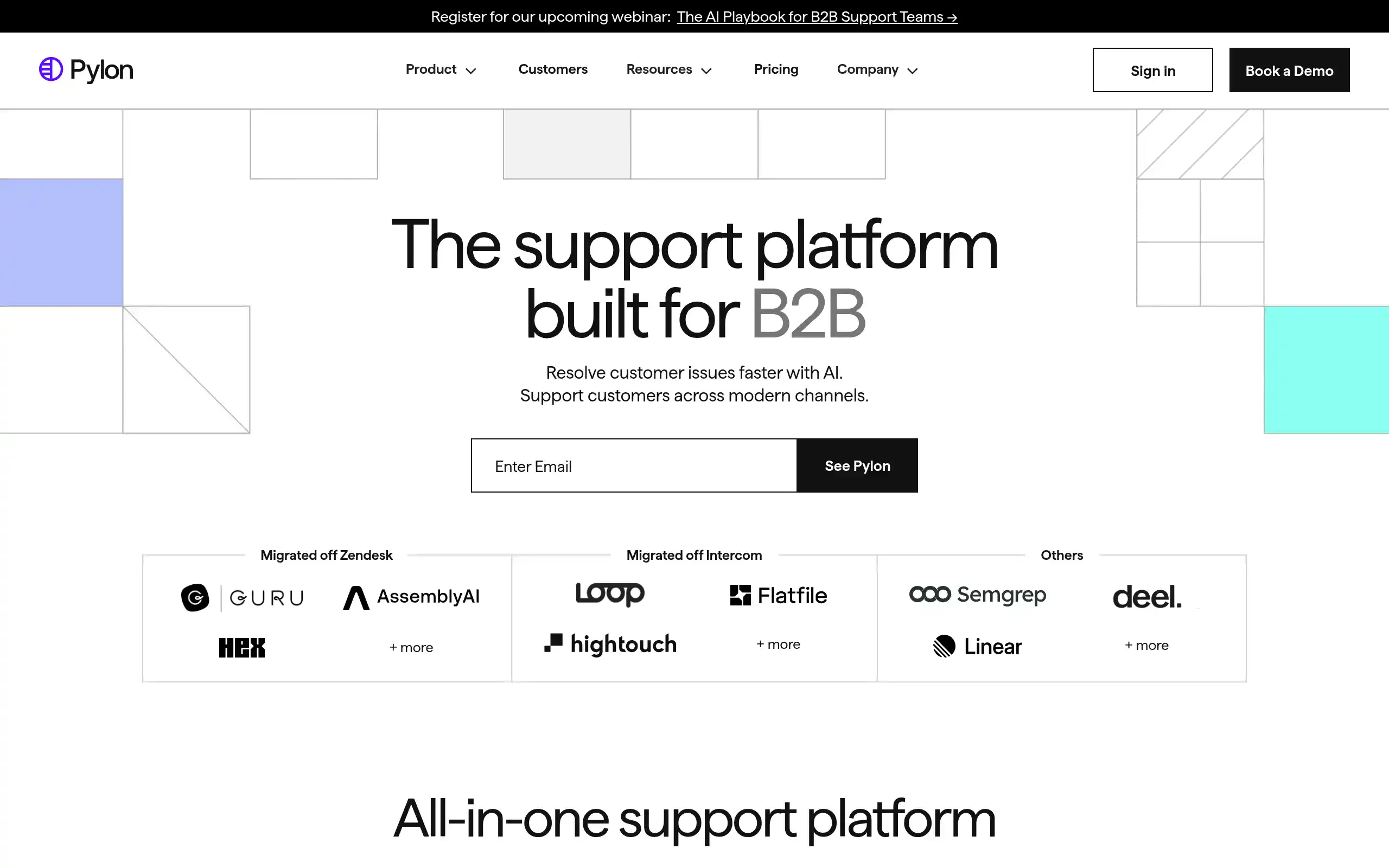
Pylon Introduction
If you're tired of juggling customer conversations across Slack, Teams, email, and other platforms, you're not alone.
B2B support teams everywhere struggle with the same problem – customers reach out through different channels, important messages slip through the cracks, and response times suffer.
That's where Pylon comes in. This AI-powered platform brings all your customer conversations into one place, helping you respond faster and keep nothing from falling between the cracks.
Think of it as your support team's command center, where AI handles the repetitive stuff so your team can focus on what really matters – helping customers solve real problems. Whether you're drowning in support tickets or just trying to keep your growing customer base happy without hiring a massive support team, Pylon promises to change how you handle B2B customer support.
Pylon Key Features
Omnichannel Support: Bring all your customer conversations from Slack, Teams, email, chat widgets, and Discord into one inbox. No more switching between apps or missing messages – your team can respond faster and work together on tickets.
AI Agents & Assistants: Let AI handle the repetitive stuff like sorting tickets and drafting responses. Your team gets help writing replies, translating messages, and summarizing long conversations so they can focus on actually helping customers.
Knowledge Management: Your support articles write themselves based on what customers actually ask about. The AI spots gaps in your documentation and can translate everything into 50+ languages automatically.
Account Intelligence: See everything about your customers in one place – support tickets, sales data, and success metrics. You’ll know which accounts need attention before they even reach out.
Workflow Automation: Set up triggers and templates that handle routine tasks automatically. Your team follows the same process every time without having to think about it, making everything run smoother.
Customer Portal: Give your customers their own space to submit tickets, track progress, and share files. They can see their history and work with your team directly, which means fewer follow-up emails for everyone.
Our Take of Pylon
Pylon brings something fresh to B2B customer support, but it’s not without its quirks. If you’re running a growing business and your support team is drowning in tickets from Slack, Teams, and email, this platform could be a real time-saver. The AI features are genuinely helpful – they can cut your response times from half an hour to just a few minutes, which your customers will definitely notice.
The biggest catch? The pricing gets complicated fast. Those AI features and account intelligence tools that make Pylon stand out aren’t included in the base package. You’ll need to buy them separately, which can really add up. For a small team on a tight budget, this might sting a bit.
Setting up Pylon takes some work, especially if you’re moving from something like Zendesk. It’s not a plug-and-play situation. Your team will need time to learn the ropes, particularly with the AI features. But once you’re up and running, the platform plays nicely with tools you probably already use like Salesforce, HubSpot, and Jira.
Here’s the bottom line: if your B2B support team is stretched thin and you have the budget for the full package, Pylon could seriously improve your operations. The AI automation and unified inbox can free up your team to handle the tough stuff while routine questions get answered automatically. Just make sure you factor in all the module costs before committing, and give your team enough time to get comfortable with the system.
Pylon's Pricing
Pylon offers flexible pricing across three product categories: Platform, Account Intelligence, and AI solutions.
Platform pricing starts at $59/seat/month for the Starter plan (3 seat minimum), which includes basic support features like email, chat widget, ticket forms, and knowledge base.
The Professional plan at $89/seat/month adds Slack integration, broadcasts, automations, analytics, and API access.
Enterprise pricing is $139/seat/month (7 seat minimum) and includes Microsoft Teams support, customer portal, custom reporting, data warehouse access, and RBAC.
Account Intelligence has a free Base tier with limited features, while the Premium tier costs $10/customer account/month (50 account minimum) and includes playbooks, unlimited AI queries, customer health monitoring, AI fields, and custom notebooks.
AI solutions include AI Agents starting at $100/month (scales with ticket volume) for autonomous ticket handling with runbooks and workflows, and AI Assistants at $50/seat/month for features like knowledge gap detection, AI summaries, issue copilot, and live translation.
All plans are billed annually with discounts available. Monthly billing is also available at higher rates. The platform supports viewer-only seats on Professional and Enterprise tiers. Additional details about specific features and integrations are available for each pricing tier.
Final Thoughts about Pylon
So there you have it – Pylon could be exactly what your B2B support team needs to stop drowning in tickets and start actually helping customers. The real question is whether the time savings and happier customers are worth the investment for your business. Take a few minutes to think about how much time your team spends switching between Slack, Teams, and email every day. Add up those wasted hours and frustrated customers, and the math might surprise you.
If you’re ready to see if Pylon can transform your customer support from chaos to calm, why not give it a shot? Your future self (and your support team) will thank you when they’re answering tickets in minutes instead of hours. Want to try Pylon for yourself? Click the button below to get started.
Pylon FAQs