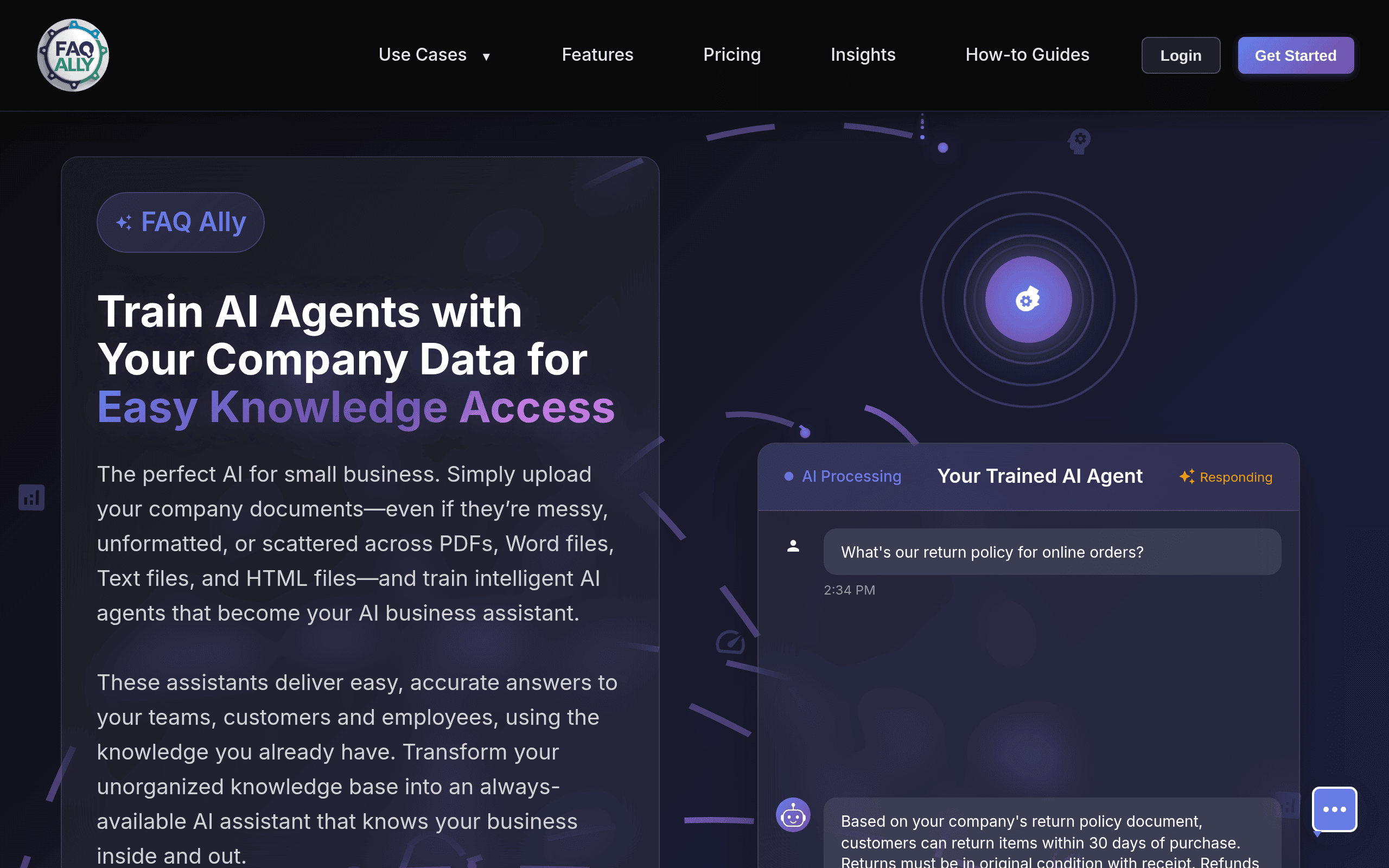
FAQ Ally Introduction
If you're tired of your team asking the same questions over and over, or spending hours searching for information that should be at their fingertips, you're not alone.
Small businesses lose countless hours each week when employees can't find the answers they need. That's where FAQ Ally comes in – it's an AI-powered platform that puts all your company knowledge in one easy-to-find place. Instead of digging through old emails or interrupting coworkers for help, your team gets instant access to accurate information whenever they need it.
Let's take a closer look at how this tool works and whether it's the right fit for your business.
FAQ Ally Key Features
AI-Driven Knowledge Base Creation: Let the AI automatically build and organize your company’s FAQs and important info. You’ll save hours of manual work while getting a professional knowledge base that grows with your business.
Intelligent Search Functionality: Find what you need in seconds with smart search that understands what you’re looking for. Your team spends less time hunting for answers and more time getting work done.
User-Friendly Interface: Get your whole team using it right away with a simple design that makes sense. Even your least tech-savvy employees can find and share information without any training.
Customization Options: Make the knowledge base match your brand and specific business needs. You get a system that feels like it was built just for your company, not a generic one-size-fits-all solution.
Collaboration Tools: Let your whole team add and update information together in real-time. Your knowledge base stays fresh and accurate because everyone can contribute their expertise when they spot something that needs updating.
Our Take of FAQ Ally
FAQ Ally offers a smart solution for small businesses looking to get their information organized and easily accessible. The AI-powered approach to building knowledge bases could save you significant time compared to manually creating FAQs and documentation from scratch.
The lack of publicly available details about the platform makes it tough to give you the full picture though. Without user reviews or detailed feature breakdowns, you’re essentially going in blind if you decide to try it. This isn’t ideal when you’re making decisions about tools that will impact your team’s daily workflow.
The missing pricing information is a red flag for budget-conscious business owners. You can’t properly evaluate if FAQ Ally fits your budget or offers good value without knowing what it costs. Most reputable business tools are upfront about their pricing tiers.
If you’re currently drowning in scattered information across different documents and emails, FAQ Ally’s centralized approach could help. But without clear integration details, you won’t know if it plays nicely with your existing tools until after you’ve committed.
For now, we’d suggest reaching out to FAQ Ally directly for a demo and pricing details before making any decisions. There are several established knowledge base tools like Notion, Confluence, or even simple solutions like Google Docs that might meet your needs with more transparency about features and costs. Until more information becomes available about FAQ Ally’s capabilities and user experiences, it’s hard to recommend it over these proven alternatives.
FAQ Ally's Pricing
The Starter plan costs $39 per month and includes 1,000 queries, 100 MB of storage, unlimited users, 2 AI agents, and 50 image-to-text conversions.
The Small plan is $49 per month and provides 2,500 queries, 500 MB of storage, unlimited users, 5 AI agents, and 150 image-to-text conversions.
The Medium plan, the most popular option, is $69 per month and offers 7,500 queries, 2 GB of storage, unlimited users, 15 AI agents, and 500 image-to-text conversions.
The Large plan costs $129 per month and includes 15,000 queries, 5 GB of storage, unlimited users, 30 AI agents, and 1,000 image-to-text conversions. Each plan comes with a free trial.
Final Thoughts about FAQ Ally
Bottom line: FAQ Ally could be the answer to your team’s information chaos, but the lack of transparency makes it tough to know for sure. If you’re spending too much time answering the same questions or watching your team struggle to find basic information, it’s worth exploring. Just make sure you get a full demo and clear pricing before committing. The AI-powered approach sounds promising, but you’ll want to see it in action and understand exactly what you’re paying for. Consider reaching out to their team with a list of your specific needs and current pain points. Ask about integrations with tools you already use, get details on their support options, and find out if they offer a trial period. Your time is valuable, and so is your team’s – make sure any solution you choose actually saves both. Ready to give FAQ Ally a try? Click the button below to get started.
FAQ Ally FAQs