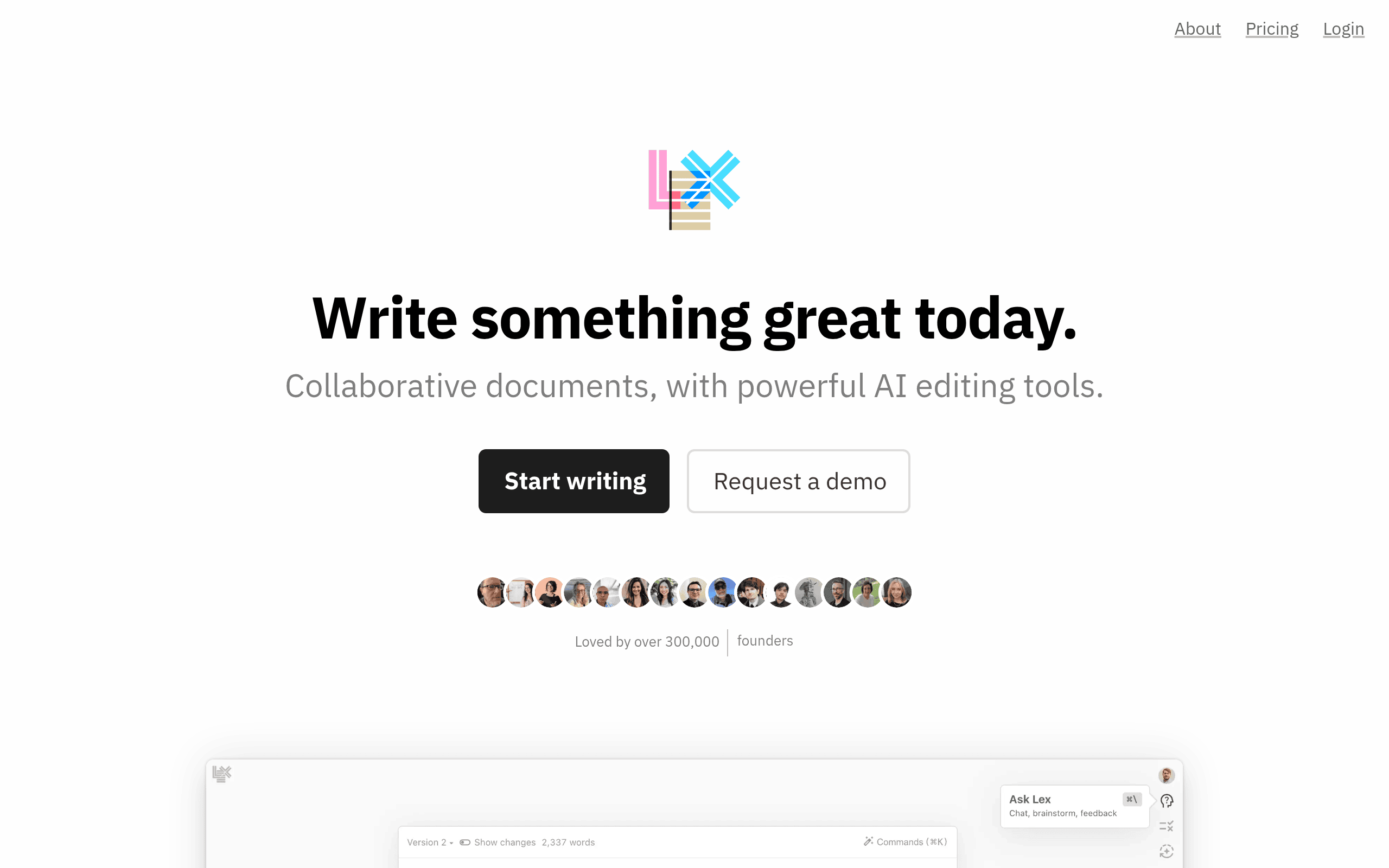
Lex Introduction
Ever stare at a blank page feeling like your creativity just packed up and left? You're not alone. Writing can feel like pulling teeth when the ideas won't flow and deadlines keep creeping closer. Whether you're crafting blog posts for your business or working on that report that's been sitting on your desk, getting words on paper shouldn't feel like climbing a mountain.
That's where Lex comes in. This AI writing assistant takes the struggle out of creating content by giving you a clean space to write and smart suggestions when you get stuck. No more wrestling with complicated features or getting lost in menus – just you, your ideas, and an AI helper that knows when to step in.
If you've been searching for a writing tool that actually makes the process easier instead of adding more steps to your workflow, you might want to take a closer look at what Lex brings to the table. Let's break down how this tool works and whether it's the right fit for your content needs.
Lex Key Features
AI Feedback: Get instant suggestions to polish your writing as you type. The AI catches grammar mistakes and helps you write clearer sentences, so your message always comes across professionally.
“Ask Lex” Assistant: Beat writer’s block with a simple “+++” command. Whether you need fresh ideas, want to rephrase a paragraph, or brainstorm new angles, Lex generates helpful content to keep you moving forward.
Live Collaboration: Work with your team in real-time on the same document. Everyone sees changes as they happen, which means no more confusing email chains or version mix-ups.
Comments and Feedback: Leave notes and suggestions right where they matter. Your team can discuss edits using threaded comments, making feedback clear and easy to track.
Version Control: Experiment freely without fear of losing your work. You can try different approaches and always go back to earlier versions if needed.
Title Generation: Create headlines that grab attention with AI-powered suggestions. Stop staring at blank title fields and get compelling options in seconds.
Mobile Web Access: Write and edit from anywhere using your phone or tablet. No app downloads needed – just open your browser and keep your projects moving even when you’re away from your desk.
Our Take of Lex
If you’re running a small-to-medium business and creating content regularly, Lex could be a useful addition to your toolkit. The AI features work well for breaking through those moments when you’re stuck on how to phrase something or need fresh ideas for your next blog post. The clean interface means you can jump right in without spending hours learning complicated features.
The real value shows up when you’re working with a team. Being able to collaborate in real-time without sending documents back and forth saves considerable time. The comment threads keep feedback organized, and the version history means you won’t lose good ideas if you decide to try a different direction.
However, you’ll want to consider a few things. If you need extensive formatting options or complex document management features, you might find Lex too basic. The AI suggestions are helpful but they won’t always match your brand voice perfectly, so you’ll still need to review and adjust the output. Some businesses might find they need additional tools for things like SEO optimization or content scheduling.
Cost-wise, Lex positions itself competitively against other AI writing tools. For teams that primarily need clean writing support and easy collaboration, it provides good value. But if your business requires specialized features like academic citations, technical documentation templates, or advanced marketing analytics, you might need to look at more comprehensive solutions.
The bottom line is that Lex works best for businesses that value simplicity and need reliable AI assistance for general content creation. It’s particularly suited for marketing teams, bloggers, and content creators who want to speed up their writing process without getting bogged down in complex features.
Lex's Pricing
Lex offers a Pro subscription plan that provides access to premium AI models including GPT 4.1 and Claude 4 Opus & Sonnet, which significantly improve writing quality compared to free models.
Pro subscribers receive early access to new features and beta releases, priority email support, and access to the iOS app.
The service includes enterprise-level privacy protection where your data is stored securely and is never used to train AI models.
Lex also offers team collaboration features, with free document sharing and an optional Teams add-on for unlimited group folder usage.
Monthly and annual subscription options are available with a refund guarantee if you’re not satisfied after the first month. Specific pricing details are not listed on this page but can be obtained by contacting support at hi@lex.page.
Final Thoughts about Lex
Getting your writing done faster doesn’t mean sacrificing quality. With Lex, you get an AI assistant that helps when you need it and stays out of your way when you don’t. The clean interface keeps you focused while smart features like real-time collaboration and version tracking make working with your team smoother than ever.
Think about how much time you spend staring at blank pages or waiting for feedback on drafts. Now picture cutting that time in half while actually enjoying the writing process. That’s what the right tool can do for your content workflow.
Before you decide, consider what matters most for your business. Do you need a simple tool that just works? Are you tired of complicated software that takes forever to learn? If you want to see whether Lex fits your writing needs, give it a test run. See how the AI suggestions work with your content. Try collaborating on a document with your team. Sometimes the best way to know if a tool is right is to experience it yourself.
Ready to make writing easier for your business? Click the button below to try Lex and see if it’s the writing assistant you’ve been looking for.
Lex FAQs