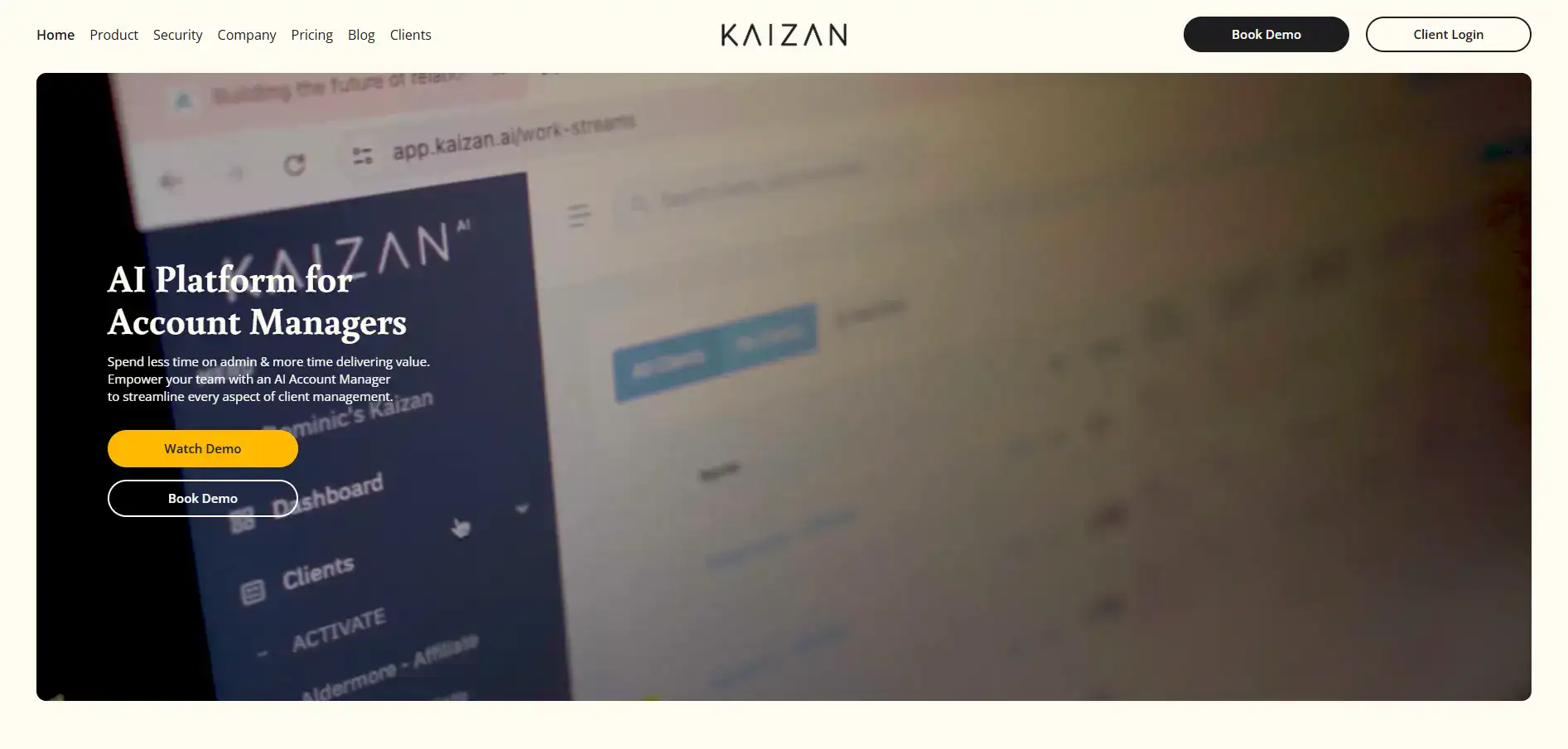
Kaizan Introduction
Managing client relationships can feel like a full-time job on top of your actual full-time job.
You're drowning in meeting notes, chasing follow-ups, and trying to remember who said what and when. Meanwhile, you're supposed to be growing your business and keeping clients happy.
It's exhausting, and something always slips through the cracks. That's where Kaizan comes in.
This AI-powered platform promises to take the busywork off your plate so you can focus on what actually matters: building strong relationships with your clients. But does it really deliver?
We spent time digging into what Kaizan offers, how it works, and whether it's worth your investment. Here's what we found.
Kaizan Key Features
AI Meeting Assistant: Save hours each week with automatic meeting notes and action item tracking. You’ll spend less time typing and more time actually talking to your clients.
AI Email Assistant: Get smart email drafts written for you based on past conversations. Following up with clients becomes quick and easy instead of a chore.
Client Health Scoring: See exactly how your client relationships are doing with real-time scores and tips. You’ll know which accounts need attention before problems pop up.
Risk and Opportunity Alerts: Get notified when a client might be unhappy or ready to buy more. You can act fast to save accounts or close new deals.
Customizable AI Agents: Train the AI on your own company data so it gives advice that actually fits your business. It’s like having a smart assistant who knows your clients as well as you do.
Secure Integrations: Connect Kaizan to Microsoft, Google, and your CRM without worrying about data safety. The platform meets strict security standards like GDPR and SOC 2 Type II.
Our Take of Kaizan
Kaizan looks like a solid option if you’re running a team that spends a lot of time managing client relationships. The AI handles the stuff that eats up your day, like writing meeting notes and drafting follow-up emails, so you can actually focus on building those relationships instead of documenting them.
What stands out here is the client health scoring feature. It gives you a real-time read on how your clients are feeling about working with you. That’s pretty useful when you’re trying to catch problems before they turn into lost accounts.
The platform plays nice with tools you’re probably already using, like Microsoft and Google apps, which means you won’t have to overhaul your whole setup to try it out.
Now for the honest stuff. Kaizan is still fairly new to the market, so there aren’t tons of reviews out there yet. Some users have mentioned hiccups with older systems, and there’s always the question of whether your clients will be comfortable with AI processing their communications.
If you’re a small or medium business owner looking to get more organized with client management without hiring extra help, Kaizan could be worth a look. Just make sure it fits with your current tech setup before committing.
Kaizan's Pricing
The Platform Access plan requires a minimum of 10 users and includes custom reporting, integrations, video hosting and playback, as well as SSO and permission controls, with pricing starting from £499 per month.
The AI Assistant plan also requires a minimum of 10 users and offers features such as an email and meeting assistant, AI-driven CSAT and market intelligence, and AI agents to optimise CSAT and revenue, starting from £49 per person per month.
The Custom Agents plan requires at least 25 users and provides admin automation, alerts and insights, opportunity signals, and an AI Account Manager, with pricing available upon request.
Finally, the Studio plan is designed for enterprises with a minimum of 50 users that want to generate new services, workflows, and reports from communication data, with pricing available by contacting the team.
Final Thoughts about Kaizan
If you’re tired of spending your days buried in admin work instead of actually connecting with your clients, Kaizan might be the answer you’ve been looking for.
It’s not perfect, and it’s still proving itself in the market, but the time savings alone could make a real difference for your team. Think about how much more you could accomplish if meeting notes wrote themselves and follow-up emails were ready to send with just a few clicks.
That’s the kind of breathing room that lets you focus on growing your business and keeping clients happy. The best way to know if it’s right for you is to see it in action. If you’re curious about whether Kaizan fits your workflow, click the button below to try it out for yourself.
Kaizan FAQs