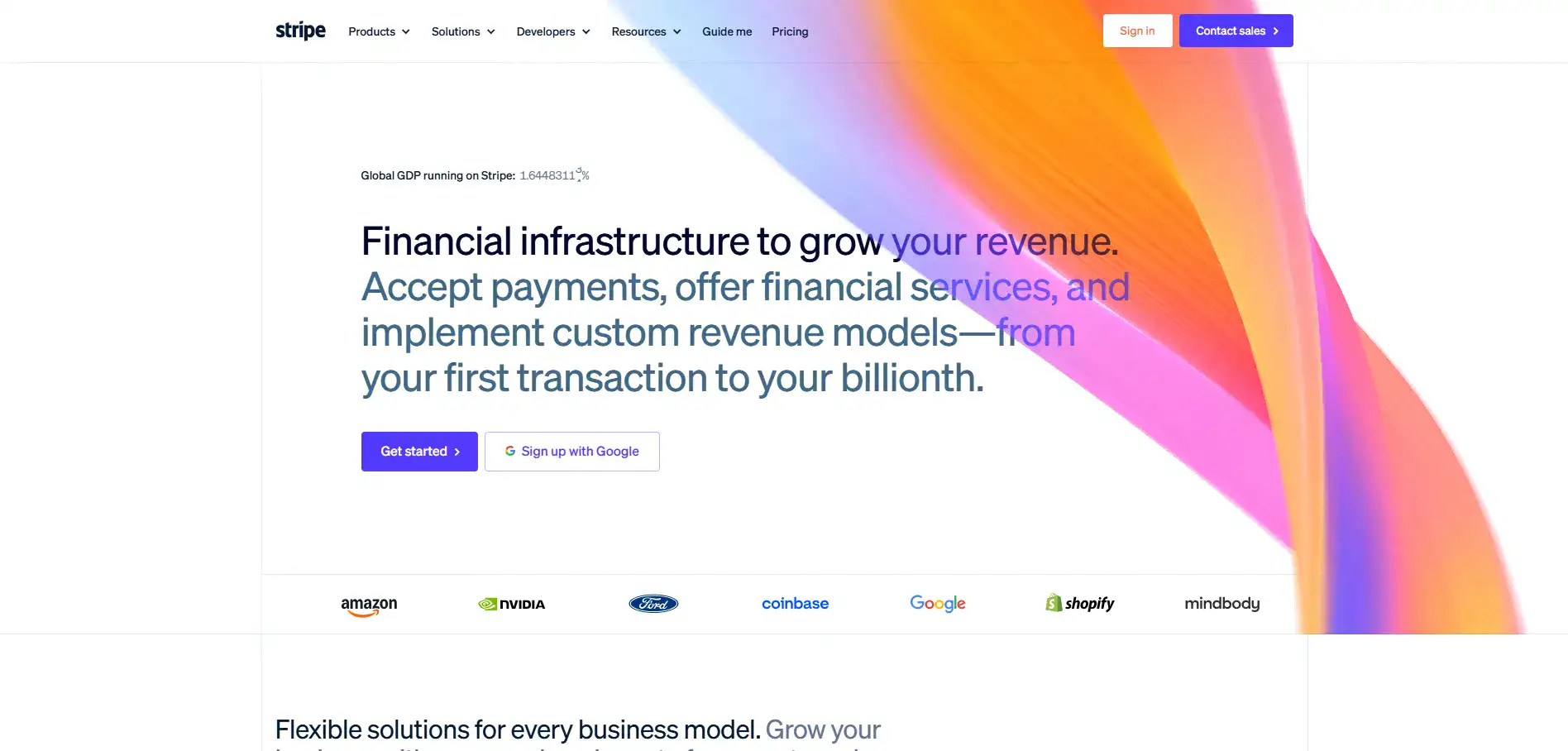
Stripe Introduction
If you're running a business online, you know the headache of getting paid. Between juggling different currencies, worrying about fraud, and trying to give customers a smooth checkout experience, payment processing can eat up way more of your time than it should.
That's where Stripe comes in. It's one of the most popular payment platforms out there, used by everyone from solo entrepreneurs to massive companies. But is it the right fit for your business?
We've spent time digging into what Stripe does well, where it falls short, and whether it's worth your money. Let's get into it.
Stripe Key Features
Global Payment Processing: Accept payments from customers anywhere in the world with support for over 135 currencies and local payment methods. You won’t have to turn away sales just because a buyer is in a different country.
Billing and Subscription Management: Set up recurring payments, usage-based pricing, or metered billing without building it all from scratch. It’s great if you’re running a membership site or SaaS product and need flexible ways to charge customers.
AI-Powered Fraud Detection (Radar): Automatically spot and block suspicious transactions using machine learning trained on millions of data points. You’ll lose less money to fraud without having to manually review every order.
Optimized Checkout Suite: Let AI figure out which payment methods to show each customer based on their location and preferences. This means fewer people abandon their cart at the last step, and you get more completed sales.
Developer-Friendly APIs: Plug Stripe into your website or app with clean, well-documented code that developers actually enjoy working with. If you need a custom setup, you’ve got the flexibility to build exactly what you want.
Financial Reporting and Analytics: See all your transactions, revenue trends, and key numbers in one place with detailed dashboards. You’ll make smarter business decisions when you can clearly see what’s working and what’s not.
Our Take of Stripe
Stripe’s a solid choice if you’re running a small-to-medium business and need a payment processor that can grow with you. It works with over 135 currencies, connects to tons of platforms you’re probably already using, and gives developers a lot of freedom to customize things.
The AI fraud detection is a real standout — it learns from millions of transactions to spot sketchy activity before it hits your bottom line. That said, there are some real concerns worth knowing about. Some users have had their accounts frozen without much warning or explanation, which can be a nightmare if you’re depending on that cash flow.
Customer support seems to be a weak spot too, with people reporting slow responses when they need help most. And the fees?
They can get confusing and add up fast, so you’ll want to do the math for your specific situation. If you’ve got a dev team or you’re comfortable with tech, Stripe gives you a ton of flexibility that most competitors can’t match.
But if you’re someone who values quick, responsive customer service or you’re worried about account stability, it’s worth weighing those risks before committing. It’s not a perfect fit for everyone, but for the right business, it does a lot of things really well.
Stripe's Pricing
Stripe charges 2.9% + 30¢ per successful domestic card transaction, with additional fees for certain payment scenarios.
Manually entered cards add 0.5%, international cards add 1.5%, and currency conversion adds another 1%. ACH Direct Debit payments cost 0.8% with a $5 maximum cap, while buy now, pay later methods like Klarna are priced at 5.99% + 30¢ per transaction.
Stripe also charges $15 for disputes or chargebacks, and instant payouts cost 1.5% with a minimum fee of 50¢. Features such as Stripe Checkout are included at no extra cost, although custom domains cost $10 per month.
For analytics, Stripe Sigma starts at $15 per month, while card issuing costs $0.10 for virtual cards and $3.50 for physical cards. Stripe does not charge setup fees or monthly fees for standard payment processing, and businesses with high transaction volumes can request custom pricing.
Refunds generally do not return the original processing fees.
Final Thoughts about Stripe
So here’s the bottom line. Stripe’s got a lot going for it if you need a payment processor that can keep up as your business grows. The global reach, the smart fraud detection, and the developer tools are all really impressive.
But it’s not without its rough spots. Account freezes, tricky fees, and so-so customer support are real things you’ll want to think about before jumping in.
The best move you can make is to look at what your business actually needs right now and where you’re headed. If you’ve got the tech chops or a developer who can handle the setup, Stripe gives you a ton of room to build things your way.
If you’re more of a plug-and-play person who wants someone on the phone when something goes wrong, you might want to think twice. Take a few minutes to map out your monthly transaction volume, the countries you sell to, and how much you’re willing to spend on processing fees.
That’ll tell you pretty quickly if Stripe makes sense for your situation. Ready to see if it’s the right fit? Click the button below to give Stripe a try and test it out for yourself.
Stripe FAQs