ACE Studio Introduction
Making music used to mean spending hours in a studio with expensive equipment and professional singers. Now things have changed.
If you've ever wanted to add vocals to your tracks but didn't have access to real singers or couldn't afford to hire them, you know how frustrating that can be. Maybe you've tried other tools that sound robotic or flat. Or maybe you've spent way too much time trying to get a vocal track to sound just right.
ACE Studio is an AI music tool that promises to solve these problems by giving you studio-quality singing voices and instruments without all the hassle. But does it actually deliver? In this review, we'll break down what ACE Studio offers, what it does well, and where it falls short so you can decide if it's the right fit for your music production needs.
ACE Studio Key Features
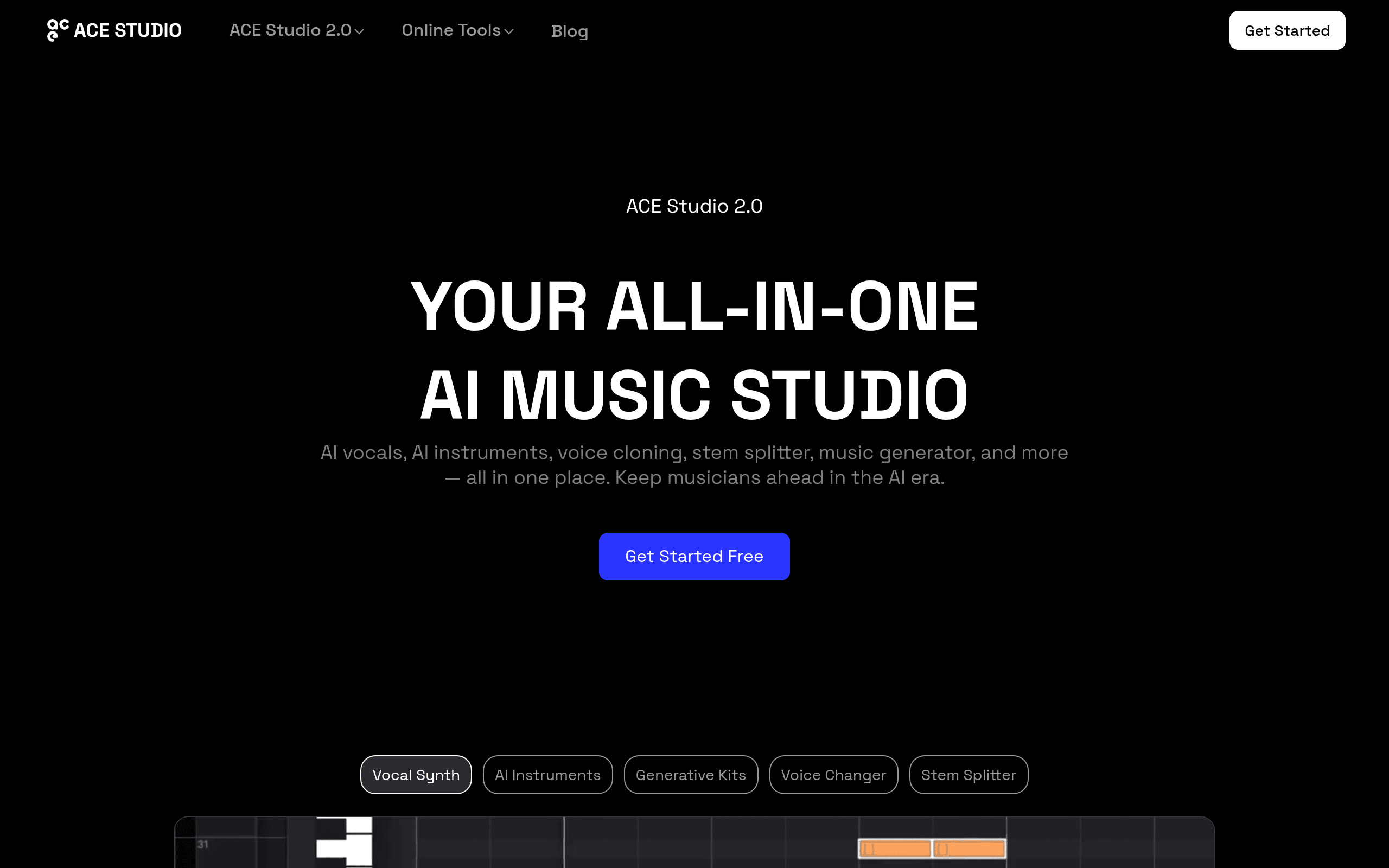
AI Singing Voice Generator: Turn your MIDI files and lyrics into studio-quality vocals in seconds. You’ll get professional-sounding singers for any genre without hiring session vocalists.
AI Instruments: Create realistic instrument performances from simple MIDI inputs. Skip the massive sample libraries and still get natural-sounding guitars, drums, and more.
Voice Cloning: Upload your own vocal samples and build a custom AI singer that sounds like you. Great for artists who want their voice in multiple tracks at once.
Voice Changer: Transform your voice into different characters or instrument sounds with a few clicks. Opens up tons of creative options for unique productions.
Stem Splitter: Pull apart any track into separate vocal and instrument stems. Super helpful when you need to remix or sample existing songs.
DAW Integration: Connect ACE Studio directly to your favorite music software through the ACE Bridge plugin. Works with VST3, AU, and AAX formats so you don’t have to leave your workflow.
Our Take of ACE Studio
ACE Studio brings some pretty solid AI tools to the table for anyone making music. The platform gives you over 80 AI voices to work with, and they’re all royalty-free, which is a nice touch if you’re creating content for commercial use. The voice cloning feature lets you train custom vocal models using your own samples, and the DAW integration means you can plug it right into your existing workflow.
That said, there are some real downsides worth knowing about. Users on Trustpilot have pointed out that the AI vocals sometimes struggle with pronunciation and phrasing. This means you might spend extra time fixing those issues. The rendering process happens on their servers, so every time you tweak something, you’ll wait for it to process. That can really slow things down when you’re in a creative flow.
The lack of a free trial for the desktop app is another sticking point. You get a 7-day money-back guarantee instead, but that’s not quite the same as being able to test it out risk-free before committing.
If you’re a music producer or content creator looking to add AI vocals and instruments to your projects, ACE Studio offers a lot of capability in one place. Just go in knowing that there’s a learning curve, and you may need patience with some of the pronunciation quirks and wait times. For those who can work around these limitations, the creative possibilities are pretty extensive.
ACE Studio's Pricing
The Artist plan is a rent-to-own subscription that you rent for two years and then keep access to forever. It costs $16.58 per month, discounted 20% from $20.73, and is billed yearly, with a money-back guarantee. The plan includes 140+ royalty-free pre-made AI voices, 18+ royalty-free AI instruments, one voice cloning slot for vocal synth, and one for vocal changer. It offers unlimited AI vocal and instrument generation, unlimited voice-cloning retrains, and approximately 330 minutes per month of Generative Kits usage.
The Artist Pro plan also follows a rent-to-own model with lifetime access after two years. It costs $22 per month, discounted 20% from $27.50, and is billed yearly, with a money-back guarantee included. This plan provides 140+ royalty-free AI voices, 18+ AI instruments, five voice cloning slots for vocal synth, and ten for vocal changer. Like the Artist plan, it includes unlimited AI vocal and instrument generation and unlimited voice-cloning retrains, but doubles Generative Kits usage to approximately 660 minutes per month.
Final Thoughts about ACE Studio
So is ACE Studio worth your time? That really depends on what you need. If you’re tired of hunting down session singers or spending big money on vocals, this tool gives you a lot of options in one place. The 80 plus royalty-free voices and the ability to clone your own voice open up some pretty cool creative doors.
But you should know going in that it’s not perfect. You might find yourself tweaking pronunciation more than you’d like, and those server-side rendering waits can break your flow when you’re in the zone. The missing free trial is a bummer too, though the 7-day money-back guarantee at least gives you a safety net.
Think about how you work and what frustrates you most about your current setup. If adding realistic AI vocals and instruments without breaking the bank sounds like a game worth playing, ACE Studio could be a solid addition to your toolkit. If you need everything to sound perfect right out of the box with zero fiddling, you might want to look elsewhere.
Ready to see what ACE Studio can do for your music? Click the button below to give it a try and see if it fits your workflow.
ACE Studio FAQs