Adobe Sensei Introduction
If you're tired of spending hours on repetitive tasks when you could be focusing on growing your business, Adobe Sensei might be exactly what you need.
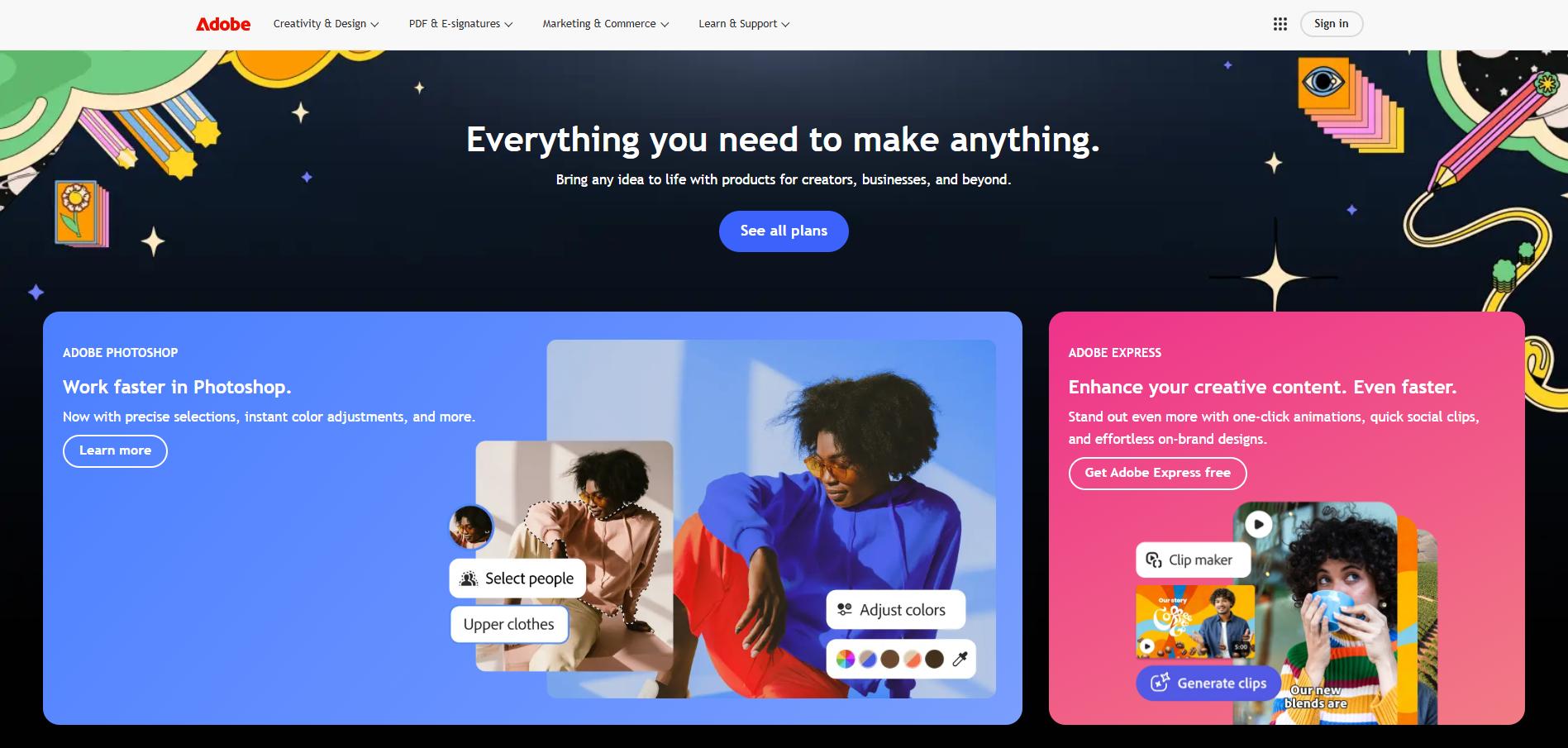
This AI-powered platform works behind the scenes across Adobe's tools to automate the boring stuff and help you create better content faster.
Whether you're editing photos, managing marketing campaigns, or analyzing customer data, Sensei acts like a smart assistant that learns your workflow and speeds things up.
For small and medium business owners who already use Adobe products, it's like having an extra team member who never sleeps and always gets the details right.
Let's take a closer look at how this technology actually works and whether it's worth the investment for your business.
Adobe Sensei Key Features
Content-Aware Fill: Remove unwanted objects from your images with just a few clicks. The AI automatically fills in the gaps by looking at what’s around it, saving you hours of manual editing work.
Auto-Tagging and Metadata Extraction: Find your files faster with automatic organization. When you upload images or documents, the AI tags them and pulls out important info so you can search and locate them in seconds.
Predictive Analytics: Know what your customers want before they do. The AI studies customer patterns to help you create marketing campaigns that actually work and give each customer a personal experience.
Automated Video Editing: Keep your subject perfectly framed across all social media platforms. Auto Reframe in Premiere Pro tracks your main subject and adjusts the video frame automatically, so you don’t have to re-edit for different screen sizes.
Natural Language Processing: Turn spoken words into written text and understand customer feelings automatically. Great for adding captions to videos or figuring out if your customers are happy with your service.
Our Take of Adobe Sensei
For small-to-medium business owners, Adobe Sensei brings AI power right into the tools you’re probably already using. If you’re working with Creative Cloud or other Adobe products, you’ll find that Sensei makes your work faster by handling the boring stuff automatically. Think about removing backgrounds from product photos or adjusting videos for different social media formats – Sensei does this without you having to spend hours on it.
The price tag might make you pause, especially if you’re running a smaller operation. Adobe’s pricing isn’t exactly budget-friendly, and you can’t just buy Sensei separately – it comes built into their other products. This means you’re paying for the whole Adobe package, which could be more than you need.
Learning to use all of Sensei’s features takes time. You won’t become an AI wizard overnight, and some features work better than others. The auto-tagging is pretty good, but sometimes the AI makes choices that don’t match what you want, so you’ll still need to do some manual work.
If your business already uses Adobe products heavily, adding Sensei makes sense. It’ll save you time on repetitive tasks and help you create better content faster. But if you’re just looking for AI tools and don’t need the full Adobe suite, you might find better value with standalone AI apps that focus on specific tasks. The bottom line is that Sensei works best as part of the Adobe family – it’s not really meant to be your only AI solution.
Adobe Sensei's Pricing
Adobe Creative Cloud offers flexible pricing plans for different user types. Individual plans start with single-app access at $22.99/month or get the full Creative Cloud All Apps plan at $59.99/month, which includes over 20 creative apps like Photoshop, Illustrator, and Premiere Pro, plus 100GB cloud storage and Adobe Fonts.
Business plans provide the same creative apps starting at $89.99/month per license with enhanced admin controls, advanced security features, and 1TB of cloud storage per user. Students and teachers receive a significant discount at $19.99/month for the first year on the All Apps plan, which includes the full suite of creative applications, portfolio website, and generative AI credits for Adobe Firefly features. Schools and universities can access institutional pricing with options for device licenses, named-user licenses, and shared device licenses, with pricing available upon request.
All plans include regular updates, cloud storage, and access to Adobe’s creative community and tutorials. Additional single-app subscriptions and specialty bundles are also available across all user categories.
Final Thoughts about Adobe Sensei
So what’s the verdict? Adobe Sensei is a powerful AI assistant that can transform how you work, but it’s not for everyone. If you’re already invested in Adobe’s tools and want to work smarter, not harder, it’s probably worth exploring. But if you’re just dipping your toes into AI or working with a tight budget, you might want to start with something simpler.
Think about your daily workflow. How much time do you spend on repetitive tasks like removing backgrounds, resizing videos, or organizing files? If it’s more than a few hours a week, Sensei could pay for itself pretty quickly. The real question is whether you’re ready to commit to the Adobe ecosystem.
Before making any decisions, consider trying Adobe’s free trial to test drive Sensei’s features with your own projects. See if the time savings and quality improvements match what you need. Sometimes the best way to know if a tool fits is to actually use it with your real work.
Ready to see if Adobe Sensei can speed up your workflow? Click the button below to get started with a free trial and discover how AI can change the way you create and manage content.
Adobe Sensei FAQs