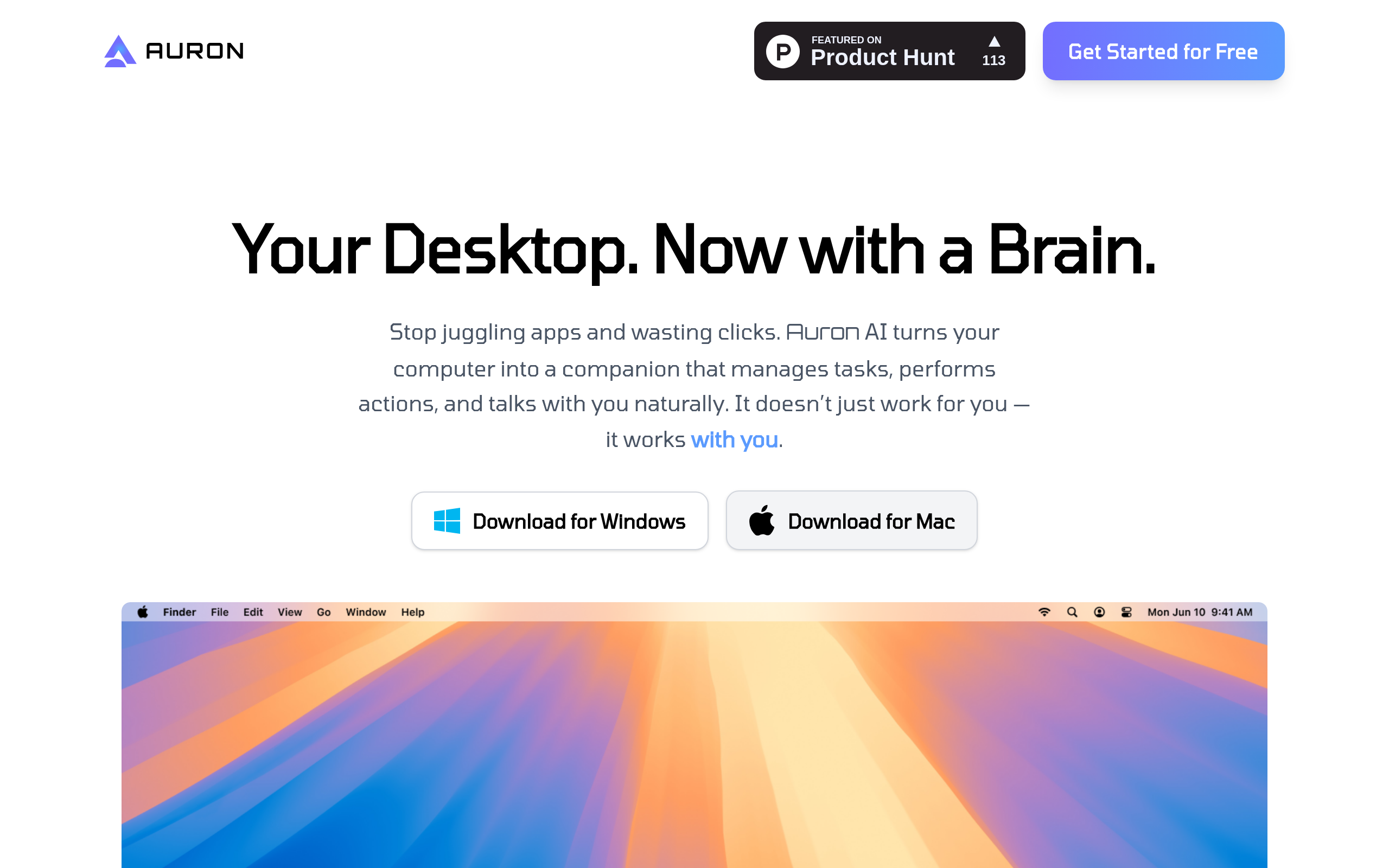
Auron Introduction
Ever feel like you're drowning in tasks and your computer just sits there, making you do all the work? What if your desktop could actually help you get things done instead of just being a fancy filing cabinet? That's where Auron comes in – it's like having a smart assistant right on your computer screen.
Think about how much time you waste clicking through menus, searching for files, or trying to remember what you were supposed to do next. Auron changes that by letting you talk to your computer like you'd talk to a coworker. You can tell it to schedule meetings, find documents, or remind you about deadlines – all without clicking a single button.
For business owners juggling a million things at once, this could be the difference between staying on top of tasks and feeling completely overwhelmed. Instead of switching between ten different apps and losing track of what you're doing, you've got one assistant that keeps everything organized. It watches what you're doing and jumps in to help when you need it, whether that's fixing an error or taking notes during a call.
The best part? You can make it work exactly how you want. Change its voice, give it a personality that matches your style, and add plugins to handle specific tasks for your business. It's not just another tool you have to learn – it's a helper that learns how you work.
Auron Key Features
Natural Language Interaction: Chat with your computer like you’re talking to a colleague. Just tell Auron what you need done and it’ll handle tasks without you clicking through menus or remembering commands.
Smart Reminders & Updates: Never miss important deadlines or meetings again. Auron keeps track of your schedule and sends you reminders right when you need them, pulling updates from all your connected apps.
Personalization: Make Auron truly yours by changing its name, voice, and personality. Whether you want a professional assistant or a casual helper, you can set it up exactly how you like it.
Plugin Support: Add new abilities to Auron through the plugin marketplace. From automation tools to specialized AI personalities, you can expand what Auron can do as your needs grow.
On-Screen Assistance: Get help right when you need it. Auron watches what you’re doing and jumps in to fix errors, explain confusing data, or take notes during meetings so you can focus on the conversation.
Our Take of Auron
If you’re a business owner looking for a smarter way to work with your computer, Auron AI brings something different to the table. Instead of clicking through menus and typing commands, you can just talk to it like you would a helpful assistant. The best part? You can change its personality and voice to match what feels right for you.
For busy entrepreneurs, the real value comes from how Auron watches what you’re doing and jumps in to help. When you’re in a meeting and need to take notes, or when an error pops up that you don’t understand, Auron steps in without you having to ask. The plugin marketplace lets you add extra features as your business grows, which means you won’t outgrow it quickly.
That said, there’s a learning period when you first start using it. With so many features available, you might feel a bit lost at first. Plus, if your computer is older or you run lots of programs at once, Auron could slow things down. Before committing, check if it works with the specific software your business relies on.
When you compare Auron to other productivity tools, its conversational approach and real-time help set it apart. For small and medium business owners who want to save time and reduce the friction of daily computer tasks, it could pay for itself through improved efficiency. Just make sure your setup can handle it and that you’re ready to invest some time upfront to learn the ropes.
Auron's Pricing
Auron is currently free to use.
While the current version appears to be free, the page doesn’t specify if there are premium tiers or if pricing will change in the future.
Final Thoughts about Auron
So here’s the thing – finding the right productivity tool for your business isn’t about getting the fanciest option out there. It’s about finding something that actually fits how you work. Auron AI brings a fresh approach to the table by letting you work with your computer in a way that feels natural. But like any tool, it’s only as good as how well it matches your needs.
Take a few minutes to think about your biggest time wasters during the day. Are you constantly switching between apps? Do you forget important tasks? If these pain points sound familiar, Auron might be worth exploring. The conversational interface could save you hours each week, and the ability to customize it means it can grow with your business.
Keep in mind though – this isn’t a magic solution that works perfectly right out of the box. You’ll need to invest some time setting it up and learning how to use it effectively. But for business owners who are ready to work smarter instead of harder, that upfront investment could pay off big time.
The best way to know if Auron AI is right for you? Give it a try yourself. See how it feels to talk to your computer instead of clicking through menus. Test out the features that matter most to your workflow. You might just find that having a smart assistant on your desktop changes how you get things done.
Ready to see if Auron AI can help streamline your workday? Click the button below to get started.
Auron FAQs