Bria Introduction
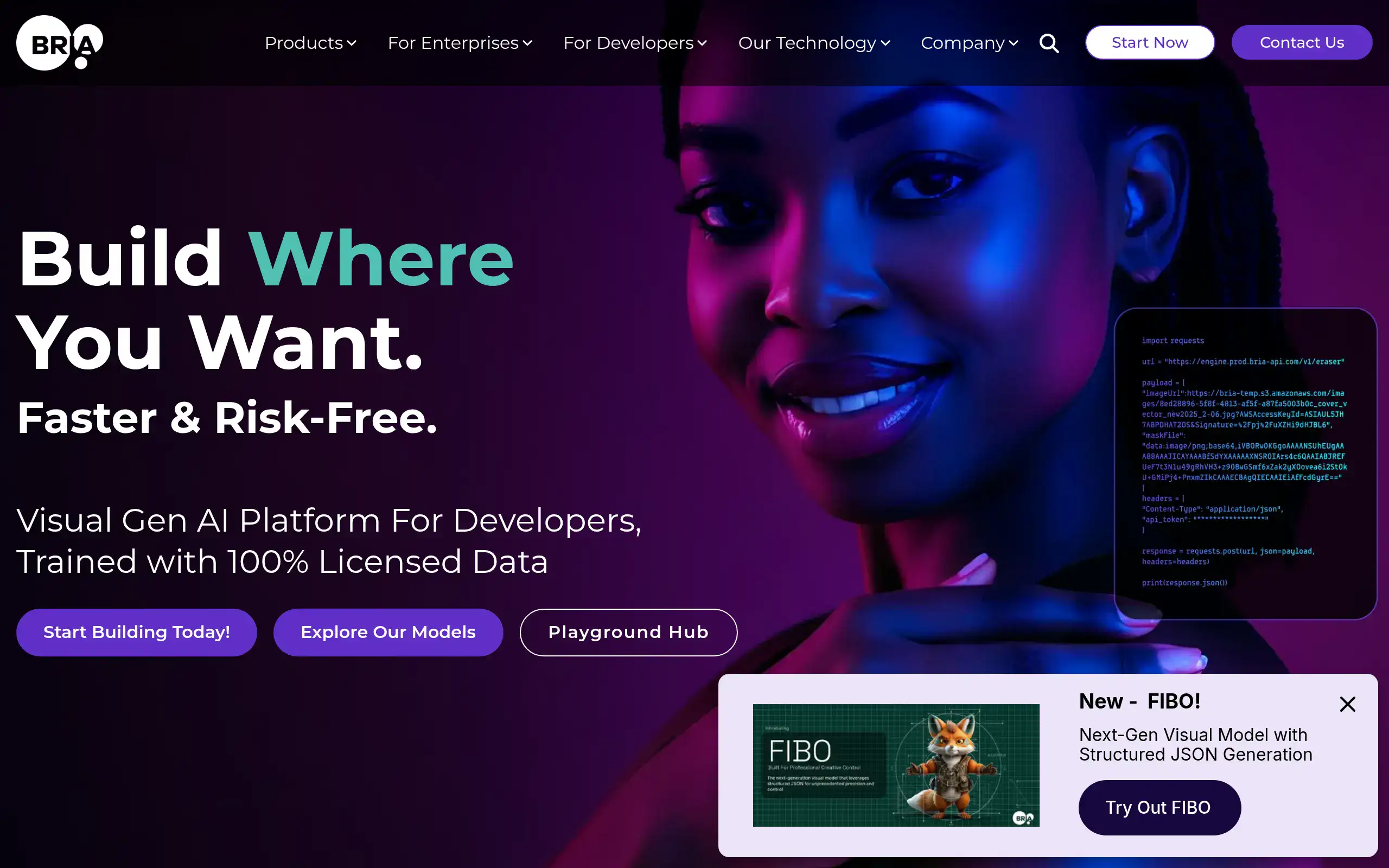
If you're tired of dealing with copyright headaches when creating visual content for your business, you're not alone. Many business owners struggle to produce quality images that match their brand without breaking the bank or accidentally stepping on legal landmines. That's where Bria comes in – it's an AI platform that helps developers and businesses create and edit images without the usual legal worries.
What makes Bria different is that it trains its AI models only on licensed data. This means you can generate images for your website, ads, or product shots without losing sleep over potential copyright issues. For small and medium business owners who need professional visuals but can't afford a full design team or expensive stock photo subscriptions, this could be a real problem-solver.
The platform lets you customize the AI to match your brand's specific look and feel, so your generated images stay consistent with your company's style. Whether you're creating product photos for your e-commerce store or pumping out social media content, Bria aims to make the process faster and safer than traditional methods.
Bria Key Features
Fully Licensed Datasets: Create AI-generated images without worrying about copyright issues. Your business stays protected from legal risks since all training data comes with proper licensing.
Flexible Development Toolkits: Build custom visual AI solutions that fit your exact needs. Choose from APIs, models, or pre-built suites to integrate AI image generation into your existing workflow.
AI Image Generation and Editing: Generate professional visuals and edit them automatically at scale. Save hours of design work while maintaining consistent quality across all your marketing materials.
Tailored Generation: Fine-tune the AI to match your brand’s unique style and assets. Every image you create stays on-brand without manual adjustments or constant oversight.
Product Shot Editing: Transform your e-commerce product photos while keeping the actual product intact. Create multiple variations and backgrounds for your listings without expensive photo shoots.
Ads Generation: Create hundreds of ad variations that follow your brand guidelines and meet regulatory requirements. Scale your advertising campaigns without hiring extra designers or agencies.
Cloud and On-Premises Options: Deploy the platform wherever works best for your business. Keep full control over your data with on-site installation or enjoy the convenience of cloud-based access.
Our Take of Bria
Here’s what we think about Bria for small-to-medium business owners looking for AI-powered visual content creation.
If you’re running a business that needs lots of images for products, ads, or marketing materials, Bria could save you serious time and money. The biggest selling point is that all their AI models are trained on legally licensed images, which means you won’t wake up to a copyright lawsuit. That’s huge peace of mind compared to other AI image tools out there.
The platform lets you customize the AI to match your brand style, which is great if you want consistency across all your visuals. You can train it on your existing brand assets, even if you don’t have thousands of images to work with. This flexibility makes it practical for smaller businesses that need professional-looking content but can’t afford a full design team.
Now, here’s where it gets tricky. Bria isn’t exactly plug-and-play. You’ll need some technical know-how or someone on your team who’s comfortable working with APIs and development tools. If you’re expecting something as simple as uploading a photo and clicking a button, you might be disappointed. The learning curve is real, and it could take time before you’re creating content efficiently.
Integration limitations are another consideration. If your business runs on specific software platforms, double-check that Bria plays nice with your existing tools. Some users have found it doesn’t connect as smoothly with their workflows as they’d hoped.
For businesses that prioritize legal compliance and brand consistency in their visual content, Bria offers solid value. Just be prepared to invest time in learning the platform and make sure it fits with your current tech stack before committing.
Bria's Pricing
Bria.ai offers three main options for users exploring visual AI capabilities. The Free Trial is ideal for testing the platform, providing 1,000 free actions with general-purpose image generation, image editing, and video editing, as well as industry-specific capabilities for sectors such as retail and automotive. Users can train up to three engines with 200 or fewer training images via the Bria console at a rate of 10 actions per minute. This tier is hosted by Bria, uses a standard queue, and includes standard development tools, full documentation, a learning hub, demo playgrounds, and limited “how-to” recipes. All data is trained on 100% licensed content, with capped indemnity, built-in C2PA, content moderation, and SSO support.
The Self Service tier is designed for scaling visual AI generation and editing, with pricing at $0.04 per image and $0.14 per video second. This plan supports general-purpose image and video creation and editing, allows one chosen access method, and enables up to 60 actions per minute. Hosting is managed by Bria with a prioritized queue, production-ready development tools, full documentation, learning resources, demo playgrounds, and limited “how-to” recipes. All data is trained on licensed content, with capped indemnity, built-in C2PA, configurable content moderation, and SSO.
For organizations seeking full Bria Platform as a Service, Bria provides a comprehensive solution for visual generative AI transformation. This enterprise-level option includes all general-purpose and industry-specific capabilities—retail, automotive, marketing—and supports all access methods including API, MCP, iFrame, Photoshop and Figma plugins, and ComfyUI. Users can deploy unlimited engines with fully automatic or expert training using up to 5,000 images, train via iFrame or API, and benefit from built-in reinforcement learning for continuous engine improvement. Deployment is flexible, with hosting by Bria, BYOC, or on-prem options, and a dedicated low-latency queue. Enterprise users receive premium developer enablement, full documentation, learning resources, demo playgrounds, “how-to” recipes, error logging, and tracking. All models are trained on 100% licensed data, with full indemnity, built-in and configurable C2PA, copyrightability reports, content moderation, and SSO/MFA support.
Final Thoughts about Bria
So, what’s the bottom line? Bria could be exactly what you need if you’re spending too much time and money on visual content creation. The legal protection alone might be worth the investment, especially if you’ve been worried about using AI-generated images for your business. But it’s not for everyone. If you’re looking for something super simple and you don’t have anyone tech-savvy on your team, this might not be your best bet.
Think about your current content needs. Are you creating lots of product photos? Running multiple ad campaigns? Need to keep everything on-brand? If you answered yes to any of these, Bria could save you hours every week. Just be realistic about the learning curve and make sure you have the patience to get through the initial setup phase.
Before you decide, consider reaching out to their team to see if they offer demos or have case studies from businesses like yours. Ask about integration with your current tools and get clarity on pricing. A little homework now could save you headaches later.
Ready to see if Bria fits your business? Give it a shot and test whether AI-powered visual content creation can transform how you handle your marketing materials. Click the button below to get started.
Bria FAQs