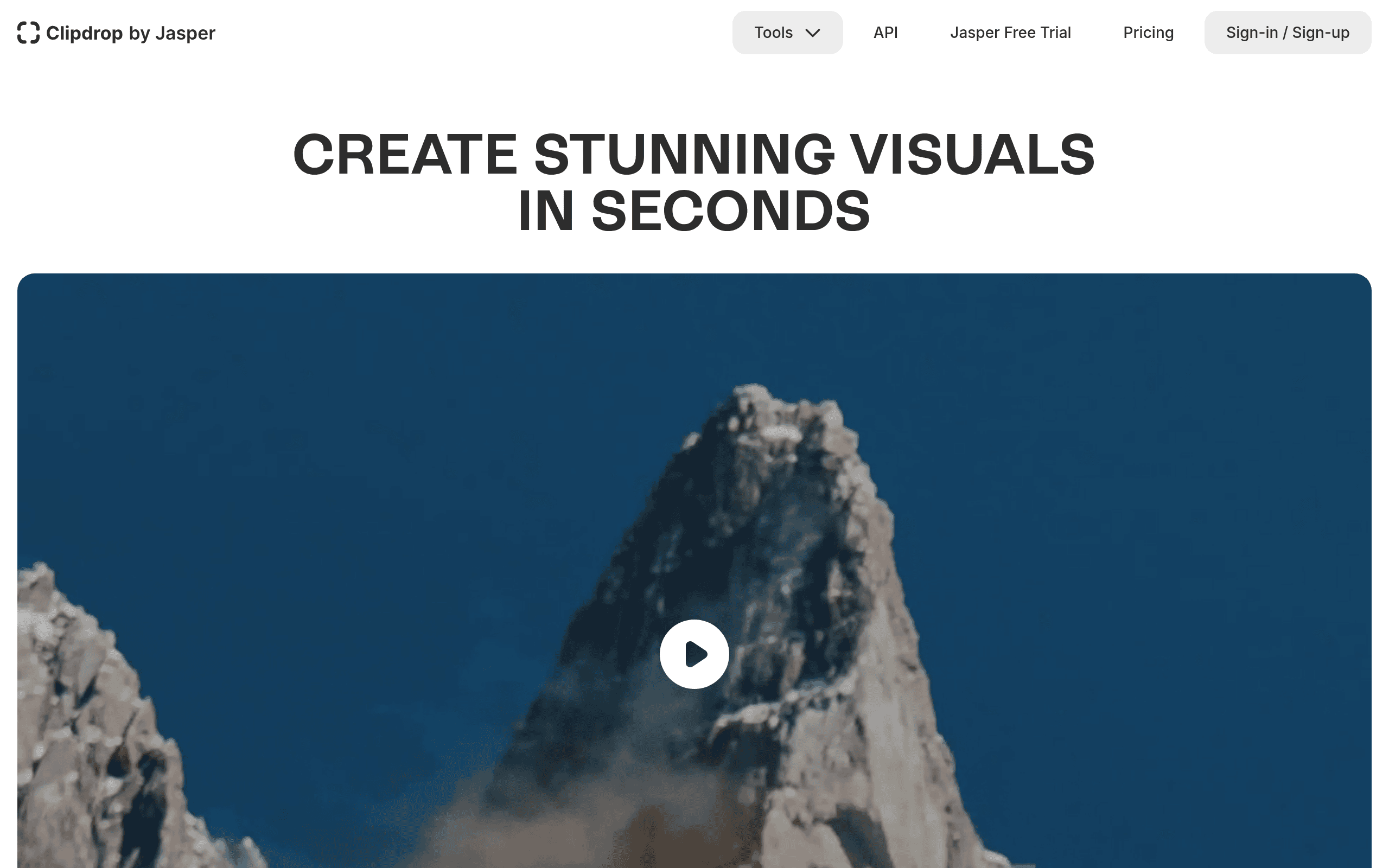
Clipdrop Introduction
If you've ever spent hours trying to remove a background from an image or clean up a photo that's almost perfect except for that one annoying thing in the corner, you know how frustrating image editing can be.
Traditional software like Photoshop has a steep learning curve, and not everyone has time to become an expert just to make their product photos look good. That's where Clipdrop comes in.
This AI-powered tool promises to handle all those tedious editing tasks in seconds instead of hours. But does it actually deliver?
We put Clipdrop through its paces to see if it's worth your time and money. Here's what we found.
Clipdrop Key Features
Background Removal: Cut out subjects from any image with impressive accuracy. Even tricky details like hair strands and see-through materials come out clean, saving you hours of manual editing work.
Object and Text Cleanup: Get rid of photobombers, power lines, or watermarks in seconds. The AI fills in the gaps naturally so your photos look like those distractions were never there.
Image Upscaler: Blow up your images by up to 16x without that blurry, pixelated look. Great for when you need to print small photos or use low-res images in bigger projects.
Uncrop: Expand your photos beyond their original borders. When you need a vertical shot to become horizontal (or vice versa), this tool adds realistic content to fill the new space.
Relight: Add or change lighting on your photos after you’ve already taken them. Match subjects to new backgrounds or fix bad lighting without booking another photoshoot.
Text to Image Generation: Type what you want to see and get an image back. Helpful for mocking up ideas or creating quick visuals when you don’t have the right stock photo.
API Integration: Connect Clipdrop’s tools directly to your own apps or systems. Build custom workflows that handle image editing automatically without switching between programs.
Our Take of Clipdrop
Clipdrop is a solid choice if you’re looking to speed up your image editing without getting lost in complicated software. It’s got a bunch of useful tools packed into one place, from removing backgrounds to cleaning up objects and even making your images bigger without losing quality. The platform works well with tools you might already use like Photoshop and Figma, which makes it pretty easy to add to your current setup.
That said, there are some things to keep in mind. If you need super detailed control over your edits, you might find yourself wanting more options than what Clipdrop offers. The free version is limited, so you’ll probably need to pay for a subscription to really get value out of it. Some users have also mentioned that customer support can be slow to respond, which is worth knowing before you commit.
For small business owners who need quick, professional-looking images without hiring a designer or learning complex software, Clipdrop can be a real time-saver. Just go in knowing it’s best for straightforward edits rather than heavy-duty professional work.
Clipdrop's Pricing
The Free plan costs $0 and includes text-to-image generation, uncropping, background removal (20 uses per 24 hours), image upscaling up to 2× (20 uses per 24 hours), cleanup (20 uses per 24 hours), relighting (20 uses per 24 hours), text removal (50 uses per 24 hours), and background replacement—everything you need to start creating great visuals.
The Pro plan costs $15 per month and allows you to skip the queue while offering significantly higher limits and high-resolution outputs, including text-to-image, uncrop, background removal, image upscaling up to 16×, cleanup, relight, text remover, and background replacement, each with 1,000 uses per 24 hours. This plan is designed to increase conversion by integrating the best technology into your platform.
Additionally, an API option is available with usage-based pricing, supported by full API documentation.
Final Thoughts about Clipdrop
So is Clipdrop right for you? That really depends on what you need. If you’re tired of spending hours on basic image edits and just want something that works fast without a ton of learning, it’s worth a look. The background removal and cleanup tools alone can save you a lot of time, and having everything in one place is pretty convenient.
But if you need super precise control over every little detail, or if you’re on a tight budget and can’t swing a subscription, you might want to keep shopping around. The free version gives you a taste, but you’ll hit its limits pretty quickly if you’re doing real work.
Think about what you actually need from an image editor. How much time are you spending on these tasks right now? What’s that time worth to you? Sometimes paying for a tool that speeds things up makes more sense than doing everything yourself the hard way.
Ready to see if Clipdrop fits your workflow? Give it a try and see how it handles your images. Click the button below to get started.
Clipdrop FAQs