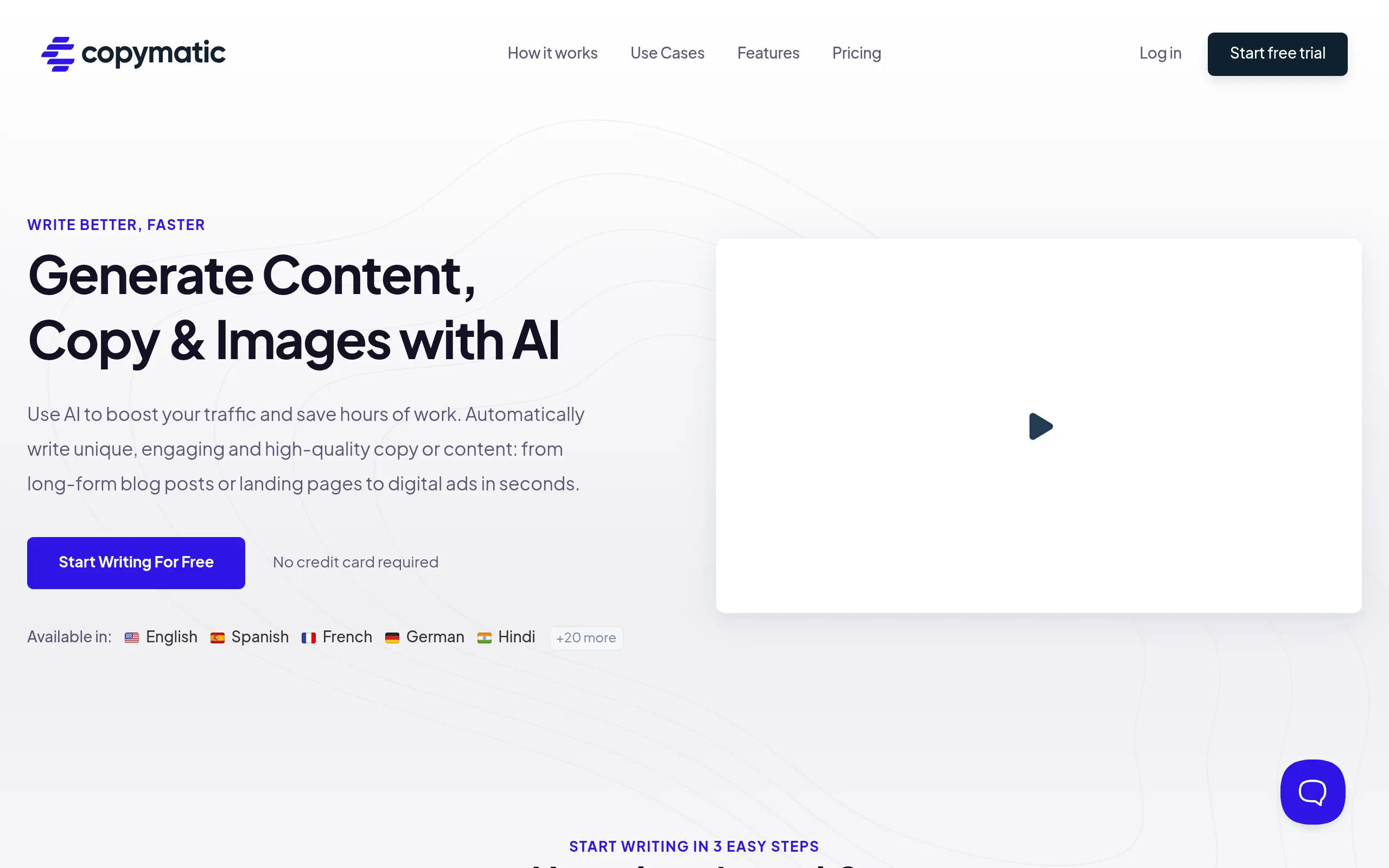
Copymatic Introduction
Creating content that actually connects with your audience can feel like you're stuck in an endless loop. You write, rewrite, then start over again. Hours disappear while you stare at a blank page, wondering if there's a better way to get your message across.
What if you could skip the struggle and get straight to publishing content that works? That's where AI writing tools come in, and Copymatic is making waves as one of the more interesting options out there.
Whether you're trying to write blog posts that people actually want to read, craft social media posts that get engagement, or create product descriptions that sell, Copymatic promises to help you do it all in way less time. They've built their platform to handle pretty much any type of content you need, from quick social posts to full articles over 1,000 words.
But here's the thing – with so many AI writing tools popping up everywhere, it's hard to know which ones are worth your time and money. That's why we're taking a close look at Copymatic to see if it lives up to the hype. We'll break down what it does well, where it falls short, and help you figure out if it's the right fit for your content needs.
Copymatic Key Features
Long-Form AI Content Writer: Transform a simple idea into a full article over 1,000 words in seconds. You’ll save hours of writing time while getting professional content ready for your blog or website.
Diverse Content Generation: Create everything from social media posts to product descriptions with one tool. No need to switch between different apps – you’ve got templates for ads, website copy, SEO tags, and more all in one place.
AI-Powered Image Generation: Type what you want to see and get custom images for your content instantly. Your blog posts and social media will stand out with unique visuals that match your message perfectly.
Chrome Extension: Access over 80 AI writing tools right in your browser wherever you’re working. You can write better emails, create content faster, and chat with CopyChat AI assistant without leaving your current tab.
Multilingual Support: Create content in English, Spanish, French, German, Hindi, and other languages with the same quality. You can reach customers worldwide without hiring translators or learning new languages.
Built-In Plagiarism Checker: Know your content is original before you publish it. The tool checks your work automatically so you won’t accidentally copy someone else’s content and hurt your reputation.
Our Take of Copymatic
If you’re running a small-to-medium business and need to create content regularly, Copymatic could save you significant time. The platform gives you access to over 80 AI writing tools through a Chrome extension, which means you can generate content without leaving your browser. You’ll find templates for pretty much everything – blog posts, social media ads, product descriptions, and SEO meta tags.
The long-form content writer is particularly useful if you need blog posts over 1,000 words. You just provide a brief description and it creates a full article. The multilingual support covers English, Spanish, French, German, Hindi and other languages, which helps if you’re targeting international customers.
However, you’ll need to set aside time for editing. Users consistently report awkward phrasing in the AI-generated content that needs manual fixes. The built-in plagiarism checker is helpful, but some users have found higher plagiarism percentages than expected, so you might want to run content through a separate checker to be safe.
Customer support response times can be slow, which could be frustrating if you hit a snag during a deadline. The interface is straightforward to use, so you probably won’t need support often, but it’s something to consider.
Compared to similar AI writing tools, Copymatic offers more features in one place. The combination of content generation, image creation, and the Chrome extension integration provides good value. For businesses that need to produce various types of content regularly, the time savings could justify the investment. Just remember that AI-generated content works best as a starting point rather than a finished product – you’ll still need human editing to match your brand voice and quality standards.
Copymatic's Pricing
Copymatic offers three pricing tiers with transparent monthly or yearly billing options.
The Pro plan at $19/month (billed yearly) includes 1 autopilot project and unlimited words.
The Team plan at $32/month (billed yearly) provides 3 autopilot projects and unlimited words.
The Enterprise plan at $66/month (billed yearly) offers 10 autopilot projects and unlimited words.
All plans include access to all AI writing tools, automatic keyword research, content scheduling, internal and external linking, rank tracking, AI SEO recommendations, automatic publishing, and AI & stock images. Higher-tier plans receive increased discounts on backlinks, ranging from 10% to 20% off.
A free trial is available with 10 credits, allowing users to generate approximately 1,000 words of content and test all AI tools before committing to a paid plan. The platform also offers API access for paid members and includes a WordPress plugin for seamless content integration.
Final Thoughts about Copymatic
So here’s the bottom line – if you’re tired of spending hours writing content that never seems quite right, Copymatic could be the solution you’re looking for. It won’t replace your creativity or unique voice, but it’ll give you a solid foundation to build on. Think of it as your content assistant that helps you get past the blank page and into the editing phase where the real magic happens.
Before you decide, consider what matters most for your content needs. If you’re creating content in multiple languages, need various content types regularly, or just want to speed up your writing process, this tool brings real value. Just remember that you’ll still need to add your personal touch to make the content truly yours.
The best part? You can test it out and see if it fits your workflow. There’s no need to wonder if it’ll work for your specific situation – you can find out for yourself and make an informed decision based on your actual experience.
Ready to see if Copymatic can transform your content creation process? Click the button below to give it a try.
Copymatic FAQs