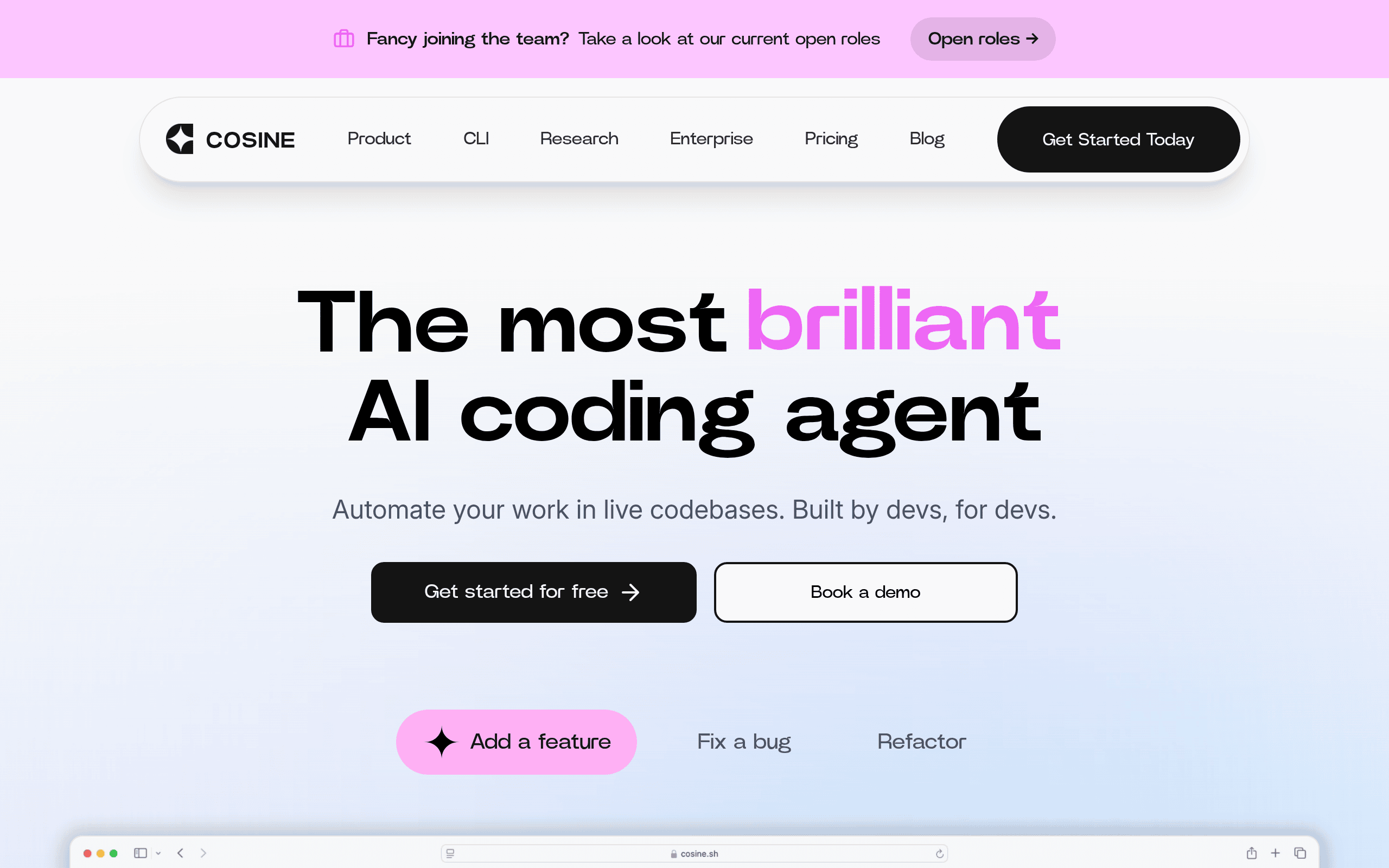
Cosine Introduction
Ever feel like your development team's backlog is growing faster than you can tackle it? You're not alone. For small and medium businesses trying to compete in today's fast-paced market, keeping up with coding tasks can feel like running on a treadmill that keeps speeding up. That's where Cosine comes in – an AI coding assistant that works like having extra developers on your team, minus the hefty salaries and management overhead.
What makes Cosine different from other coding tools? It doesn't just suggest code snippets or auto-complete your functions. This tool actually takes your tickets, breaks them down, writes the code, and opens pull requests – all while you're sleeping, in meetings, or working on other priorities. Think of it as your tireless coding partner who never needs coffee breaks.
For business owners watching their development costs climb while deadlines loom, Cosine promises something pretty appealing: the ability to assign multiple tickets at once and let the AI handle them asynchronously. No more bottlenecks waiting for senior developers to free up time. No more simple tasks eating up valuable hours that could be spent on innovation.
But here's what really caught our attention – Cosine works directly in your existing codebase, integrates with tools you're already using like Slack and GitHub, and supposedly understands complex production code well enough to make meaningful contributions. Sounds almost too good to be true, right? Let's dig into what this tool actually delivers.
Cosine Key Features
Agentic End-to-End Task Execution: Break down big coding projects into smaller pieces automatically. Cosine plans, writes code, and creates pull requests on its own, so you can focus on other work while it handles the technical details.
Asynchronous Development: Assign multiple coding tasks at once and let Cosine work on them all at the same time. Your team can review and approve completed work whenever it’s convenient, keeping projects moving forward 24/7.
Deep Codebase Understanding: Get accurate code changes that actually work with your existing systems. Cosine’s Genie 2 model understands complex codebases, so it writes code that fits perfectly with what you already have.
Workflow Integrations: Connect Cosine to the tools you already use like Slack, Jira, Linear, and GitHub. Assign tasks and track progress without switching between different apps or changing how your team works.
Native Local Environment Access (CLI): Run Cosine directly on your computer where your code lives. It can access files, run tests, and use your project tools just like a human developer would, giving you more control and better results.
Our Take of Cosine
Cosine offers a fresh approach to development that could really benefit small and medium-sized businesses looking to speed up their coding processes. The idea of having an AI assistant that can handle multiple tickets at once while you focus on other tasks is pretty appealing, especially if you’re dealing with a backlog that keeps growing.
What sets Cosine apart is its ability to work directly in your local development environment through its CLI. This means it’s not just playing in a sandbox – it’s actually working with your real files, running your tests, and creating pull requests that are ready for production. That’s a big deal compared to other AI coding tools that often work in isolated environments.
The integration with tools you’re probably already using like Slack, Jira, and GitHub is a nice touch. You won’t need to change your whole workflow just to add this to your toolkit. Teams can assign tasks through these familiar platforms and let Cosine work while they handle other priorities.
One thing to keep in mind is that users report better results with larger projects and after some practice. If you’re working with a simple codebase or just starting out, you might not see the full benefits right away. The tool seems to shine when dealing with complex, established codebases where its deep understanding capabilities can really make a difference.
The lack of broad IDE support could be a sticking point for some teams. If your developers have strong preferences for specific development environments, you’ll want to check if Cosine supports them before jumping in.
For businesses trying to decide if this is worth the investment, consider your current bottlenecks. If your team is constantly behind on tickets or spending too much time on repetitive coding tasks, Cosine could help free up time for more strategic work. But if you’re a very small team with simple projects, you might not see enough benefit to justify the cost and learning curve.
Cosine's Pricing
Cosine offers a task-based pricing model where you pay per task rather than per prompt, allowing unlimited iterations within a single task.
The Free Plan provides 80 one-time tasks with access to all platform features and no credit card required. The Hobby Plan costs $20 monthly and includes 80 tasks, support for up to 10 projects, and one individual seat.
The Professional Plan is priced at $99 per month per seat, offering 240 tasks plus an additional 240 tasks for each extra seat, supporting up to 100 projects and 100 seats.
An Enterprise Plan is also available with custom pricing, requiring a demo booking for details.
All plans include access to the complete Cosine feature set, with tasks representing complete work sessions where you can iterate with the AI agent as many times as needed without additional charges.
Final Thoughts about Cosine
So here’s the bottom line: if your development backlog is eating into your profits and slowing down your growth, Cosine might be the solution you’ve been looking for. The real question isn’t whether AI can help with coding anymore – it’s whether you can afford to keep falling behind while your competitors speed ahead with tools like this.
Take a moment to think about how much time your team spends on repetitive coding tasks each week. Now imagine cutting that time in half or more. What could you accomplish with those extra hours? What new features could you ship? What customer problems could you solve?
The best part is you don’t have to overhaul your entire development process to find out. Cosine works with the tools you already use, so you can test it out on a few tickets and see the results for yourself. Start small, measure the impact, and scale up as you see fit.
Ready to see what an AI coding assistant can do for your team? Click the button below to try Cosine and start clearing that backlog faster than ever.
Cosine FAQs