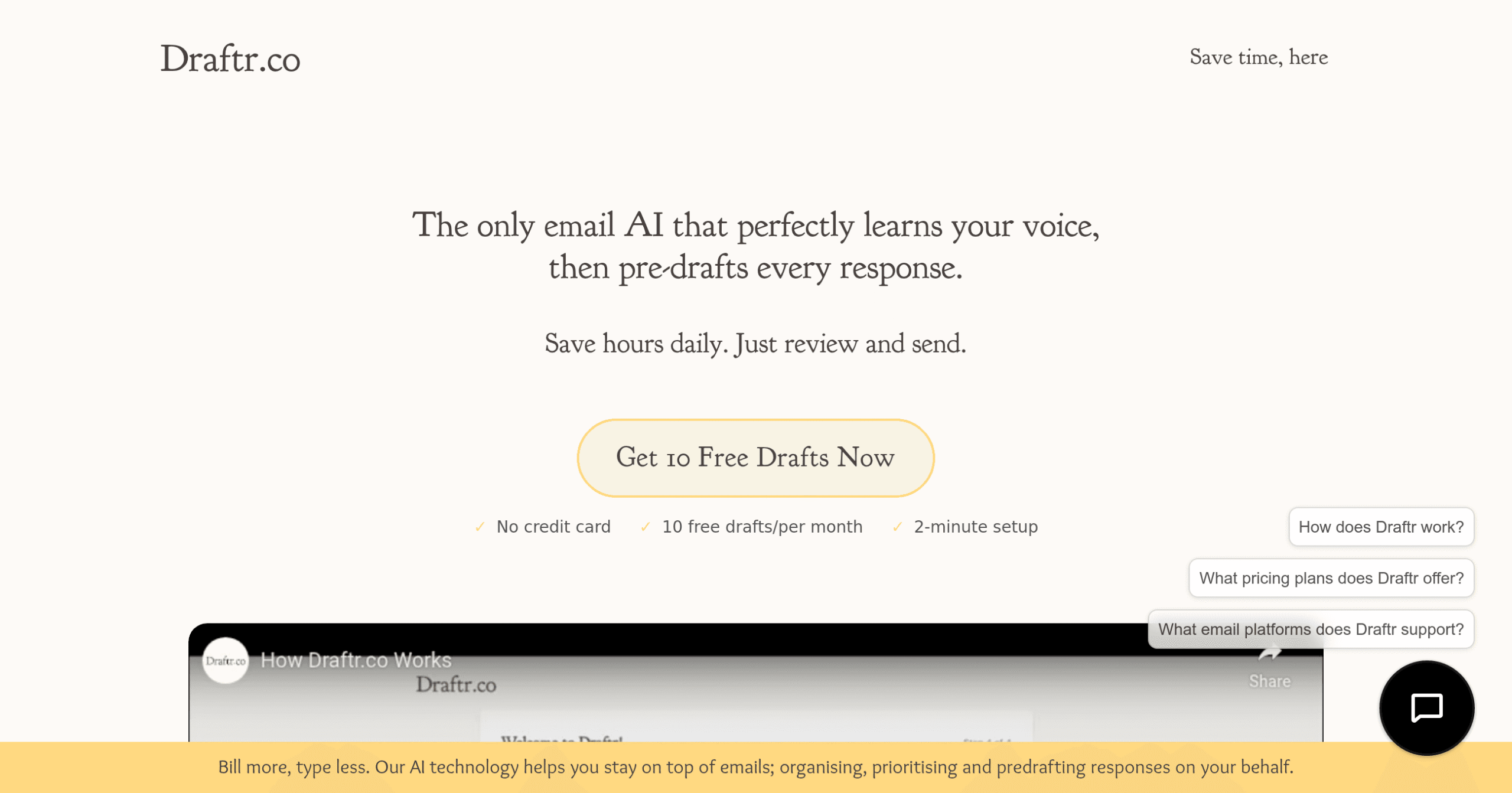
Draftr Introduction
If you're like most business owners, you're wasting at least 2-3 hours every single day just managing emails. That's 15 hours a week you could be using to grow your business, connect with customers, or actually take that lunch break.
What if you could cut that email time down to just 30 minutes a day?
That's exactly what Draftr promises to do. This AI-powered tool learns how you write emails – your style, your tone, even those little phrases you always use – and then creates draft responses for you. Instead of typing everything from scratch, you just review what the AI wrote and hit send. Simple as that.
But here's the thing that makes Draftr different from other email tools out there. It doesn't just spit out generic, robotic responses that sound like they came from a template. The AI actually studies your past emails to understand your unique voice. So when it writes a draft, it sounds like you wrote it yourself. Your clients and team members won't even know the difference.
For busy entrepreneurs and creators who are already juggling a million things, this type of time-saving automation could be the difference between staying afloat and actually moving their business forward.
Let's take a closer look at whether Draftr really delivers on its promise to give you back those precious hours in your day.
Draftr Key Features
AI-Powered Drafting: Let Draftr learn your unique writing style from your past emails. It creates draft responses that sound just like you, saving you from typing the same kinds of emails over and over.
Seamless Integration: Connect directly with your Gmail or Outlook account in minutes. No need to switch between different apps or learn new software – Draftr works right where you already manage your emails.
Time-Saving Automation: Cut your email time by up to 3 hours daily. Draftr pre-writes your responses so you can review, tweak if needed, and send in seconds instead of starting from scratch.
User Review Requirement: Stay in full control of what gets sent. Every draft needs your approval before it goes out, ensuring your emails always meet your standards and say exactly what you want.
Data Security: Keep your email content safe with advanced encryption. Your information stays private – Draftr promises never to share, sell, or give your data to anyone else.
Our Take of Draftr
For entrepreneurs looking to take back their inbox, Draftr offers a smart solution that actually works. The tool learns how you write emails and creates drafts that sound just like you, allowing you to handle dozens of emails in minutes instead of hours. What sets it apart from other email tools is how well it captures your personal style, including those little quirks and sign-offs that make your emails uniquely yours.
The setup process takes just a few minutes, and you’ll start seeing time savings right away. Users report saving up to 3 hours daily on email management, which translates to 15 hours per week you could spend growing your business instead of typing responses. The tool integrates smoothly with Gmail and Outlook, making it easy to add to your existing workflow without requiring a complete overhaul of your system.
While the AI does impressive work, you still need to review each draft carefully before sending it. This extra step ensures your emails stay professional and accurate, especially for sensitive business conversations.
The limited email provider support might be a deal-breaker if you use something other than Gmail or Outlook, and there’s always the risk of becoming too dependent on automation for your communications.
For business owners drowning in emails, Draftr presents solid value. The time savings alone could justify the investment, especially when you consider what those extra hours could mean for your business growth.
However, success with this tool depends on your specific needs:
If you primarily use Gmail or Outlook and want to maintain personal connections while speeding up email responses, Draftr could be exactly what you need.
If you require support for other email platforms or prefer full control over every word you write, you might want to explore other options.
Draftr's Pricing
Draftr offers a free tier that includes 10 drafts per month with no credit card required and a 2-minute setup process. This entry-level option allows users to test the AI email drafting service without any financial commitment.
The platform promises significant time savings, with users reporting an average of 2.6 hours saved daily and the ability to handle high email volumes efficiently. While specific details about paid subscription tiers are not provided on this page, the service emphasizes its value proposition through user testimonials indicating monthly savings of $97 through improved productivity.
All plans include integration with Gmail and other email providers, automatic AI learning of your writing style, and enterprise-grade 256-bit encryption for data security. The service requires manual review and approval before any email is sent, ensuring user control over all communications.
Additional pricing tiers and plan details may be available upon signup or by contacting their sales team directly.
Final Thoughts about Draftr
Email overload doesn’t have to be your daily reality. You’ve seen how Draftr can transform those endless hours of typing into quick review-and-send sessions. The real question is: what would you do with an extra 15 hours every week? Maybe you’d finally launch that new product, spend more time with your best customers, or simply enjoy dinner without checking your phone every five minutes.
Think about your typical Monday morning inbox. Now imagine clearing it in 30 minutes instead of 3 hours. That’s not just time saved – it’s stress reduced, energy preserved, and focus redirected to what really matters in your business. The entrepreneurs who are winning today aren’t the ones working harder on repetitive tasks. They’re the ones working smarter with tools that handle the routine stuff automatically.
If you’re ready to take back control of your inbox and give yourself the gift of time, Draftr could be exactly what you need.
The setup takes minutes, and you’ll see results from day one.
Why not give it a try and see if it transforms your email game like it has for thousands of other business owners?
Click here to get started with Draftr and discover what you can accomplish when email stops running your life.
Draftr FAQs