Dreamlit Introduction
If you're tired of spending hours coding email workflows or manually sending messages every time something happens in your app, you're not alone.
Setting up automated emails that actually work with your database can feel like a full-time job – one that takes you away from growing your business. That's where Dreamlit comes in.
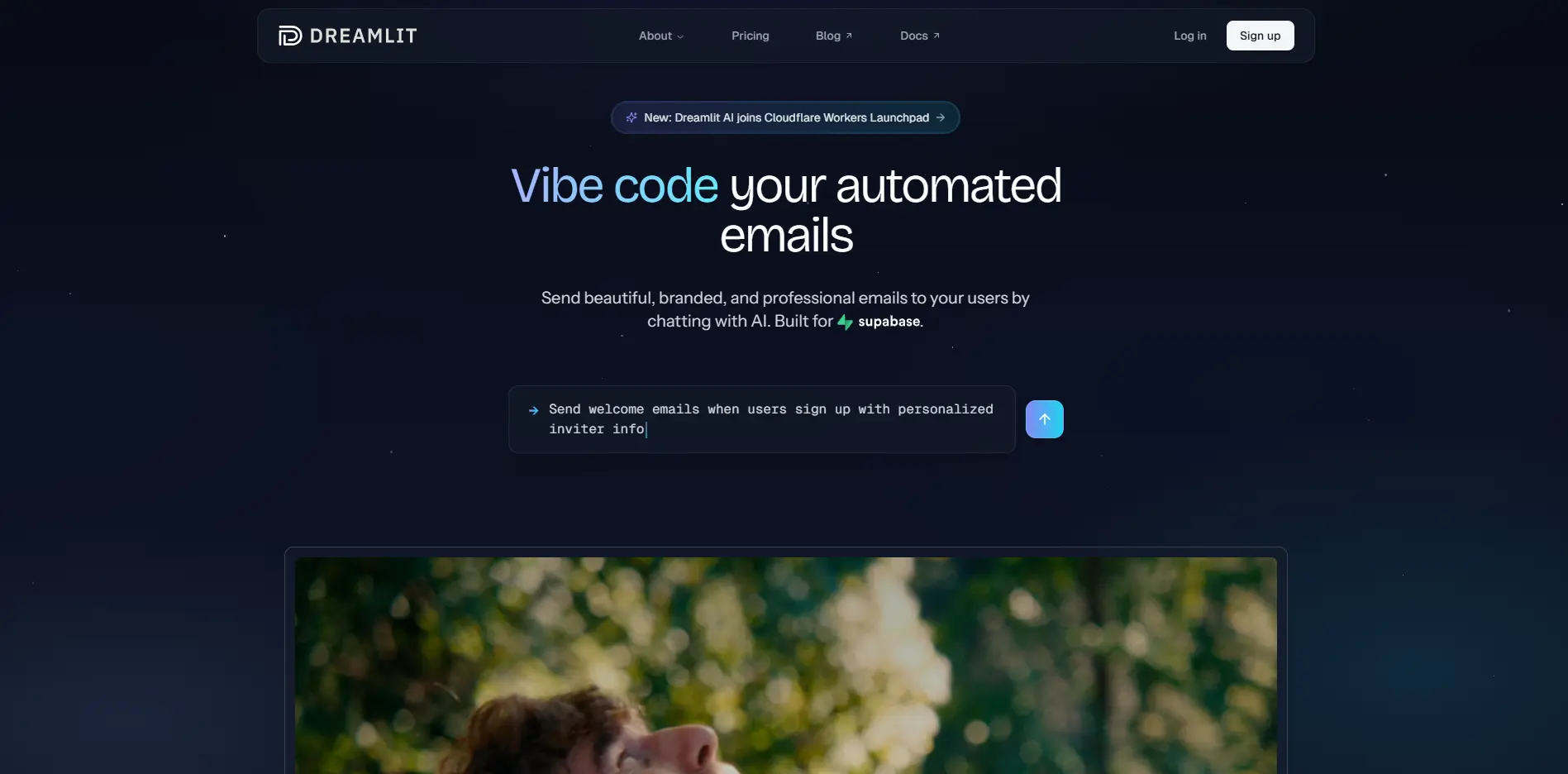
This AI-powered email automation platform connects directly to your Supabase database and lets you create complex email workflows just by describing what you want in plain English. No more wrestling with code, no more missed notifications, and no more generic-looking emails that don't match your brand.
Whether you need to send welcome emails to new users, update customers about their orders, or notify your team about important events, Dreamlit handles it all automatically. Let's take a closer look at how this tool works and whether it's the right fit for your business.
Dreamlit Key Features
AI-Generated Email Workflows: Describe what emails you want to send in plain English, and Dreamlit builds the entire workflow for you. No coding required – just tell it what you need and it creates the triggers, templates, and logic automatically.
Direct Database Integration: Connect straight to your Supabase database to send emails based on real events as they happen. Your emails go out instantly when someone signs up, updates their profile, or changes their subscription – no delays or manual syncing needed.
Customizable Email Templates: Get professional, mobile-friendly email designs that match your brand perfectly. The AI creates templates that look great on any device and keep your brand style consistent across all your emails.
Support for Multiple Email Types: Send any kind of email your business needs – from order confirmations and shipping updates to product announcements and team alerts. One platform handles all your email needs without switching between different tools.
Automated Compliance Checks: Your emails get checked for spam triggers and compliance issues before they’re sent. This means more of your emails reach inboxes instead of spam folders, keeping your sender reputation strong.
Our Take of Dreamlit
If you’re using Supabase and need email automation, Dreamlit could save you serious time. The standout feature is being able to describe what you want in plain English – no coding required. Just tell it what emails to send when certain things happen in your database, and it builds everything for you.
The direct database connection is smart. Your emails trigger based on real data changes, not some delayed sync process. So when someone signs up or changes their subscription, the right email goes out immediately. The AI-generated templates look professional too, and they automatically match your brand style.
Here’s what concerns us: there aren’t many user reviews yet. We’d love to see more feedback from businesses actually using it day-to-day. If you’re not familiar with database-driven systems, you might need some time to get comfortable with how everything connects.
For small-to-medium businesses already on Supabase, this tool makes sense. You’re cutting out the technical hassle of building email workflows from scratch. No need to hire developers or learn complex automation platforms. The time savings alone could justify the cost, especially if you’re sending lots of triggered emails.
Without more user feedback though, we’d suggest starting with their free tier or trial period if available. Test it with your actual use cases before committing. If it works as advertised, you’ll have a solid email automation system that grows with your business. Just make sure it fits your specific needs before going all in.
Dreamlit's Pricing
Dreamlit.ai offers a freemium pricing model with two main tiers.
The Free plan costs $0 forever and includes 100 notifications per month, AI-powered workflow builder, unlimited channels including email domains and Slack channels, unlimited team members, unlimited custom domains, and enterprise-grade deliverability through AWS SES.
The Pro plan is priced at $20 per month and includes 3,000 notifications per month with everything from the Free tier plus higher AI agent limits, the ability to remove Dreamlit branding, priority support, and the option to add dedicated IPs. Additional notifications can be purchased at $20 per 3,000 notifications.
Both plans include core features such as the ability to add delays and wait steps, dynamically filter and branch data, preview and test workflows end-to-end, custom domain authentication with DKIM, SPF, and DMARC, multi-region support, automatic suppression list, and bounce handling. The Pro plan can be cancelled anytime and accepts all major credit cards. Scheduled triggers, one-off emails, and advanced analytics are marked as coming soon for both tiers.
Final Thoughts about Dreamlit
Email automation shouldn’t be complicated. If you’re running your business on Supabase and spending too much time on email tasks, Dreamlit could be the solution you’ve been looking for. Think about all those hours you could save by just describing what you want instead of coding it yourself.
Before jumping in, consider your actual email needs. How many automated emails do you send? What kinds of triggers do you need? If you’re sending welcome emails, order updates, or team notifications regularly, the time savings could be huge. Just remember to test it with your real use cases first.
The fact that you can describe workflows in plain English changes everything. No more hiring developers for basic email automation or learning complicated platforms. Your emails go out instantly when things happen in your database, keeping your customers informed and your team in the loop.
Ready to stop manually sending emails and start automating? Give Dreamlit a try and see if it fits your business needs. The setup is straightforward, and you’ll know pretty quickly if it’s going to save you time.
Want to try Dreamlit? Click the button below to get started.
Dreamlit FAQs