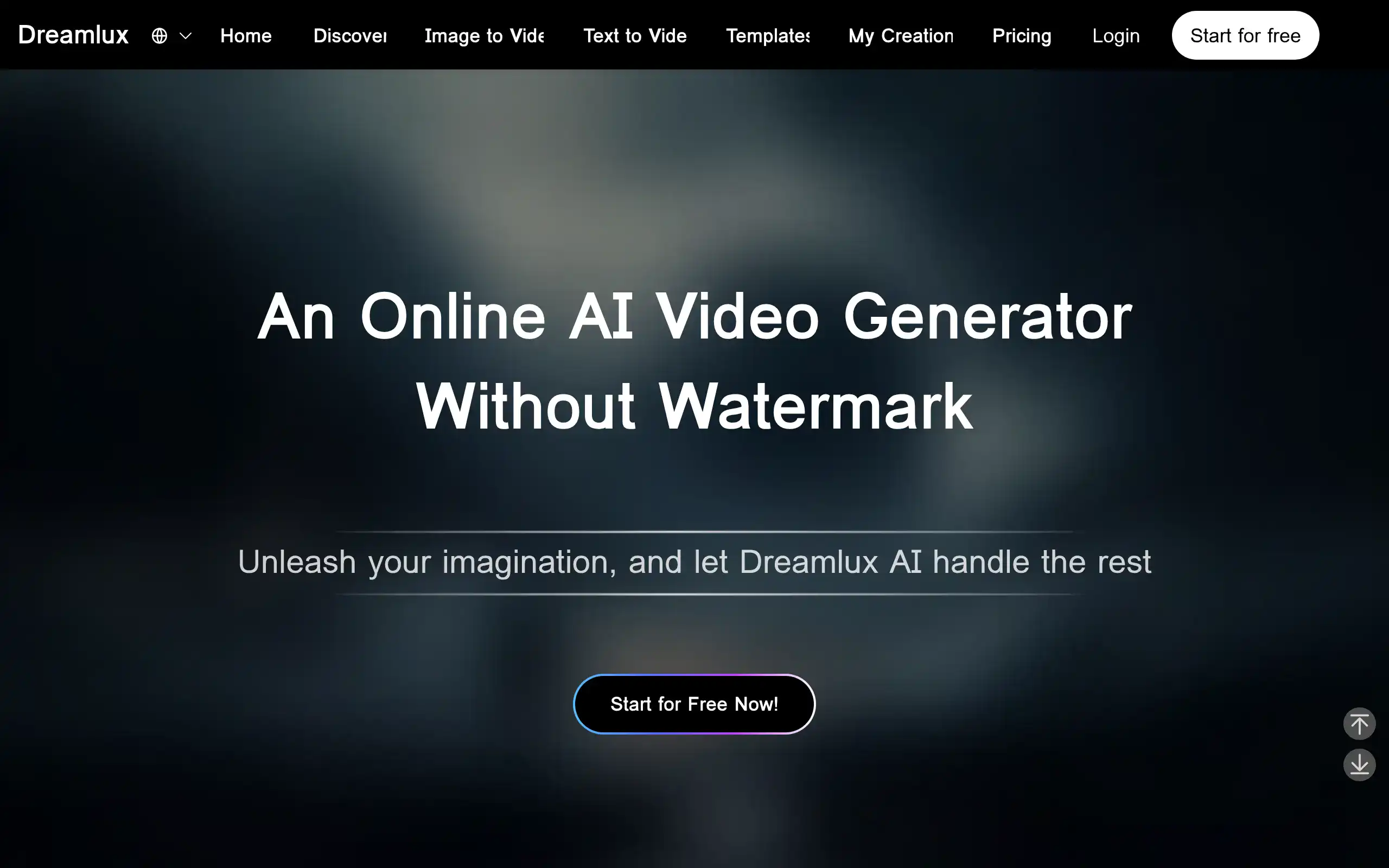
Dreamlux Introduction
Creating videos for your business used to mean hiring expensive agencies or spending hours learning complicated software. If you're a business owner trying to keep up with social media demands, you know how frustrating it can be when you need quick, professional videos but don't have the budget or time for traditional production.
That's where Dreamlux comes in. This AI video generator promises to turn your text and images into polished videos without watermarks, all through a simple online platform. You just type in your script or upload an image, and the AI handles the rest.
For small business owners juggling marketing, sales, and operations, a tool that claims to make video creation this simple sounds almost too good to be true. We've spent time testing Dreamlux to see if it lives up to its promises and whether it's worth your investment.
In this review, we'll break down everything you need to know about Dreamlux, from its standout features to the issues some users have reported. By the end, you'll have a clear picture of whether this tool fits your business needs and budget.
Dreamlux Key Features
Text-to-Video Conversion: Transform your written scripts into professional videos in minutes. You don’t need any video editing skills – just type what you want to say and watch it come to life as engaging visual content.
Image-to-Video Animation: Bring your static photos and graphics to life with smooth animations and transitions. Your still images become dynamic videos that capture attention and keep viewers watching.
Watermark-Free Outputs: Create clean, professional videos without any branding or watermarks getting in the way. Your videos look polished and ready for commercial use right out of the box.
User-Friendly Interface: Start creating videos immediately with an interface that just makes sense. You won’t waste time figuring out complicated controls – everything is right where you’d expect it to be.
Fast Video Generation: Get your videos done in minutes, not hours. The AI works quickly to turn your ideas into finished videos, so you can keep up with your content schedule without the wait.
Our Take of Dreamlux
So here’s what we think about Dreamlux after looking at everything. If you’re running a small or medium-sized business and need videos fast, this tool could work for you. The fact that it creates videos without watermarks is a big plus – you won’t have to worry about unprofessional branding showing up in your content.
The best part is you don’t need to be a tech wizard to use it. You can turn your written content or photos into videos pretty quickly, which is great when you’re juggling a million other things in your business.
But let’s be real about the problems people are having. The pricing structure seems confusing to some users, with folks getting charged extra for credits even after buying a subscription. That’s frustrating when you’re trying to stick to a budget. Some users have also run into technical issues like slow processing or videos that won’t generate at all.
Customer support seems to be hit or miss too. When something goes wrong with your video project, you want help fast, and that doesn’t always happen here.
If you’re thinking about trying Dreamlux, we’d suggest starting with their trial period if they offer one. Test it out thoroughly before committing any serious money. Check exactly how the pricing works and what you’re getting for your subscription. Try creating different types of videos to see if it handles your specific needs well.
Bottom line: Dreamlux has potential for quick video creation, but the reported issues mean you should approach it carefully. There might be other video tools out there with clearer pricing and better reliability that could serve your business better.
Dreamlux's Pricing
The Basic Plan is priced at $15.99 per month and includes 17,000 credits, making it ideal for creators exploring Dreamlux AI video generation. It offers faster generation speeds, no-watermark outputs, expanded camera movement options, and priority support.
The Pro Plan, marked as the most popular for growing teams, is available for $25.99 per month (discounted from $59.99). It provides 40,000 credits per month, unlocks advanced styles, delivers faster rendering, offers higher usage limits, and includes the same benefits of faster generation speeds, watermark-free outputs, enhanced camera movements, and priority support.
Final Thoughts about Dreamlux
You’ve got options when it comes to AI video creation, and Dreamlux is definitely one to consider. We’ve laid out the good and the not-so-good, so now it’s your turn to decide if it fits what you need. Think about your specific video needs – are you creating social content, product demos, or educational videos? Consider your budget and how much time you want to spend learning new software.
Before you jump in with any video tool, ask yourself: What types of videos do I need most? How often will I use this? What’s my monthly budget for video creation? These questions will help you figure out if Dreamlux or another solution makes more sense for your business.
Ready to see if Dreamlux works for you? The best way to know is to try it yourself. Test out the features we talked about and see how it handles your specific projects. Pay close attention to the pricing structure and make sure you understand what you’re signing up for.
Want to give Dreamlux a shot? Click the button below to get started and see if it’s the video solution you’ve been looking for.
Dreamlux FAQs