Easy-Peasy.AI Introduction
Ever feel like you're wearing too many hats trying to create content for your business?
Between writing blog posts, designing social media graphics, editing videos, and managing customer questions, it's enough to make your head spin. Easy-Peasy.AI might just be the helper you've been looking for.
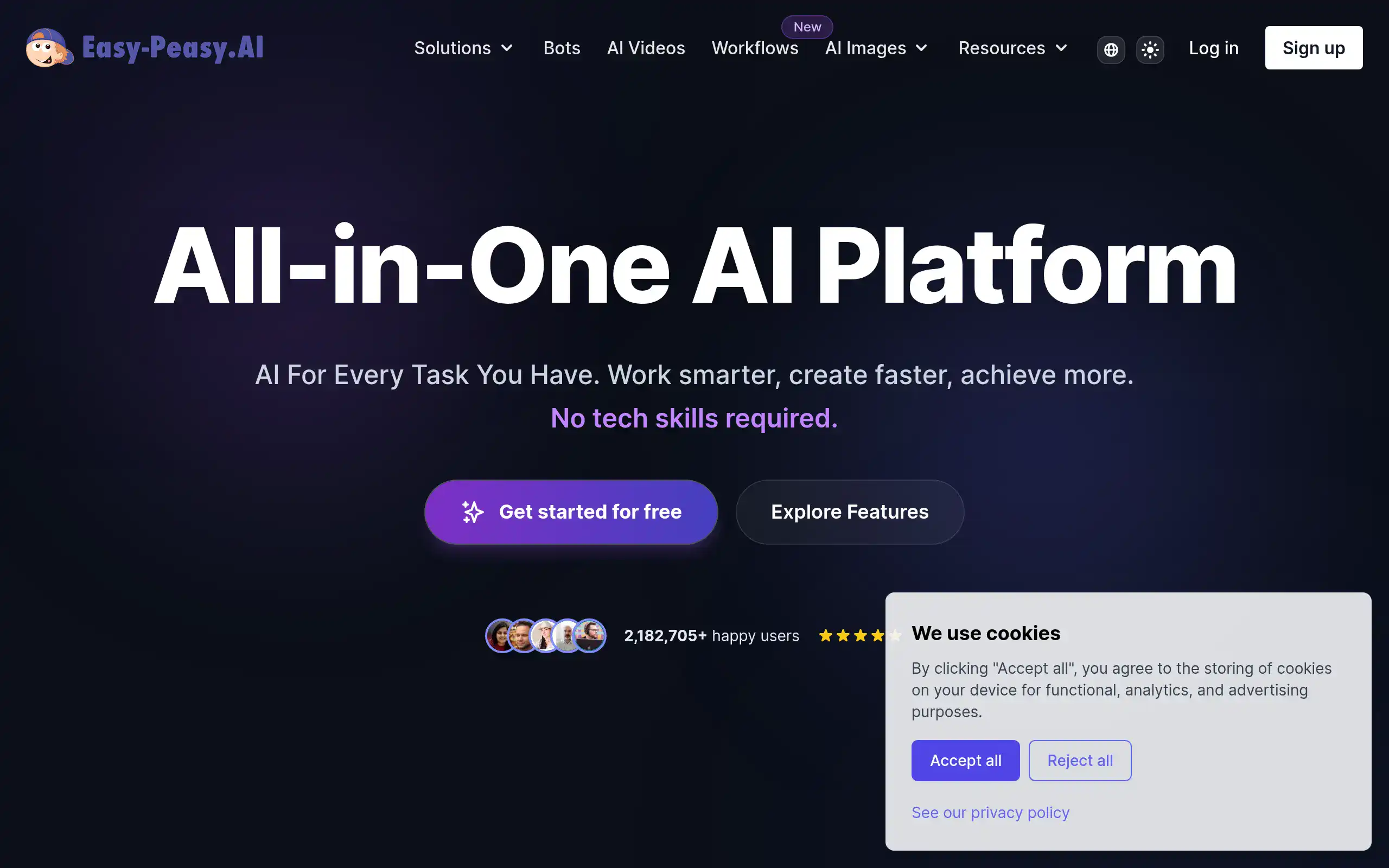
This AI platform brings together text writing, image creation, video production, and even chatbot building all under one roof.
Instead of juggling multiple tools and subscriptions, you get everything in one place with MARKY, their unified interface that doesn't require a tech degree to use.
Whether you're a solopreneur trying to do it all or a small business owner looking to streamline your content workflow, this tool promises to make AI accessible and actually useful for real-world tasks. Let's take a closer look at what Easy-Peasy.AI can really do and whether it lives up to its name.
Easy-Peasy.AI Key Features
AI Workflows: Connect multiple AI tasks into one smooth process. You can link text creation, image generation, and video production to automate repetitive work and save hours every week.
AI Video Generator: Turn your ideas into videos using just text or images. Create engaging content for social media or presentations without expensive video equipment or editing skills.
AI Talking Videos: Make any portrait come to life with realistic speech and lip-sync. Perfect for creating personalized customer messages or training videos that feel more human.
Chat with MARKY: Access multiple AI assistants like GPT, Claude, and Gemini all in one place. Get better results by choosing the right AI for each task without switching between different platforms.
AI Image Generator: Create professional images and artwork in seconds. Skip expensive photo shoots and stock photo subscriptions while getting exactly what you need for your marketing.
Interior Design: See how different styles look in any space instantly. Help clients visualize changes before spending money on renovations or new furniture.
Audio Transcription: Convert recordings into text with automatic summaries and notes. Turn meetings, interviews, or podcasts into searchable documents you can reference anytime.
Text to Speech: Generate natural-sounding voiceovers in multiple languages and styles. Create audio content for videos, podcasts, or accessibility features without hiring voice actors.
AI Agents: Build custom chatbots trained on your specific business information. Provide 24/7 customer support on your website without hiring additional staff.
AI Photo Studio: Create professional product photos without renting studio space. Get consistent, high-quality images for your online store or social media that boost sales.
Our Take of Easy-Peasy.AI
Easy-Peasy.AI packs a lot of AI tools into one platform, which could be really useful if you’re trying to handle multiple content tasks without switching between different apps. The fact that you can create videos, images, transcripts, and text all in one place is pretty convenient, especially when you’re pressed for time.
The pricing seems reasonable compared to buying separate subscriptions for each type of AI tool, and the interface looks simple enough that you won’t need a tech degree to figure it out. The AI workflows feature stands out since it lets you connect different tasks together – like turning a blog post into a video with voiceover automatically.
But there are some things to think about. If you need support for languages other than English, this might not work for you right now. The free plan is pretty limited too, so you’ll likely need to pay to get real value from it. Some users mention occasional bugs, though support seems to help when issues come up.
For business owners who create lots of different content types, this could save both time and money compared to using multiple tools. The ability to build custom AI agents for customer support is interesting if you get a lot of repetitive questions. Just be ready to spend some time learning all the features since there’s quite a bit packed in here.
If you’re mainly focused on one type of content – like just writing or just images – you might find more specialized tools that do that one thing better. But if you want an all-in-one solution that covers most bases without breaking the bank, Easy-Peasy.AI is worth checking out.
Easy-Peasy.AI's Pricing
Easy-Peasy.AI offers a free tier plus three paid subscription plans with both monthly and yearly billing options. The yearly plans come with a 50% discount.
The free plan includes 1,000 words, 1 image credit, 1 audio transcription, 1,000 text-to-speech characters, 1 bot, and access to over 170 templates. Generated images on this plan are public.
The Starter plan costs $8 per month when billed yearly and includes 25,000 GPT-5 words or 50,000 Sonnet 4.5 words, 200 image and video credits, 20 audio transcriptions, 25,000 text-to-speech characters, 2 bots, 3 brand voices, over 200 templates, and support for more than 35 languages.
The Unlimited 50 plan is $12 monthly with yearly billing and provides unlimited access to standard models, 50,000 GPT-5 words or 100,000 Sonnet 4.5 words, 300 image and video credits, 30 audio transcriptions, 50,000 text-to-speech characters, 3 bots, unlimited brand voices, over 300 templates, and multilingual support.
The Unlimited plan, their most popular option, costs $16.50 per month billed annually. It includes unlimited standard model access, 100,000 GPT-5 words or 200,000 Sonnet 4.5 words, 400 image and video credits, unlimited transcription, 75,000 text-to-speech characters, 4 bots, unlimited brand voices, enhanced audio transcription, API access, priority support, and early access to new features.
Models like Claude 3 Haiku, GPT-4o mini, GPT-3.5, Llama 3 70B, and Mixtral 8x7b offer unlimited usage. Premium models such as GPT-4o, Claude 3.5 Sonnet, and Google Gemini provide double the word count compared to GPT-4, Claude 3 Opus, and Mixtral Large models. Custom enterprise plans are available upon request for organizations with specific requirements.
Final Thoughts about Easy-Peasy.AI
Easy-Peasy.AI could be a solid choice if you’re ready to stop juggling multiple tools and subscriptions for your content needs. The platform brings together enough features to handle most content creation tasks without overwhelming you with complexity. Think about how much time you currently spend switching between different apps, dealing with multiple logins, and paying for separate subscriptions. If that sounds familiar, consolidating everything into one platform might make your workday flow a lot smoother.
Before you decide, consider what types of content you create most often and whether having all these tools in one place would actually help your workflow. If you’re constantly creating varied content – maybe a blog post one day, social media graphics the next, then a quick video for your customers – this could simplify things significantly. But if you’re laser-focused on just one type of content, a specialized tool might serve you better.
The pricing seems fair for what you get, especially compared to buying individual subscriptions for each type of AI tool. Just keep in mind the limitations around language support and the restricted free plan. You’ll want to budget for a paid plan to really see what this platform can do for your business.
Want to see if Easy-Peasy.AI really lives up to its name? The best way to find out is to test it with your own content needs. Click the button below to start your free trial and see if this all-in-one approach works for your business.
Easy-Peasy.AI FAQs