Hiver Introduction
If you're drowning in shared emails and your team can't figure out who's handling what, you're not alone. Most businesses struggle with managing support@, orders@, and other shared inboxes. Messages slip through the cracks, customers get frustrated waiting for responses, and your team wastes time playing email ping-pong trying to figure out who's responsible for what.
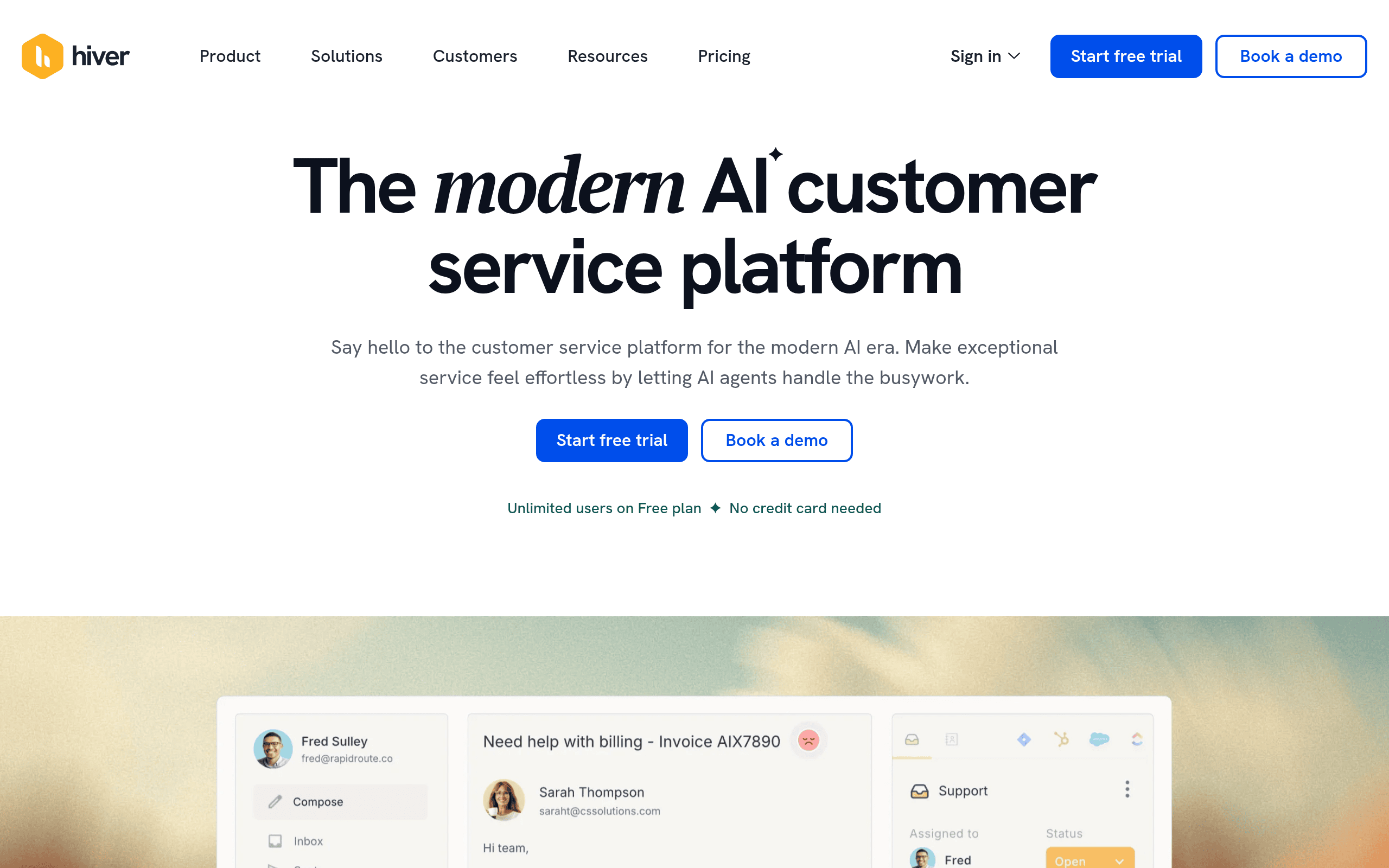
That's where Hiver comes in. It's a customer service platform that works right inside Gmail, turning your chaotic shared inbox into an organized system. No need to learn complicated new software or migrate away from Gmail. Your team can assign emails, track conversations, and collaborate without leaving their inbox.
Founded in 2011, Hiver has been helping teams handle customer emails better for over a decade. It takes the messiness of shared email accounts and gives you the structure of a helpdesk – but without the headache of setting up and learning a whole new system.
In this review, we'll break down everything you need to know about Hiver. We'll cover how it works, what it costs, and whether it's worth your time and money. We'll also share the good, the bad, and what real users are saying about their experience with the platform.
Hiver Key Features
Shared Inboxes: Turn your team’s shared email accounts into organized workspaces right inside Gmail. Everyone can see what’s happening with customer emails, who’s handling what, and nothing falls through the cracks.
Email Assignments: Convert incoming emails into clear tasks by assigning them to specific team members. You’ll always know who’s responsible for each customer conversation, keeping everyone accountable and customers happy.
Email Statuses: Track where each conversation stands by marking emails as open, pending, or closed. Your team stays on the same page about what needs attention and what’s already been handled.
Email Notes and @Mentions: Leave private notes for your team right inside email threads and tag colleagues when you need their input. No more forwarding emails back and forth or switching to chat apps to discuss customer issues.
Workflow Automation: Set up rules to automatically route emails to the right person, send template responses, and schedule follow-ups. You’ll handle more customer requests in less time without the manual busy work.
Analytics and Reporting: Get clear insights into how your team performs and how quickly customers get responses. These reports help you spot bottlenecks and make smart decisions about improving your support.
Integrations: Connect Hiver with tools like Salesforce and Zendesk to keep all your customer information in one place. Your team gets the full picture of each customer without jumping between different apps.
Our Take of Hiver
If you’re running a small business and your team is already using Gmail, Hiver could be a solid choice for managing customer emails. The fact that it works right inside Gmail means you won’t have to teach your team a whole new system – they can keep working where they’re comfortable.
The automatic email routing and template features can save you hours each week, especially if you’re handling lots of similar customer questions. Plus, being able to assign emails to specific team members and track their status helps prevent things from falling through the cracks.
That said, you should know about some drawbacks before signing up. The customization options are pretty basic, so if you need specific features for your business, you might hit some walls. The reporting tools are also limited compared to other customer service platforms, which could be frustrating if you’re trying to track detailed performance metrics.
The cancellation process has been a pain point for many users. If you decide Hiver isn’t right for you, be prepared for a potentially long process to end your subscription. Some users have also reported concerns about email delivery after installing Hiver, though these reports aren’t widespread enough to know if it’s a common issue.
For businesses handling 50-500 support emails daily who want to stay in Gmail, Hiver makes sense. But if you need advanced reporting, lots of customization, or you’re handling thousands of emails, you might want to look at dedicated helpdesk software instead. Consider starting with their trial to see if it fits your workflow before committing to a paid plan.
Hiver's Pricing
Hiver offers a tiered pricing structure with both monthly and annual billing options, with annual plans saving up to 20%.
The Free plan costs $0 per user per month and includes basic ticketing features, shared inboxes, team collaboration tools, and support for email, live chat, WhatsApp, voice, and knowledge base channels. It also provides Slack integration and 24/7 email and live chat support.
The Growth plan is priced at $25 per user per month (or $35 monthly) and adds SLA management, custom fields, customer portal, rule-based automations, round-robin assignment, approvals, conversation and performance analytics, custom reports, and integrations with CRM, e-commerce, and billing platforms.
The Pro plan costs $45 per user per month (or $55 monthly) and includes everything in Growth plus CSAT surveys, business hours settings, chatbots, load-balanced round-robin assignment, custom dashboards, scheduled data exports, CSAT and SLA analytics.
The Elite plan is $75 per user per month (or $95 monthly) and adds skill-based routing, custom objects, individual to shared inbox automation, custom roles, HIPAA compliance, Okta SSO integration, dedicated customer success manager, and custom build hours for API and integration development.
Hiver AI is available as an add-on for $20 per user per month across all paid plans. It includes AI Copilot features like summarizer, compose assistance, and contextual guidance, plus AI Agents for automated tagging, sentiment analysis, and data extraction.
All plans start with a minimum of 2 seats, with the Free plan supporting unlimited users. Paid plans can scale from 2 to 5 seats, then in increments of 5. A 7-day free trial of the Elite plan is available without requiring a credit card.
Final Thoughts about Hiver
Bottom line – if your team is juggling multiple shared email accounts and losing track of customer messages, Hiver could be the fix you’ve been looking for. It won’t blow you away with fancy features, but it gets the job done by keeping everything organized right where you already work.
Before you jump in, think about what matters most for your business. Do you need basic email management that just works? Hiver’s got you covered. Need tons of custom features and detailed reports? You might want to keep looking.
The best part is you don’t have to guess if it’ll work for you. Take it for a test drive with their free trial and see how it fits into your daily workflow. Get your team involved and see if it actually makes their lives easier. Pay attention to how quickly you can get up and running and whether it solves your biggest email headaches.
Ready to see if Hiver can bring some order to your email chaos? Click the button below to start your free trial and find out if it’s the right fit for your team.
Hiver FAQs