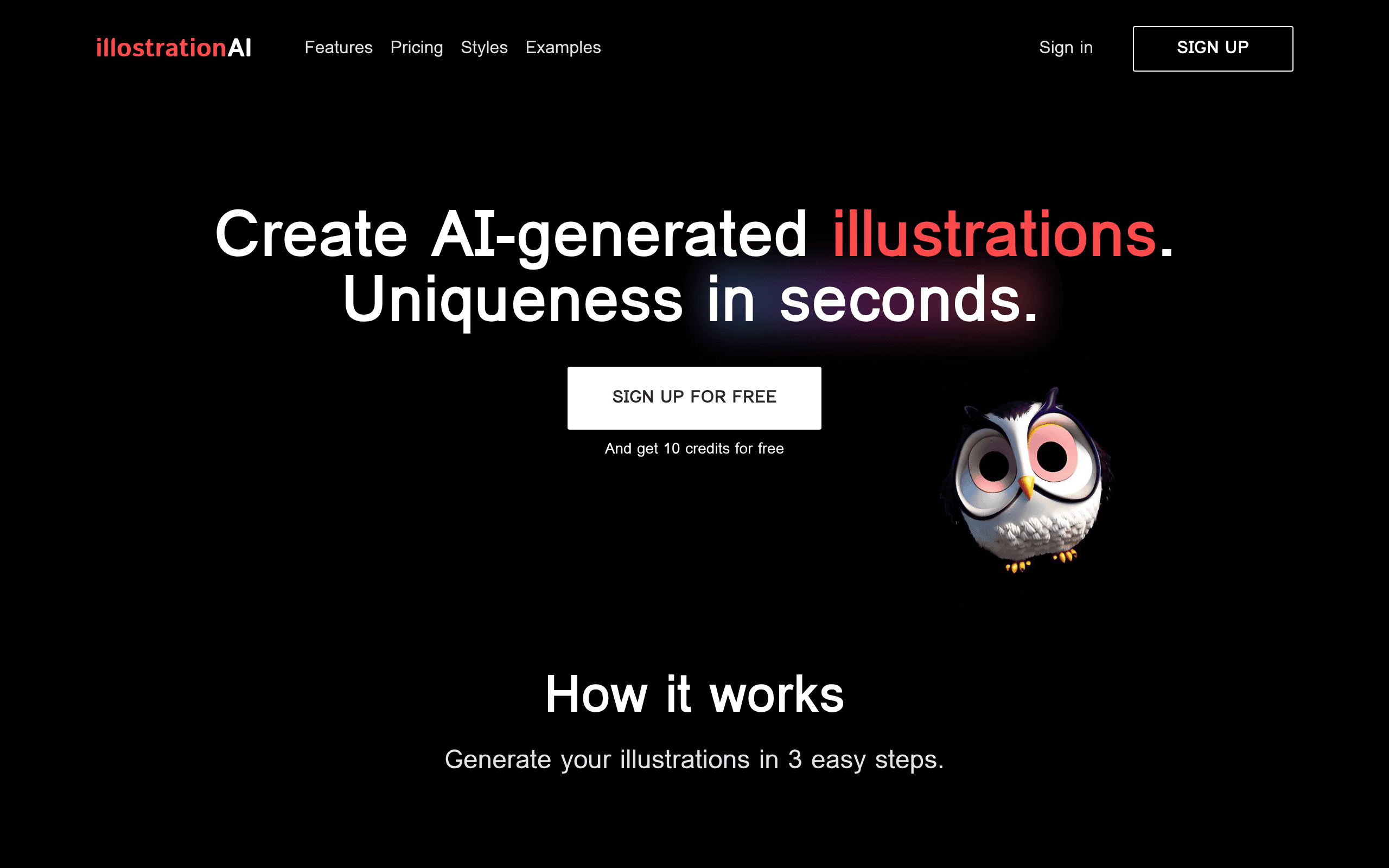
IllostrationAI Introduction
Creating custom illustrations can eat up hours of your time and drain your budget fast. Maybe you've tried hiring freelance artists only to wait days for revisions. Or you've wrestled with design software that feels way too complicated for what you actually need. If you're running a business and need quality visuals without the headache, you're not alone in this struggle.
That's where IllostrationAI comes in. This AI-powered tool promises to turn simple text descriptions into polished illustrations in minutes. Pick a style, type what you want, and let the AI do the heavy lifting. It sounds almost too easy, right? Well, I spent time testing it out to see if it actually delivers on that promise. In this review, I'll break down everything you need to know about IllostrationAI so you can decide if it's the right fit for your creative needs.
IllostrationAI Key Features
Diverse Style Selection: Pick from tons of illustration styles like 3D renders, vector art, pixel art, and even Pixar-style graphics. This means you can match your artwork to any project without hiring different artists for different looks.
AI Upscaling and Enhancement: Make your illustrations look sharper and cleaner with built-in AI tools. Your artwork comes out crisp and professional, even if you started with a simple description.
Background Customization: Remove or swap out backgrounds with just a few clicks. This gives you the freedom to drop your illustrations into any design without worrying about clashing elements.
Bulk Illustration Generation: Create dozens of illustrations at once by uploading a simple CSV file with your descriptions. This is a huge time-saver when you’ve got big projects with lots of visual needs.
Figma Integration: Work on your illustrations right inside Figma without switching between apps. Your design workflow stays smooth, and you can tweak illustrations on the spot as you build out your projects.
Our Take of IllostrationAI
IllostrationAI looks like a solid pick for small business owners who need custom artwork but don’t have the budget for a full-time designer. The pay-as-you-go credit system is a nice touch because you’re not locked into monthly fees you might not use. You can grab illustrations when you need them and skip the commitment.
The tool shines when it comes to variety. With styles ranging from 3D renders to pixel art, you’ve got options for pretty much any project. Need icons for your website? Done. Want something with that Pixar feel for a presentation? You can do that too.
The Figma integration is handy if that’s already part of your workflow. But fair warning, some users have run into glitches with the plugin. It’s not a deal breaker, but it’s something to keep in mind.
One thing to know is that you’ll need a solid internet connection. Everything runs online, so if your wifi is spotty, you might hit some bumps. And if you’re working on an older computer, the AI features could slow things down a bit.
For business owners who want quick, affordable illustrations without hiring out, IllostrationAI offers a decent balance of features and flexibility. It won’t replace a professional illustrator for complex projects, but for everyday marketing materials and content needs, it gets the job done.
IllostrationAI's Pricing
The 100 Credits package includes 100 AI-generated images and is priced at $9.80, currently discounted to $4.90.
The 500 Credits package offers 500 AI-generated images for $19.80, now available at a reduced price of $9.90.
The 1000 Credits package provides 1,000 AI-generated images and costs $29.80, with a discounted price of $14.90. Each package can be purchased individually as a one-time credit bundle.
Final Thoughts about IllostrationAI
If you’re tired of spending too much time and money on custom illustrations, IllostrationAI might be worth a shot. It’s not perfect, but it gives you a fast and affordable way to create visuals that fit your brand. The variety of styles and the pay-as-you-go setup make it a flexible option for business owners who need artwork without the hassle of hiring out every time.
Think about what your creative needs look like right now. Do you find yourself putting off projects because the design work feels like too much? Or maybe you’ve been settling for generic stock images that don’t really capture what your brand is about. This tool could fill that gap and free up your time for the stuff that matters most in your business.
The best way to know if it’s right for you is to try it yourself. See how it handles your ideas and whether the output matches what you’re looking for. You might be surprised at how quickly you can turn a simple description into something you’re actually proud to use.
Ready to see what IllostrationAI can do for you? Click the button below to give it a try and start creating illustrations that fit your vision.
IllostrationAI FAQs