Illustroke Introduction
Creating custom illustrations used to mean one of two things. You'd either spend hours learning design software or pay a designer hundreds of dollars for a single graphic. Neither option works great when you're running a business and need visuals fast.
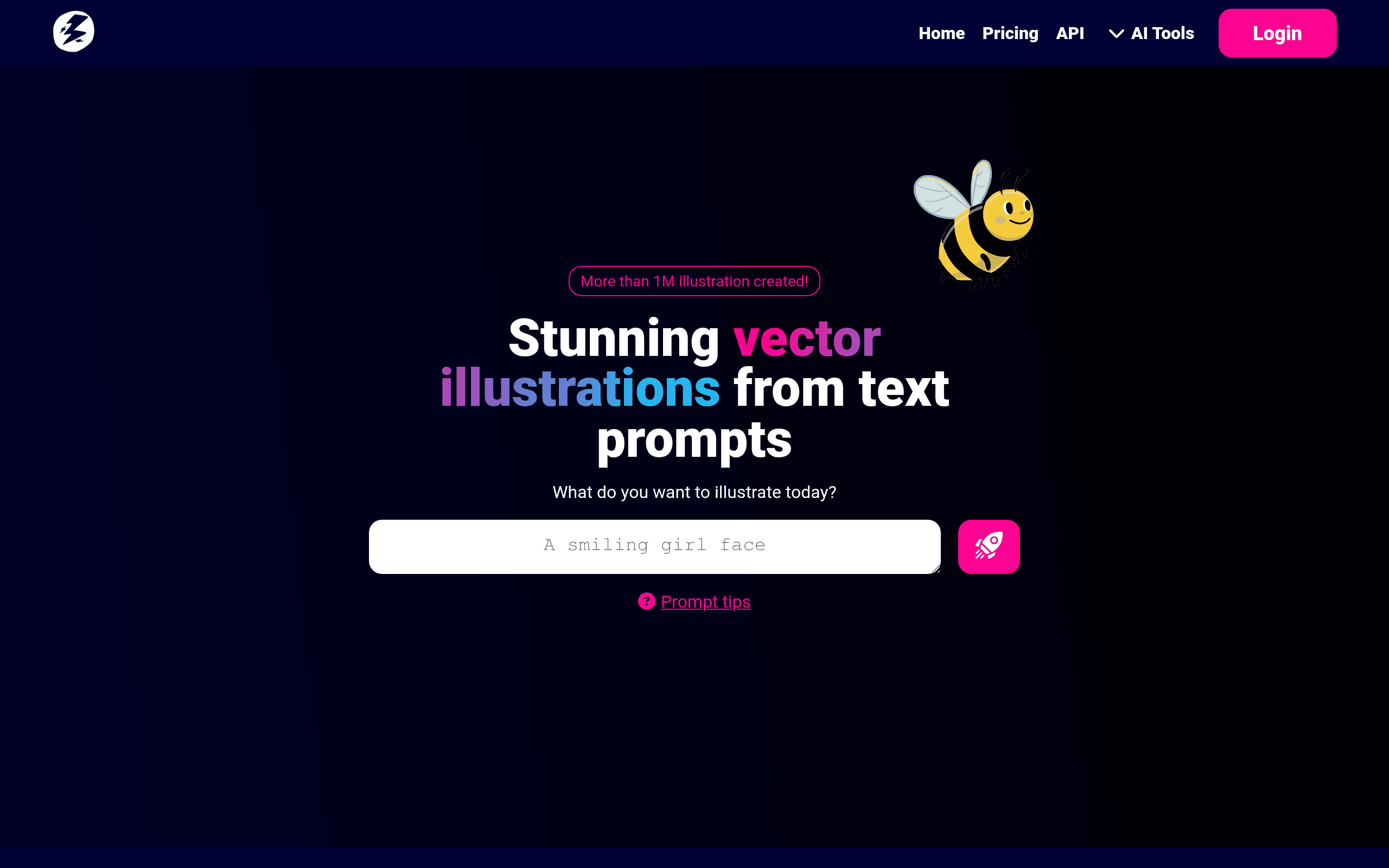
That's where Illustroke comes in. This AI tool turns your text descriptions into vector illustrations in seconds. No design skills needed. Just type what you want and watch it appear on screen.
But here's what makes it different from other AI image generators. Illustroke creates true vector files. That means your illustrations stay crisp and clear whether you're using them on a business card or a billboard. No pixelation. No quality loss.
I've spent time testing Illustroke to see if it actually delivers on its promises. In this review, I'll break down exactly what it does well, where it falls short, and whether it's worth your money. If you've been searching for a faster way to create professional graphics without breaking the bank, keep reading.
Illustroke Key Features
Text-to-Vector Conversion: Type a simple description and watch it become a real vector illustration. You’ll spend less time explaining what you want to designers and more time getting work done.
40+ Illustration Styles: Pick from flat, isometric, and dozens of other looks to match your brand. You won’t need to hire different artists for different project vibes.
SVG Format Output: Get graphics that look sharp whether they’re on a business card or a billboard. Your images stay crisp no matter how big or small you make them.
Built-in Editor: Tweak colors, adjust shapes, and add animations right inside the tool. You can fine-tune your illustrations without switching to another program.
Token-Based System: Pay for what you use instead of a monthly fee you might not need. It’s great when you only need a handful of illustrations each month.
Our Take of Illustroke
Illustroke could be a solid pick if you’re a small business owner who needs custom illustrations but doesn’t have design chops or a big budget for graphic work. The tool does what it promises pretty well. You type in what you want, pick a style, and get a vector image you can resize without it turning into a blurry mess. That’s genuinely useful for things like logos, social media posts, or website graphics.
The 40-plus style options give you decent variety, and the built-in editor lets you tweak colors and shapes without jumping into another program. For quick projects or one-off needs, it’s a real time-saver.
Here’s where you’ll want to pay attention though. The token system means every illustration costs you something, and if you’re churning out graphics regularly, those costs add up. You’ll also need to get good at writing clear prompts. Vague descriptions lead to disappointing results, so there’s a bit of a learning curve there.
If you need heavy customization or complex designs, you might find the editor a bit basic. You’d likely need to export your SVG and finish it in something like Illustrator or Figma.
Bottom line? Illustroke works well for what it is. It’s not going to replace a professional designer for intricate work, but for straightforward vector illustrations on a budget, it gets the job done.
Illustroke's Pricing
Follow us and send a message through our social channels to receive a welcome code for free tokens—we usually reply within 24 hours.
The Personal Bundle includes 50 tokens to generate beautiful illustrations for your personal projects and is available for $7.90, while the Growth Bundle offers 200 tokens to help you create beautiful illustrations and grow your business for $22.90.
Final Thoughts about Illustroke
So what do you think? Is Illustroke the right fit for your graphic needs? Take a minute to consider how often you need custom illustrations and what your budget looks like. If you’re someone who needs a few solid vector graphics here and there without the hassle of learning design software or paying designer rates, this tool could save you real time and money.
The best way to know if it works for you is to try it yourself. Play around with different prompts and see what kind of results you get. You might be surprised at how quickly you can create something that looks professional and works across all your marketing materials.
Ready to give it a shot? Click the button below to try Illustroke and start creating your own custom vector illustrations today.
Illustroke FAQs