In3D Introduction
Ever tried creating a 3D avatar for your business and found yourself stuck in complicated software for hours? You're not alone.
Most business owners want to add that professional touch to their virtual meetings or create engaging content, but traditional 3D modeling feels like learning rocket science.
That's where In3D comes in – it's an AI tool that promises to turn your smartphone selfie into a realistic 3D avatar in about a minute.
No fancy equipment, no technical skills needed. Just point, scan, and you've got yourself a digital twin ready for your next virtual presentation or marketing campaign.
But here's the thing – while the tech sounds amazing, there are some real trade-offs you'll want to know about before jumping in.
From surprising costs to performance hiccups, this review breaks down what In3D really delivers versus what it promises on the tin.
In3D Key Features
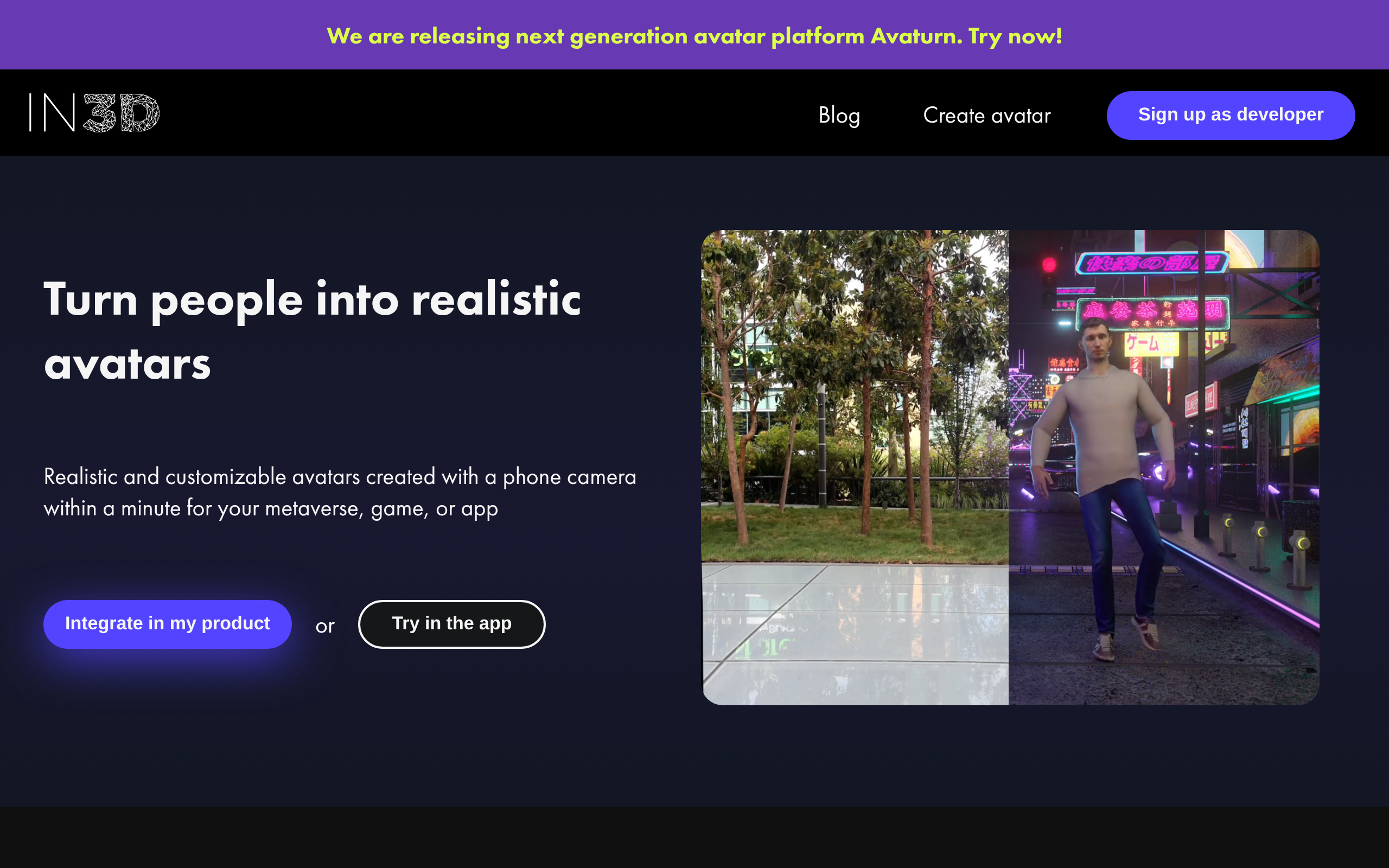
Rapid Avatar Creation: Create realistic 3D avatars of yourself in under 60 seconds using just your smartphone camera. Skip expensive photo shoots and get professional digital representations instantly for your business.
Cross-Platform Integration: Export your avatars in FBX, GLB, or USDZ formats that work seamlessly with Unreal Engine, Unity, and other popular platforms. Use the same avatar across all your marketing channels without compatibility headaches.
Animation and AR Capabilities: Bring your avatars to life with built-in animation features and create engaging AR videos for social media. Stand out from competitors with interactive content that grabs attention.
Metaverse Compatibility: Take your business into virtual spaces like GTA V, Second Life, and VRChat. Connect with customers where they’re already spending time and expand your reach beyond traditional channels.
Our Take of In3D
Here’s the honest truth about In3D – it’s a mixed bag. You get what they promise: a 3D avatar of yourself in about a minute using just your phone. That’s pretty cool, and it actually works. The avatars look decent, and if you’re into game development or creating content for virtual worlds, this could save you tons of time.
For small business owners thinking about virtual marketing or online presence, In3D could work if you need quick avatars and have the budget. The fact that it exports to Unity and Unreal Engine is great if you’re already using those platforms. But if you’re just starting out or watching your expenses, the cost-to-value ratio might not make sense.
The privacy issues some users mentioned are concerning too. Not being able to delete your personal data when you ask? That’s a red flag in today’s world.
Bottom line: In3D does create 3D avatars quickly and easily. Whether that’s worth the high price tag and technical hiccups depends on how badly you need avatars and how much patience you have for software that’s still working out its kinks. For most small businesses, there might be better ways to spend that $200+ per year.
In3D's Pricing
In3D does not display pricing information on their main website. The platform offers a developer SDK for integrating realistic 3D avatars into metaverse environments, games, and apps, with support for Unity, Unreal Engine, iOS, Android, and web platforms.
To access pricing details, interested parties need to sign up as a developer through their developer portal. The service allows users to create customizable avatars using just a phone camera within a minute, with export options in FBX, GLB, and USDZ formats.
For pricing information and commercial licensing terms, developers must register for an account at developer.in3d.io.
Final Thoughts about In3D
So what’s your next move? If you’re serious about creating 3D avatars for your business, take a few minutes to think about your actual needs. Do you have backup plans if the app crashes during an important project? Are you comfortable with the privacy concerns?
If you’ve weighed the pros and cons and still want to give In3D a shot, go for it. The technology is pretty impressive when it works, and being able to create a digital version of yourself in 60 seconds is still kind of mind-blowing. Just go in with realistic expectations about the bumps you might hit along the way.
Ready to create your first 3D avatar? Click the button below to try In3D and see if it’s the right fit for your business needs.
In3D FAQs