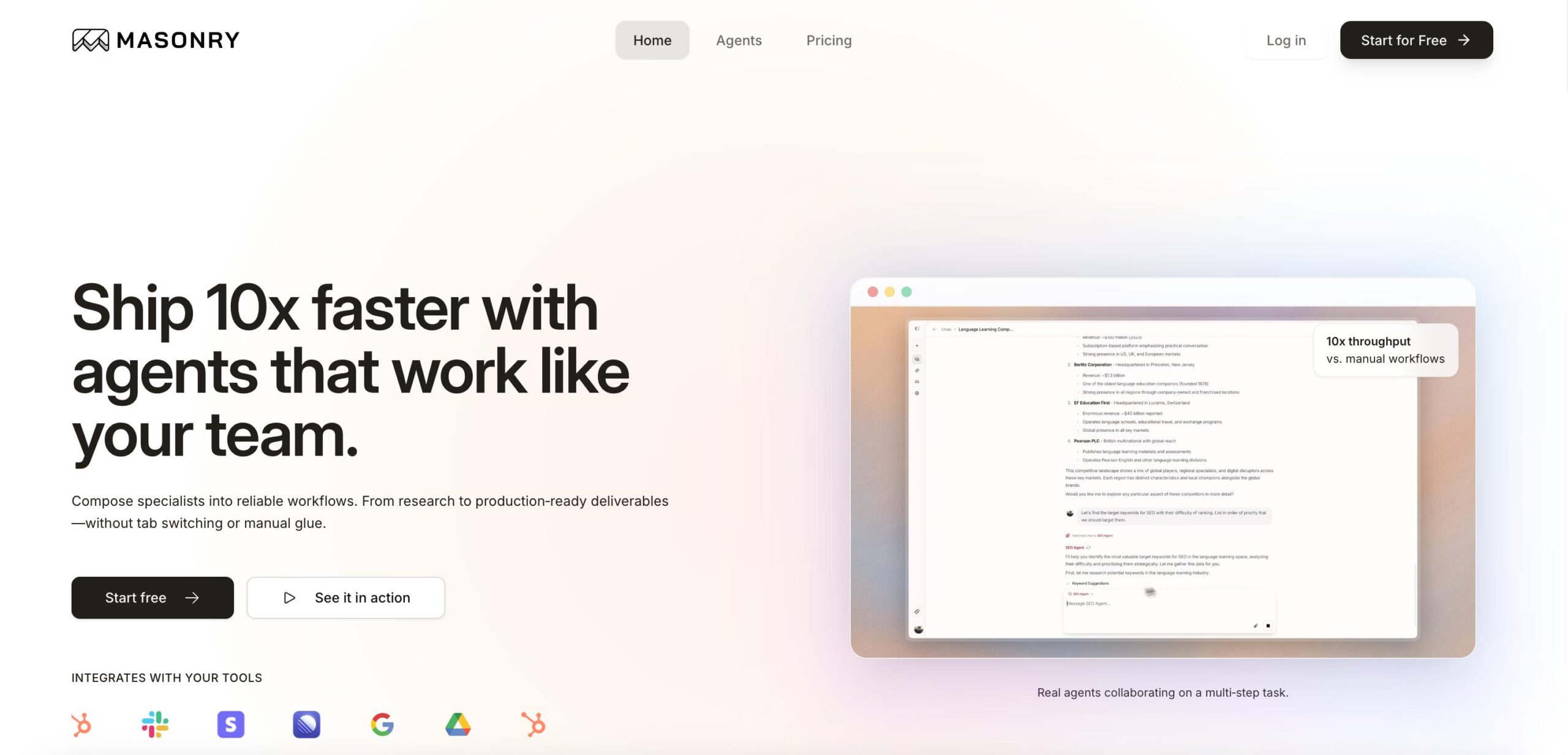
Masonry Introduction
If you’re spending more time playing email tag, updating spreadsheets, and juggling between different apps than actually growing your business, you’re not alone.
Most teams waste hours every week on repetitive tasks that could be handled automatically.
That’s where Masonry comes in; it’s like having a team of smart assistants who never sleep, never complain, and actually get things done.
Instead of copying data from emails to spreadsheets or manually updating your CRM after every sales call, Masonry lets you tell it what you need in plain English, and it handles the rest.
Whether you need to analyze sales data, schedule meetings, process invoices, or keep your team in sync across Gmail, Slack, and Google Sheets, this platform connects all your tools and makes them work together without you lifting a finger.
The best part?
You don’t need to be tech-savvy to use it. If you can type what you want, Masonry can probably do it for you.
Masonry Key Features
AI-Driven Task Automation: Let specialized AI agents handle your daily tasks like sales management, scheduling, and data analysis. You’ll free up hours each week to focus on growing your business instead of getting stuck in routine work.
Natural-Language Processing: Just type what you need in plain English and watch it turn into completed tasks. No need to learn complex commands or technical jargon – if you can text, you can use this.
Real-Time Progress Tracking: See everything happening in your business from one simple dashboard. You’ll always know what’s done, what’s pending, and how your team is performing without chasing down updates.
Extensive Integrations: Connect all your favorite tools like Gmail, Google Calendar, Slack, and Stripe in one place. Your data syncs automatically, so you won’t waste time copying information between apps anymore.
Custom AI Agent Creation: Build AI helpers that work exactly how your business needs them to. You can create agents for your specific processes, making sure everything runs the way you want it to.
Our Take of Masonry
Masonry looks like a solid option if you’re trying to get more done without adding extra work to your plate.
The fact that it connects with Gmail, Slack, and other tools you probably already use makes it pretty appealing. You won’t have to switch between a bunch of different apps to get things done.
The AI agents that handle different tasks could save you serious time on stuff like managing your sales pipeline or scheduling meetings. Instead of doing these things manually, you just tell Masonry what you need in plain English, and it figures out the rest. That’s pretty handy when you’re juggling multiple projects.
But here’s the thing! There aren’t many reviews from actual users yet. That makes it tough to know how well it really works day to day. Some platforms sound great on paper but don’t deliver when you actually use them. Without hearing from other business owners who’ve tried it, you’re kind of flying blind.
The platform seems straightforward to use, but you’ll probably need some time to figure out all the features and set up your workflows properly. If you’re not super tech-savvy, there might be a learning curve at first.
For small and medium-sized businesses looking to automate their workflows, Masonry could be worth considering.
Since user feedback is limited, your best bet is to try it yourself and see if it fits your needs.
Most platforms offer a trial period, allowing you to test it without committing right away.
Just make sure it actually saves you time before you invest too much into setting everything up.
Masonry's Pricing
Masonry offers a free plan with unlimited projects, basic integrations, and community support.
The Pro plan at $12 per user per month includes advanced integrations, priority support, custom fields, and team collaboration features.
The Business plan at $25 per user per month adds enterprise integrations, dedicated account management, advanced security features, and API access.
Enterprise pricing is available on request and includes custom integrations, on-premise deployment options, 24/7 phone support, and SLA guarantees.
All paid plans come with a 14-day free trial and include unlimited projects, real-time collaboration, and mobile apps.
Final Thoughts about Masonry
So here’s the deal – you know your business better than anyone, and only you can decide if Masonry is worth your time.
The platform sounds promising, but without solid user reviews, you’re taking a bit of a leap. That said, if you’re currently drowning in manual tasks and losing hours to copy-pasting between apps, even a small improvement could make a big difference.
Before jumping in, think about your biggest time wasters right now.
Are you constantly updating spreadsheets?
Playing email tag to schedule meetings?
Moving data between different tools?
If these sound familiar, Masonry might actually help you reclaim those hours.
The smart move is to test it out first. See if it plays nice with your current setup and actually saves you time. Set aside an afternoon to kick the tires – create a few workflows, connect your tools, and see if it delivers on its promises. Pay attention to how long it takes to set up versus how much time it saves you afterward.
Keep in mind that any new tool needs time to prove itself. Give it a fair shot, but don’t force it if it’s not working for you. The goal is to make your life easier, not add another complicated system to manage.
Ready to see if Masonry can handle your busy work?
Click the button below to give it a try and find out if it’s the right fit for your business.
Masonry FAQs