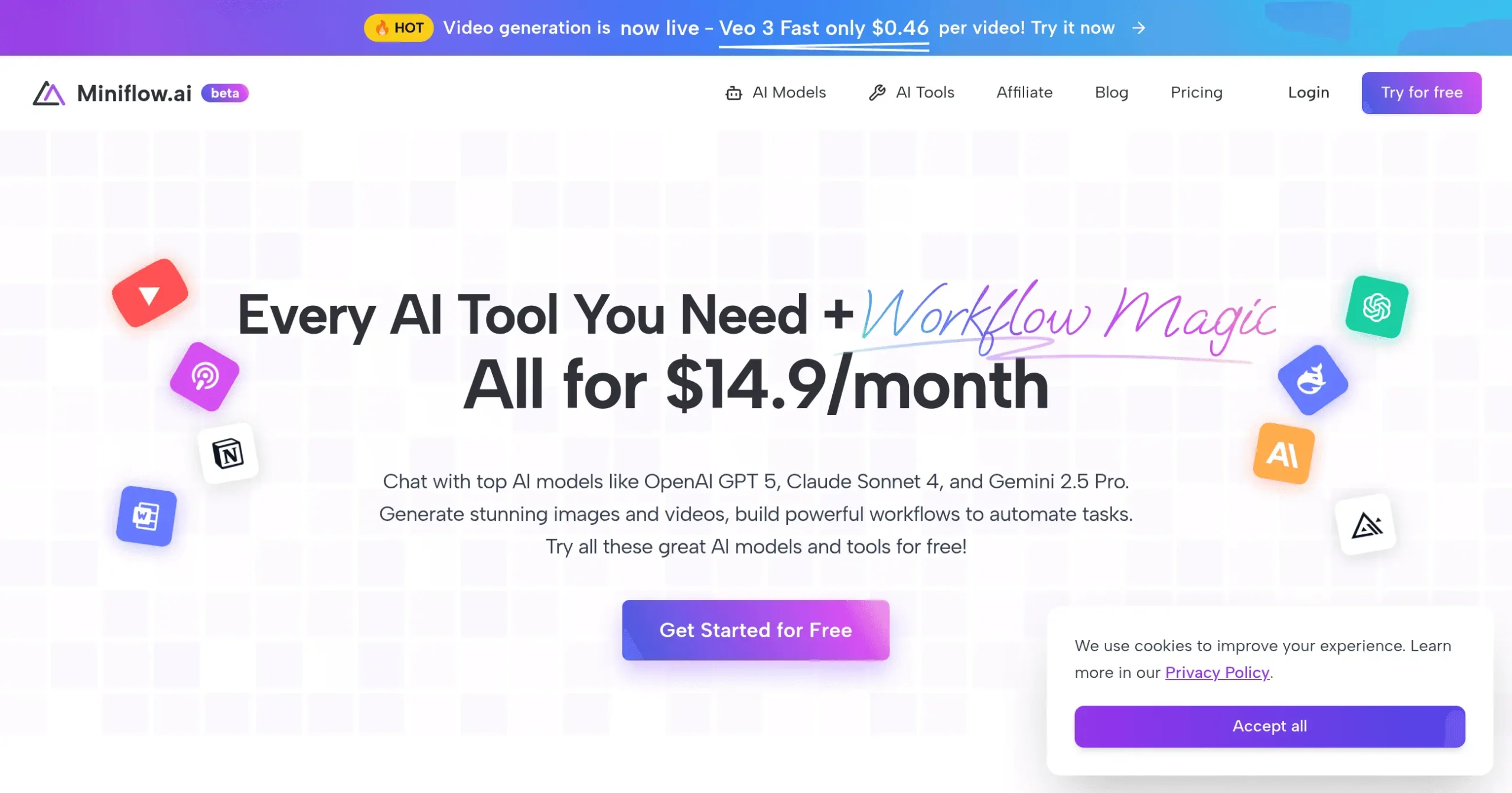
Miniflow Introduction
If you're tired of juggling multiple AI tools and paying for subscriptions that barely talk to each other, you're not alone.
Most business owners waste hours trying to connect different AI services, only to end up frustrated when they can't get them to work together smoothly.
That's where Miniflow comes in; it's a single platform that lets you build AI workflows without writing a single line of code. Whether you need to automate content creation, crunch through data analysis, or streamline customer support, this Hong Kong-based startup wants to be your one-stop shop for AI automation.
But does it actually deliver on that promise, or is it just another tool that sounds good on paper?
Let's dig into what Miniflow really offers and whether it's worth your time.
Miniflow Key Features
Visual Workflow Builder: Create AI workflows with a simple drag-and-drop interface that works just like building blocks. You can connect different AI tools together without writing a single line of code, saving hours of development time.
Pre-Built Templates: Start working right away with ready-made templates for common tasks. Skip the setup headache and get your AI workflows running in minutes instead of days.
Integration with Multiple AI Models: Access powerful AI tools like GPT-4o for writing and Ideogram 3.0 for images all in one place. You won’t need separate subscriptions or jump between different platforms to get your work done.
No-Code Platform: Build professional AI applications even if you’ve never programmed before. This means you can focus on growing your business instead of learning complicated technical skills.
Web-Based Platform: Work from anywhere using just your web browser. Whether you’re at the office, home, or traveling, your AI workflows are always accessible when you need them.
Our Take of Miniflow
If you’re running a small or medium-sized business and you’re tired of feeling left out of the AI revolution, Miniflow might catch your attention. Let’s be real here – most AI tools feel like they were built for tech wizards, not regular business owners who just want to get stuff done.
The good news? Miniflow actually gets this.
Their drag-and-drop interface means you can connect different AI tools without writing a single line of code. Think of it like building with Legos – you just snap pieces together until you’ve got what you need. Whether you’re trying to automate customer emails, create content, or analyze data, the platform covers the basics pretty well.
Here’s where it gets tricky, though. Currently, Miniflow is somewhat akin to an island. It doesn’t connect to other software you’re probably already using. So if you’re hoping to link it up with your CRM or email marketing platform, you’re out of luck. For some businesses, this could be a deal breaker.
Another thing that gives us pause, there’s almost no feedback from actual users out there. When you’re investing time and possibly money into a new tool, you want to know what other people think. The silence is a bit concerning.
The platform does bring together multiple AI models like GPT-4o and Ideogram 3.0, which could save you from juggling multiple subscriptions. But whether that’s worth the trade-offs really depends on your specific situation.
Bottom line? If you need a simple way to start using AI and don’t mind working within Miniflow’s ecosystem, it could be a good option for you. But if you need something that plays nice with your existing tools or you want the comfort of proven user success stories, you might want to keep looking, or at least try their free trial first before committing.
Miniflow's Pricing
Miniflow.ai offers four pricing tiers with a special 33% discount on yearly plans and an additional 10% off using code EARLY2025.
The Free plan costs $0 and includes 100 AI credits total, access to basic AI models, a visual workflow editor, and community support.
The Basic plan is $9.9/month when billed yearly (regularly $14.9 monthly) and provides 8,000 AI credits monthly, access to advanced AI models, priority processing, and email support.
The Pro plan costs $19.9/month yearly (regularly $29.9 monthly) and includes 16,000 AI credits monthly, all AI models, custom branding, priority support, and API access.
The Premium plan is $39.9/month when billed yearly (regularly $59.9 monthly) and offers 32,000 AI credits monthly, enterprise features, dedicated support, white-label solution, and custom integrations.
All paid plans include everything from lower tiers. The platform highlights video generation using Veo 3 Fast at $0.46 per video as a featured capability.
Final Thoughts about Miniflow
So what’s the real deal with Miniflow?
It’s a tool that could work great for you if you’re just starting out with AI and want something simple.
But it’s also got some real limitations that might frustrate you down the road.
The best move?
Take a few minutes to think about what you actually need.
Do you need something that connects with your current tools?
Then this probably isn’t for you.
But if you’re looking for an easy way to dip your toes into AI automation without the tech headaches, it might be exactly what you need.
The smart play is to give it a test run before you commit any serious time or money.
After all, the only way to know if it fits your business is to try it yourself.
Ready to see if Miniflow works for you?
Click the button below to get started.
Miniflow FAQs