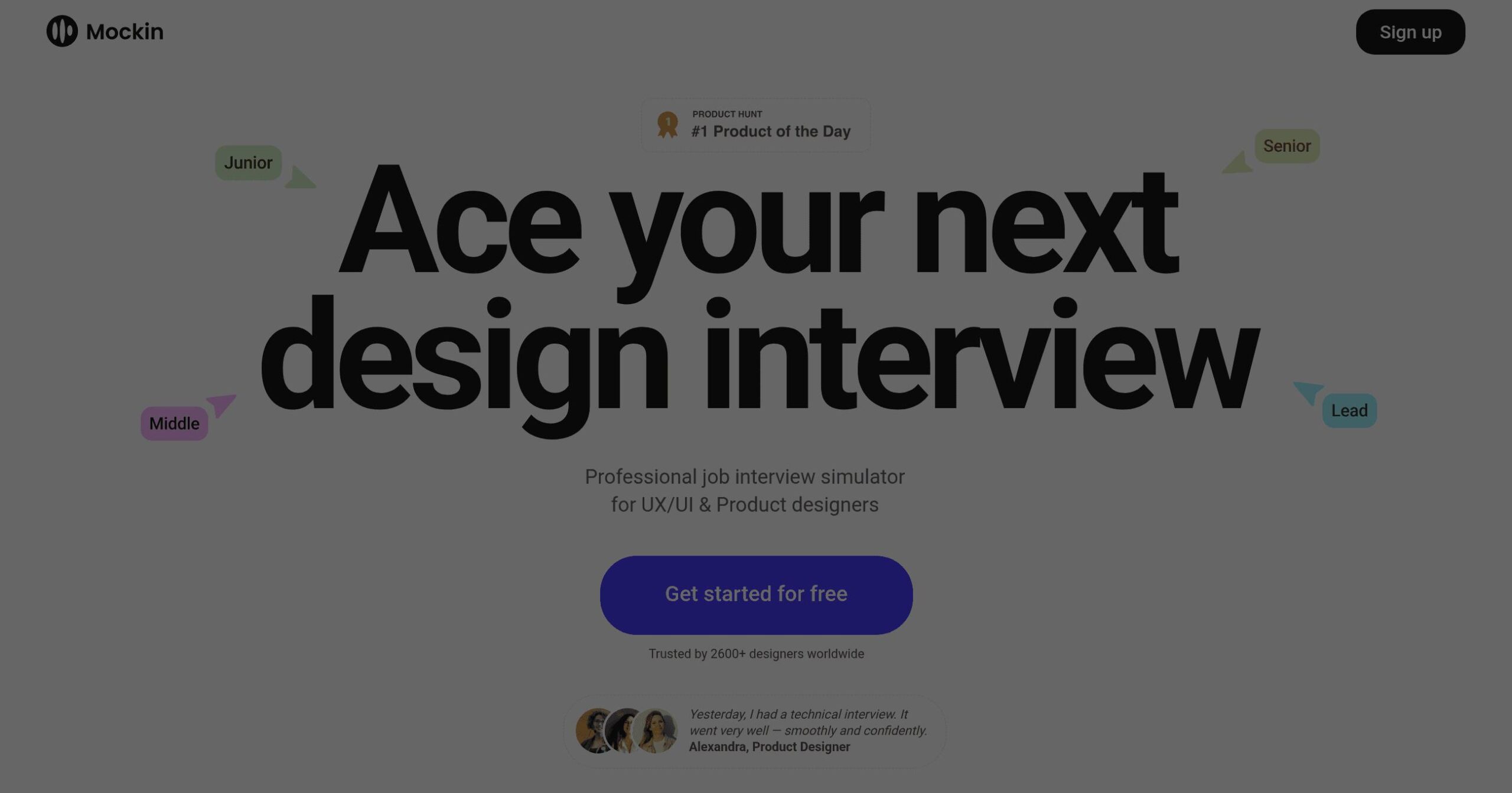
Mockin Introduction
Sweaty palms, racing thoughts, and that sinking feeling when you blank on a question in job interviews can be nerve-wracking, especially for designers who need to showcase both their creative thinking and technical skills.
If you're a UX/UI or product designer looking to land your dream role, you know the struggle is real. You might have an amazing portfolio, but when it comes to articulating your design process or explaining how you solved complex problems, words can fail you.
That's where Mockin comes in, an AI-powered interview simulator that's specifically built for designers like you. Think of it as your personal interview coach, available 24/7, to help you practice those tricky behavioral questions and refine your responses until they're spot-on.
Whether you're switching careers into design or you're a seasoned professional aiming for a senior position, this tool promises to transform your interview preparation from stressful to strategic.
Mockin Key Features
AI-Powered Mock Interviews: Get real interview practice with an AI that asks follow-up questions based on your answers. You’ll feel like you’re talking to an actual hiring manager, helping you prepare for the real thing.
200+ Design Questions: Access a huge library of questions that companies actually ask in design interviews. You’ll be ready for anything they throw at you, from portfolio reviews to whiteboard challenges.
STAR Method Coaching: Learn to structure your answers using the proven STAR framework (Situation, Task, Action, Result). Your responses will be clear and impactful, making you stand out from other candidates.
Personalized Feedback: Receive specific advice on your content, clarity, and design thinking after each practice session. You’ll know exactly what to improve before your next interview.
Resume Optimization: Get your resume checked and improved for ATS systems that companies use to screen applications. Your resume will highlight the right skills and get past those digital gatekeepers.
Seven Language Support: Practice interviews in your preferred language with support for seven different languages. You can prepare comfortably in your native language or the language of your target company.
Our Take of Mockin
If you’re running a design team or hiring UX/UI designers, Mockin could save you serious time and headaches. Here’s why it matters for your business.
First off, this tool helps you spot prepared candidates versus those who just wing it. When someone shows up to your interview and gives clear, structured answers using the STAR method, you know they’ve put in the work. That’s a green flag for commitment and professionalism.
The platform’s focus on design-specific questions means candidates practice exactly what you’ll ask them. No more generic interview prep that misses the mark. They’re getting ready for portfolio reviews, design thinking challenges, and those tricky behavioral questions specific to design roles.
For remote hiring, this becomes even more valuable. Since Mockin works in seven languages, international candidates can practice in their preferred language before switching to English for the actual interview. This levels the playing field and helps you find talent you might otherwise overlook.
The biggest limitation? It’s only for design roles right now. If you’re hiring developers, marketers, or other positions, you’re out of luck. And there’s no mention of team accounts or bulk pricing, which could be a missed opportunity for agencies or design studios.
Bottom line: Mockin won’t replace your hiring process, but it might make it smoother. Better-prepared candidates mean less time wasted on unprepared interviews and clearer signals about who’s serious about the role. For design-focused businesses, that efficiency could easily justify trying it out.
Mockin's Pricing
Mockin offers a free tier to get started with no credit card required. The platform allows designers to practice interview questions, receive AI-powered feedback, and access their core interview simulation features at no initial cost.
The service includes access to over 200 real interview questions across multiple languages (English, Spanish, French, Portuguese, German, Italian, and Russian), personalized feedback using the STAR method, and practice sessions for all experience levels from junior to lead designers.
While specific paid tier details are not provided on this page, the emphasis on “Get started for free” and “Free to start. No card required” suggests additional premium features or expanded access may be available through paid plans.
Final Thoughts about Mockin
So, what’s the verdict on Mockin? If you’re a designer who breaks into a cold sweat at the thought of interviews, this tool could be your secret weapon. The combination of AI-powered practice, design-specific questions, and personalized feedback creates a prep experience that actually prepares you for what you’ll face in real interviews.
For business owners, think about how much time you waste on unprepared candidates. When designers show up practiced and polished, your hiring process becomes more efficient and effective. You spend less time explaining what you’re looking for and more time discovering if they’re the right fit.
The real question isn’t whether interview practice helps—we all know it does. It’s whether you’re willing to invest in getting better at it. Mockin takes the guesswork out of interview prep and gives you a structured way to improve. No more hoping you’ll remember what to say when the pressure’s on.
Ready to stop dreading interviews and start nailing them? Give Mockin a try and see how different your next interview feels when you’ve actually prepared for it.
Mockin FAQs