Motionik Introduction
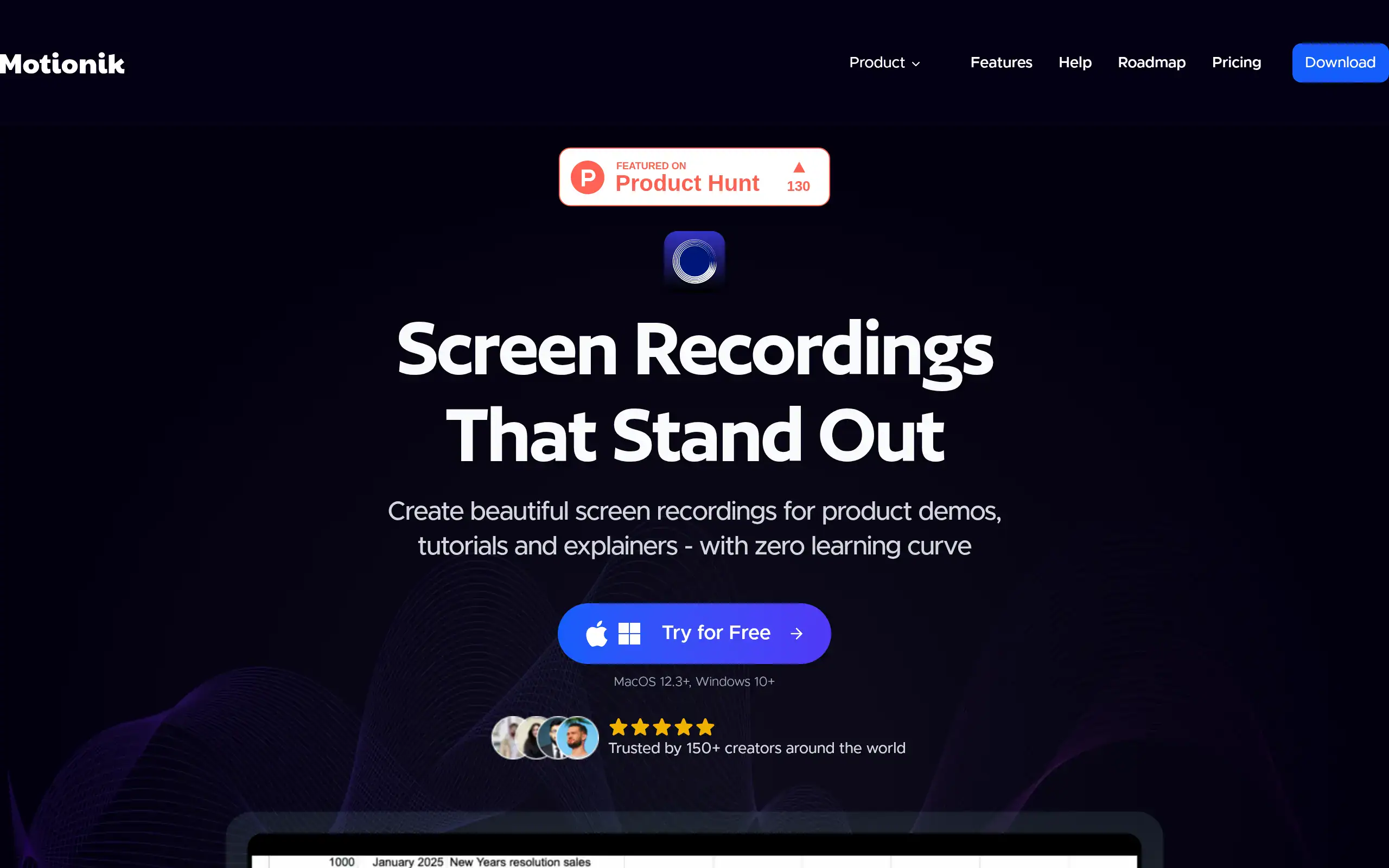
Ever tried recording a screen demo and felt like you needed three different apps just to get it looking professional? You're not alone. Most of us waste hours bouncing between recording software, video editors, and audio tools just to create one simple tutorial. That's where Motionik comes in. This all-in-one tool handles your screen recording and editing in the same place, which means you can record, add text overlays, fix audio issues, and export your video without switching apps. For small business owners who need quick product demos or training videos, this could save you serious time. The auto-zoom feature alone is pretty smart – it follows your cursor movements and zooms in on what you're clicking, so viewers never miss the important stuff. Plus, it works on both Mac and Windows, so your whole team can use it regardless of their computer setup.
Motionik Key Features
Auto Zoom with Cursor Tracking: Your screen recordings automatically focus on what matters most by following your cursor movements. This means viewers stay engaged with your content without you spending hours manually adjusting zoom levels.
Built-in Editor with Overlays: Add text, images, highlights, and audio tracks right inside the app after recording. You’ll create polished videos faster since you won’t need to export files between different programs.
Webcam and Audio Recording: Record your face and voice alongside your screen with full control over camera position. This lets you create personal connections with viewers while showing them exactly what you’re explaining.
Mobile Device Recording: Connect your iPhone or iPad with a USB cable to record mobile apps directly. You can create app demos and tutorials without complicated workarounds or extra software.
AI-Powered Features: Get automatic transcripts and clean audio with noise reduction built right in. Your videos become more accessible and professional-sounding without any extra work on your part.
Customizable Appearance: Control how your videos look with custom backgrounds, shadows, and rounded corners. You’ll keep your brand consistent across all your content without needing design skills.
Our Take of Motionik
If you’re looking for a screen recording tool that won’t make your head spin, Motionik might be worth checking out. It’s one of those tools that tries to do everything in one place – record your screen, add some polish, and export without jumping between different apps.
What stands out is how it tracks your cursor and automatically zooms in on what you’re clicking. Pretty handy when you’re showing someone how to use software and don’t want to manually zoom every few seconds. The built-in editor lets you add text overlays, highlight stuff, and clean up your audio without opening another program.
For businesses that need to pump out training videos or product demos regularly, this could save some serious time. You’re not going to get Hollywood-level editing features, but that’s not really the point. It’s more about getting decent-looking videos done quickly.
The free version sticks a watermark on your videos, which is pretty standard these days. And everything saves locally to your computer – no cloud backup option yet. That might be a deal-breaker if you’re working across multiple devices or need team collaboration features.
Price-wise, you’re looking at a one-time purchase rather than another monthly subscription, which is refreshing. Whether it’s worth it depends on how often you’re making screen recordings and whether you value having everything in one tool versus using separate recording and editing software.
Bottom line: If you’re cranking out screen recordings regularly and want something simpler than professional video editing software, Motionik does the job. Just don’t expect it to replace your entire video production workflow.
Motionik's Pricing
Motionik offers three pricing options for their screen recording software.
The free plan includes unlimited recordings and exports with all recording and editing features, up to 4K quality exports, and lifetime access with updates. However, exports include a Motionik watermark.
The one-time payment option costs $59.99 and removes the watermark while allowing use on 1 personal device with lifetime access.
The annual plan at $29.99 per year also removes the watermark and allows use on up to 3 personal devices.
All plans store recordings locally on your device. Educational discounts are available for students and educators, and custom plans can be arranged for teams and enterprises requiring multiple seats or volume licensing.
Final Thoughts about Motionik
So what do you think? If you’re spending too much time jumping between recording and editing apps, Motionik could simplify your workflow. The auto-zoom feature alone might save you from those tedious manual adjustments that eat up your editing time.
Before you decide, think about your current video creation process. How many different tools are you using? How much time are you spending on basic edits? And most importantly, could that time be better spent on other parts of your business?
Motionik works best for people who need clean, professional screen recordings without the complexity of high-end editing software. It’s not trying to be Adobe Premiere or Final Cut Pro, and that’s actually a good thing for most business owners.
Consider your specific needs. If you’re creating training videos for your team, product demos for customers, or tutorial content for your audience, this tool hits that sweet spot between too basic and overly complicated.
Ready to see if Motionik fits your workflow? Click the button below to give it a try and find out if it’s the time-saver you’ve been looking for.
Motionik FAQs