Neutron Introduction
Let's be honest – switching between apps to get AI help is a pain. You're writing an email, need a quick fact check, and suddenly you're copying text, opening ChatGPT, waiting for it to load, then copying the answer back. By the time you're done, you've lost your train of thought completely.
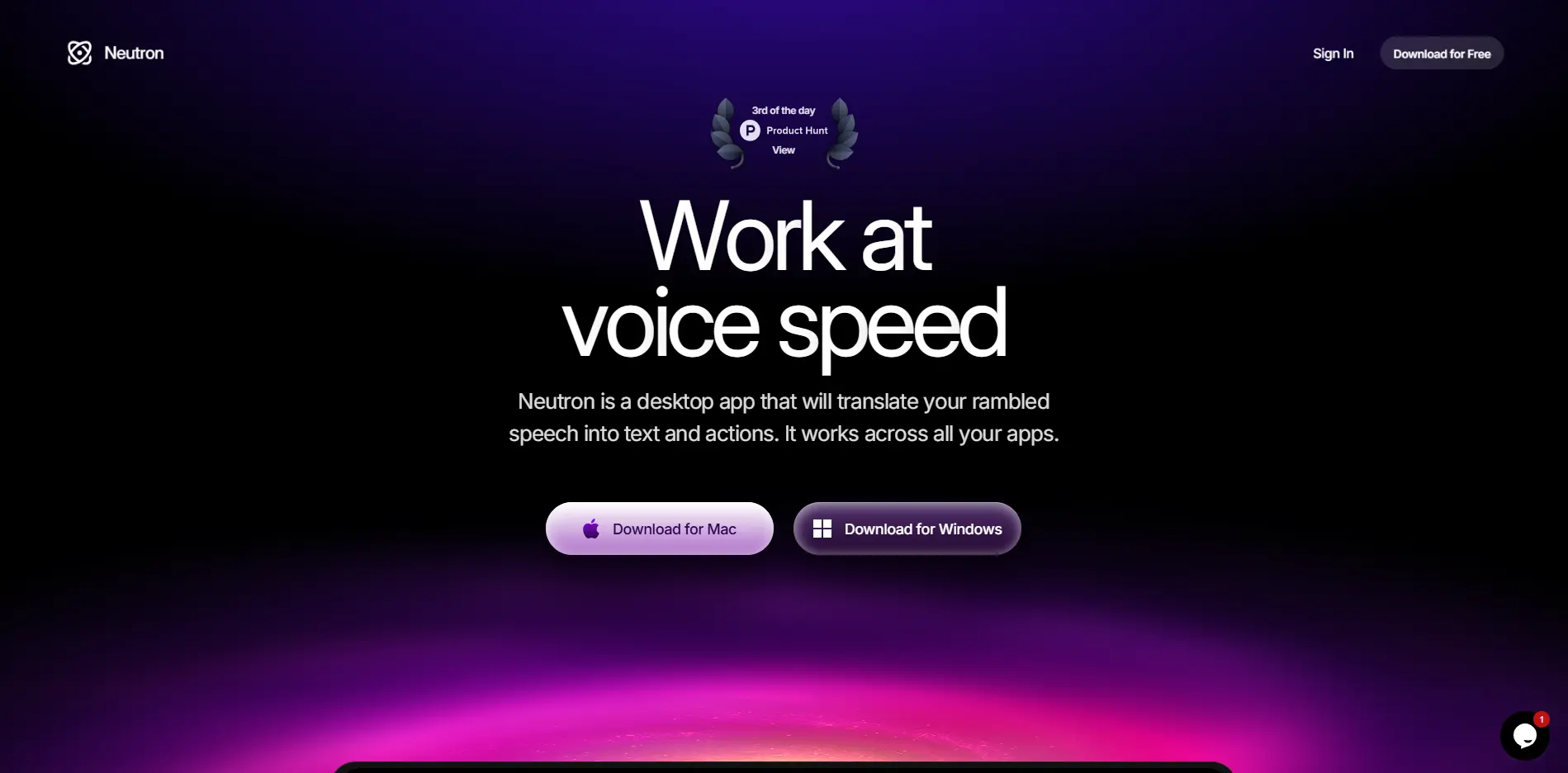
That's where Neutron comes in. It's an AI assistant that lives right on your Mac or Windows computer, ready to help without making you leave what you're doing. Just press the Option key and boom – you've got AI chat, voice commands, and text generation right where you need it.
Think about how much time you waste every day on repetitive tasks. Writing similar emails, summarizing long documents, filling out forms with the same info over and over. Neutron handles all that stuff while you stay focused on the work that actually matters to your business.
What really sets this tool apart is how it works with everything you already use. Whether you're in Gmail, Slack, Microsoft Word, or any other app, Neutron is right there. You don't have to learn new software or change how you work. It just makes your existing workflow faster and smoother.
Neutron Key Features
Instant AI Chat: Press the Option key to get AI help right where you’re working. Whether you’re stuck on an email or need quick info, you’ll get answers without switching apps or breaking your flow.
Voice Input: Hold Option and just talk – the AI understands what you need and responds right away. It’s like having a smart assistant who’s always listening and ready to help with whatever you’re working on.
Direct Text Entry: Point at any text box, hold Option, and speak your thoughts. Neutron types everything for you, so you can compose emails, fill out forms, or write notes without touching your keyboard.
Custom Instructions: Set your own rules once and Neutron remembers them forever. Tell it your preferred tone, company policies, or specific ways you like things done, and it’ll follow those guidelines every time you use it.
Privacy-Focused Design: Your data stays encrypted and hidden from prying eyes. Neutron works invisibly during screen shares and soon will run completely on your computer without sending anything to outside servers.
Our Take of Neutron
If you’re running a small business and find yourself constantly switching between apps or getting stuck on repetitive tasks, Neutron could be worth checking out. The Option key shortcut is simple enough that you’ll actually use it, unlike those complex AI tools that require memorizing tons of commands.
What makes Neutron different from other AI assistants is that it works right where you’re already working. You don’t need to copy and paste text into a separate app or window. Just press Option and start typing or talking. This saves those precious seconds that add up throughout your day.
The voice input feature is particularly useful when you’re multitasking. Say you’re on a call and need to quickly draft an email response. Hold Option, speak your message, and Neutron transcribes it directly into your email. No typing required.
For business owners worried about privacy, Neutron’s encryption and upcoming on-device processing option address real concerns. Your customer data and business communications stay protected, which is non-negotiable when you’re handling sensitive information.
The custom instructions feature lets you set it up once and forget about it. Tell Neutron your preferred email tone or company policies, and it’ll follow those guidelines every time. This consistency is helpful when you have team members using the tool too.
Keep in mind that Neutron might slow down older computers since AI tools tend to be resource-hungry. And if your team uses Linux or other operating systems, they’re out of luck for now.
Bottom line: Neutron makes sense if you spend lots of time writing emails, filling forms, or doing other text-heavy work on Mac or Windows. The time savings could justify the cost, especially if you value the privacy features. But if you rarely type or your computer is already struggling with performance, you might want to pass on this one.
Neutron's Pricing
Neutron offers a free trial to explore core features with no credit card required.
The beta version is currently available for both Mac and Windows users.
While specific pricing tiers aren’t detailed on this page, users can start with the free trial and upgrade anytime to access the full feature set including instant AI chat, voice commands, direct text field writing, and custom instructions. Additional pricing plans may be available upon request or after the trial period.
Final Thoughts about Neutron
After looking at everything Neutron offers, you’ve got to ask yourself one question: how much is your time worth? If you’re spending even 30 minutes a day switching between apps, copying and pasting, or rewriting similar emails, that adds up fast. At the end of the month, that’s 10+ hours you could’ve spent growing your business instead.
The Option key shortcut is so simple you’ll actually use it. And once you start using voice commands to fill out forms or draft emails while doing other tasks, you’ll wonder how you got by without it. Plus, knowing your data stays encrypted gives you one less thing to worry about.
Sure, there’s no mobile version yet and Linux users are left out. But if you’re on Mac or Windows and tired of feeling like you’re fighting your computer instead of working with it, Neutron could change how you get through your day.
Want to see if Neutron fits your workflow? Give it a try and see how much time you get back. Click the button below to get started.
Neutron FAQs