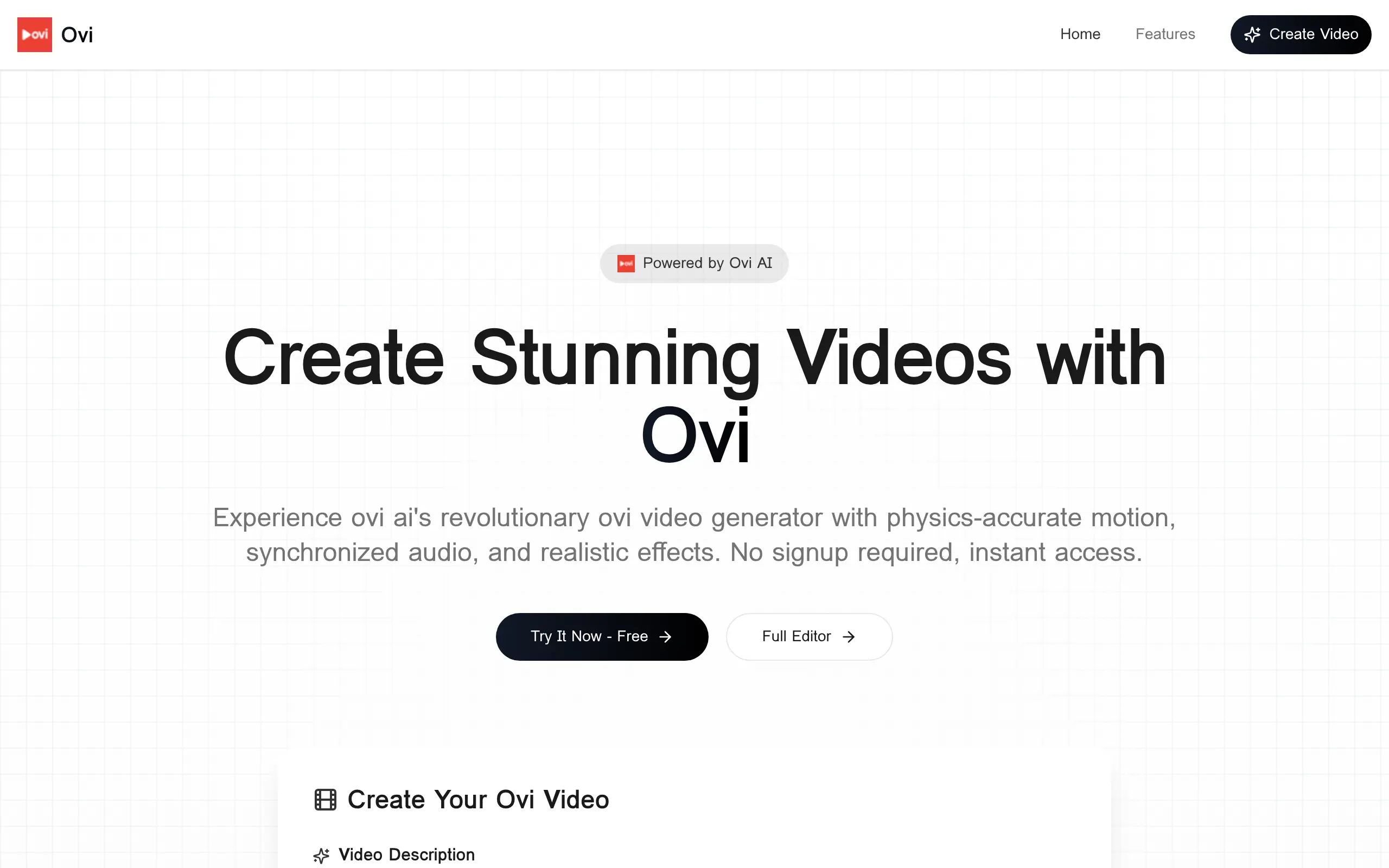
Ovi Introduction
Creating videos for your business used to mean hiring expensive crews or spending hours learning complicated software. But what if you could turn your ideas into professional videos in under a minute?
That's where Ovi comes in. This free AI video tool lets you type what you want and watch it come to life as a polished video complete with smooth motion and synced audio. No signup, no credit card, no experience needed.
If you're running a business and need quick social media clips, product demos, or promotional content, you know how much time and money traditional video creation eats up. Ovi changes that equation. You type a description, wait about 30 seconds, and get a video ready to share.
The catch? Videos max out at 10 seconds. That's perfect for Instagram Reels, TikTok, or quick product showcases, but won't work for longer explainer videos or detailed tutorials.
In this review, we'll break down exactly what Ovi can and can't do, who benefits most from using it, and whether this free tool actually delivers on its promise of instant video creation.
Ovi Key Features
Text-to-Video Generation: Turn your ideas into professional videos by simply typing what you want to see. No filming, no editing – just describe your vision and watch it come to life with realistic motion and sound.
No Signup Required: Start creating videos right away without filling out forms or creating accounts. You can jump straight into making content without any barriers or delays.
Free Usage: Create as many videos as you need without spending a dime. There are no hidden fees, subscriptions, or surprise charges – it’s completely free for everyone.
Quick Video Generation: Get your videos ready in just 30-60 seconds. This speed lets you create content on the fly, perfect for last-minute social media posts or urgent marketing needs.
High-Quality Output: Produce crisp, professional-looking videos up to 10 seconds long. These short clips are perfect for social media ads, product demos, or attention-grabbing content that gets your message across fast.
Our Take of Ovi
Look, if you’re running a small business and need quick videos for social media or ads, Ovi could save you some serious time. You can literally type what you want and get a video in under a minute – no filming, no editing software to learn. That’s pretty sweet for busy entrepreneurs who just need content fast.
But here’s the thing: you’re stuck with 10-second clips. That’s fine for TikTok or Instagram Reels, but forget about making product demos or longer explainer videos. You’ll probably end up needing another tool for those anyway.
The fact that it’s free is hard to ignore though. Most AI video tools want $20-50 per month minimum, so you can test this out without risking any cash. Just know that free tools sometimes disappear or add pricing later, so don’t build your entire video strategy around it.
For what it does – quick, simple videos from text – it works. But if you’re expecting Hollywood-level control over every detail, you’ll be disappointed. Think of it more like a quick sketch artist than a full production studio. Great for getting ideas out there fast, not so great for polished brand videos that need specific colors, fonts, or transitions.
Bottom line: try it for your next social post before paying for something else. If those 10-second clips work for your business, you just found a free tool that does the job. If not, at least you didn’t waste any money finding out.
Ovi's Pricing
Ovi AI Video Generator is completely free to use with no hidden fees, subscriptions, or usage limits. Users can generate unlimited videos without creating an account or signing up. The platform provides instant access to create professional-quality videos up to 10 seconds in length with physics-accurate motion and synchronized audio.
All generated videos can be downloaded in MP4 format and used for any purpose, including commercial use, with no licensing restrictions. There are no paid tiers or premium features – the full video generation capability is available to everyone at no cost. While the service maintains fair usage policies during high traffic periods to ensure access for all users, there are no hard limits on the number of videos you can create.
Final Thoughts about Ovi
So here’s what it comes down to: Ovi gives you a free way to create quick videos without any hassle. If you’ve been putting off making video content because it seems too complicated or expensive, this might be the push you need to finally start.
Think about your business for a second. Where could you use more video? Maybe those product photos on Instagram could become mini video demos. Or that text-heavy Facebook ad could turn into an eye-catching clip. Even just experimenting with video formats could help you figure out what connects with your customers.
The best part? You’re not risking anything. No credit card, no trial period that auto-bills you later. Just hop on, make a few videos, and see if they work for your business. If they do, great – you’ve got a new tool in your marketing toolkit. If not, you’ve lost nothing but a few minutes of your time.
Sometimes the hardest part of trying something new is just getting started. With Ovi, you can go from reading this review to creating your first video in less time than it takes to make a cup of coffee. Why not give it a shot? Click the button below to try Ovi and see what kind of videos you can create for your business today.
Ovi FAQs