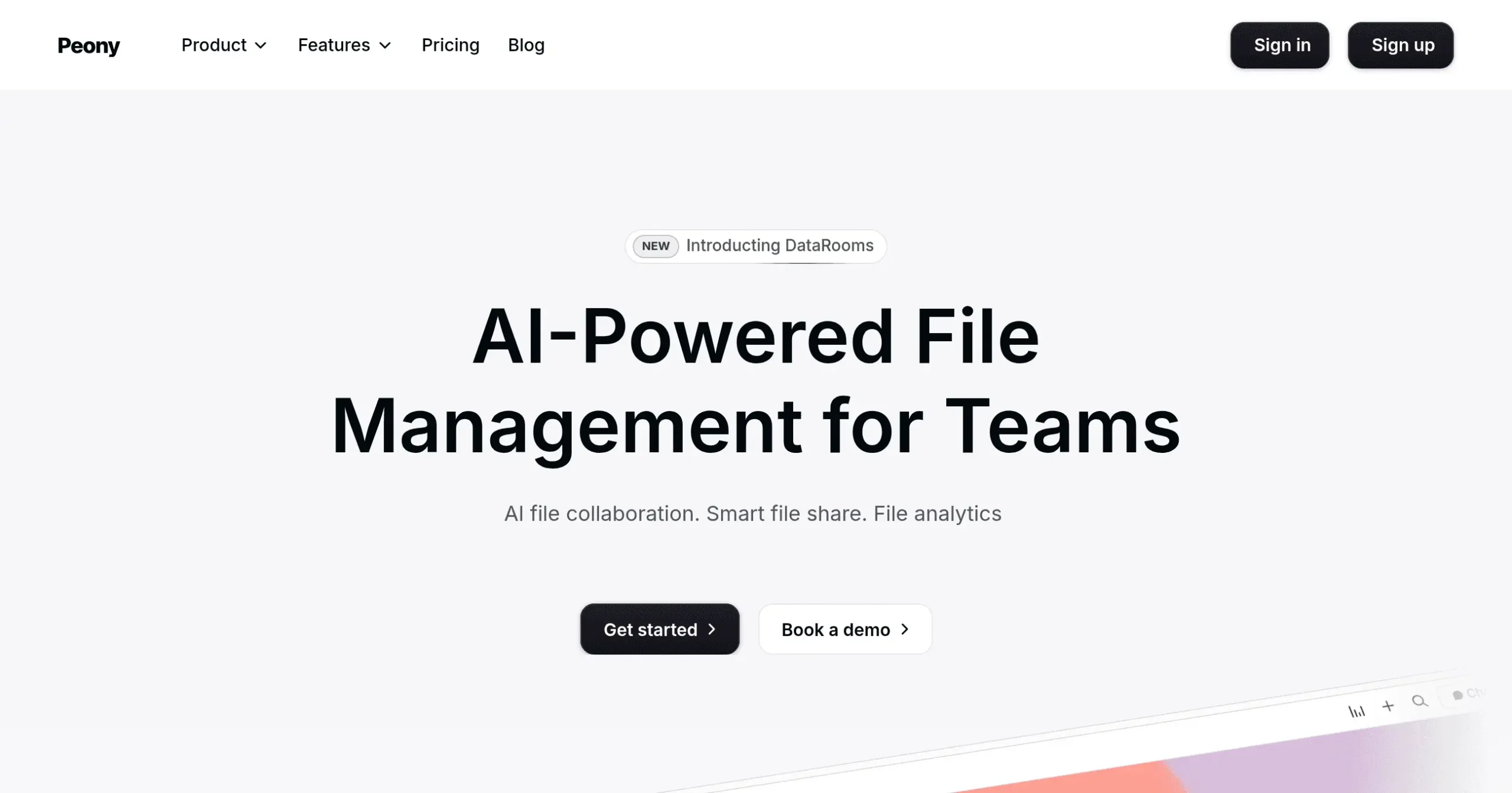
Peony Introduction
If you're tired of juggling multiple apps just to manage your files, share documents, and get contracts signed, you're not alone. Most businesses waste hours every week switching between different platforms, losing track of important files, and struggling to keep their team on the same page. What if you could handle everything—from organizing files to tracking who's viewing your documents—all in one place?
That's where Peony comes in. This AI-powered file management platform brings together the features you'd normally find scattered across Google Drive, DocSend, DocuSign, and Dropbox. Instead of paying for four different subscriptions and training your team on multiple tools, you get one simple solution that actually makes sense.
Think about how much time you spend searching for that one contract, wondering if a client opened your proposal, or trying to get everyone to sign off on an agreement. Peony tackles these everyday headaches with smart features like AI that helps you find files instantly, branded sharing links that look professional, built-in e-signatures, and detailed analytics that show you exactly who's engaging with your documents.
Whether you're closing deals, onboarding new hires, or managing client projects, this platform promises to simplify your workflow and give you back precious time. But does it live up to the hype? Let's take a closer look at what Peony really offers and whether it's worth making the switch.
Peony Key Features
AI-Powered File Manager: Get your files organized automatically with smart folders that learn how you work. Find any document in seconds with AI search that understands what you’re looking for, not just file names.
Branded File Sharing: Share files with custom links that look like they’re from your company, not a generic file service. Control who sees what with passwords and expiration dates while keeping your brand front and center.
AI eSignature Tool: Send contracts for signing in minutes with AI that fills in the details for you. Track every signature with audit trails and use ready-made templates so you never start from scratch.
File Tracking & Analytics: See exactly who’s viewing your files, for how long, and which pages they spend time on. Get alerts when important documents are opened so you can follow up at the perfect moment.
Smart Data Rooms: Create secure spaces for sensitive deals or projects in just a few clicks. Track every visitor’s activity and control access while keeping your confidential files in one organized place.
Team Collaboration: Work together on files with private channels for different projects or departments. Chat about documents right where they’re stored and get notifications so nothing falls through the cracks.
AI Integration: Ask questions about your files in plain English and get instant answers. Let AI summarize long documents or pull out specific information so you spend less time searching and more time doing.
Our Take of Peony
Peony caught our attention as a platform that tries to replace multiple tools at once. For small and medium business owners, this could mean spending less on subscriptions and keeping everything in one place. The AI features for organizing files and finding documents quickly sound useful, especially if you’re drowning in contracts and proposals.
The security features look solid with end-to-end encryption, which matters when you’re handling sensitive client info. And being able to create branded links and data rooms could help smaller companies look more professional without extra design work.
But here’s what gives us pause – Peony just launched in 2024, so there’s not much feedback beyond Product Hunt reviews. While those reviews are positive, we’d like to see how it holds up after six months of real use. The platform packs in a lot of features, which might mean a steeper learning curve than simpler alternatives.
We couldn’t find details about which apps it connects with either. If your business runs on specific software, you’ll want to check compatibility before switching. The lack of an affiliate program also means fewer unbiased reviews floating around.
For businesses tired of juggling DocuSign, Google Drive, and analytics tools separately, Peony could simplify things. But with such a new platform, we’d suggest starting with their free trial to see if it actually fits your workflow before committing. The all-in-one approach sounds great on paper, but you’ll want to test if it delivers in practice.
Peony's Pricing
Peony offers three pricing tiers designed to scale with your document sharing needs.
The Free plan costs $0 per month and includes 2GB storage, 100 files per user with 500MB max file size, 3 projects, and 10 AI credits monthly. Basic features include shared link access controls, real-time document analytics, and the ability to capture emails before viewing.
The Pro plan at $20 per month significantly expands capacity with 100GB storage, 500 files per user with 5GB max file size, 100 projects, and 200 AI credits monthly. This tier adds document versions (up to 5 per document), aggregate dashboard analytics, permanent links, password protection, and the ability to remove Peony branding.
The Business plan at $40 per month provides unlimited files and projects, 1TB storage per user with 300GB max file size, and 1000 AI credits monthly. Exclusive features include unlimited document versions, individual visit dashboards with visitor location and device info, dynamic watermarks, email verification, custom domain support, NDA requirements, folder sections, and priority email support.
All plans include unlimited visitors, advanced document viewer, content library with folders, support for basic file types, multi-file sharing capabilities, and custom branding options like logos and welcome messages. Live chat support is available across all tiers.
Final Thoughts about Peony
Looking at Peony, it’s clear they’re trying to solve a real problem – the endless tab-switching and app-juggling that eats up your workday. The idea of having your file storage, document sharing, e-signatures, and analytics all under one roof is pretty appealing, especially when you think about the time and money you could save.
But here’s the thing – switching your entire file management system is a big decision. You’ll want to think about how your team works now and whether consolidating everything makes sense for your specific situation. If you’re currently paying for DocuSign, upgrading your Dropbox storage, and still struggling to track who’s viewing your proposals, then Peony might be exactly what you need.
The AI features could be a real time-saver if they work as promised. Picture finding that client contract from six months ago just by typing what you remember about it, or having AI fill in your signature fields automatically. Small wins like these add up to hours saved each week.
Since Peony is so new, you’re essentially becoming an early adopter. That comes with both risks and rewards. You might hit some bumps as they iron out features, but you could also get in on the ground floor of something that becomes the standard way businesses handle files.
Our advice? Give yourself time to properly test it out. Use the free trial to upload some real files, share actual documents with your team, and see if the AI search really finds what you need. Try creating a data room for a current project. Send out a contract for e-signature. Only by using it in your actual workflow will you know if it’s the right fit.
Ready to see if Peony can simplify your document chaos? Click the button below to start your free trial and put it to the test.
Peony FAQs